Lock/Unlock study data
In IWRS, you have an option to lock your study data and cease all its operations. This might be needed to prevent accidental or intentional alterations to data and secure its integrity for analysis, compliance, or other purposes. When the study is locked, it stops all the operations such as subject randomization, dispensation, randomization scheme editing, and others.
The study is also locked in IWRS as a final step before initiating study decommissioning.
However, the data lock is not a final permanent action. You can unlock your study data when needed, for instance, once the analysis stage is over and you want to proceed with your study operations.
Important
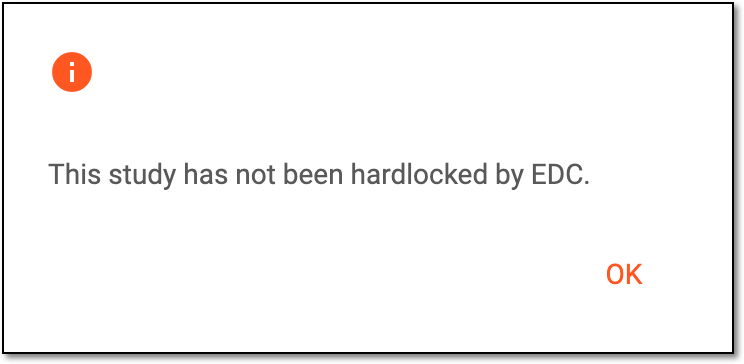
To lock the study in IWRS, it must be hardlocked in EDC. If this precondition is not met, upon trying to lock the study, the system displays an error message.
 |
-
In the IWRS application header, select the TREATMENT DESIGN tab.
-
On the page that opens, in the left pane, select the Study Information subtab.
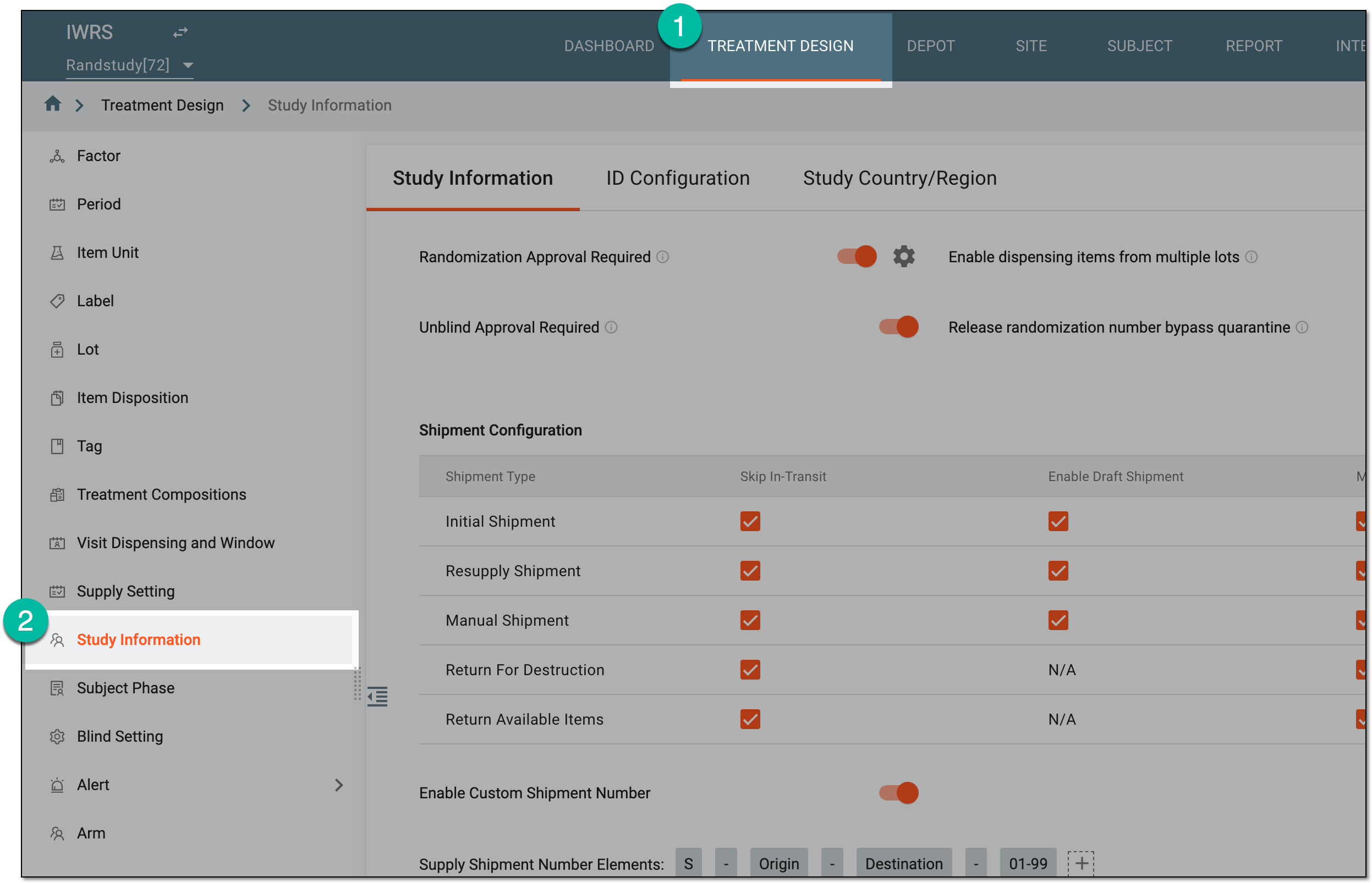 Figure 2. Accessing study configurations
-
On the Study Information page that opens, select one of the following options:
-
Lock: for the unlocked study in the Initial status, select
 to lock the
data.
to lock the
data.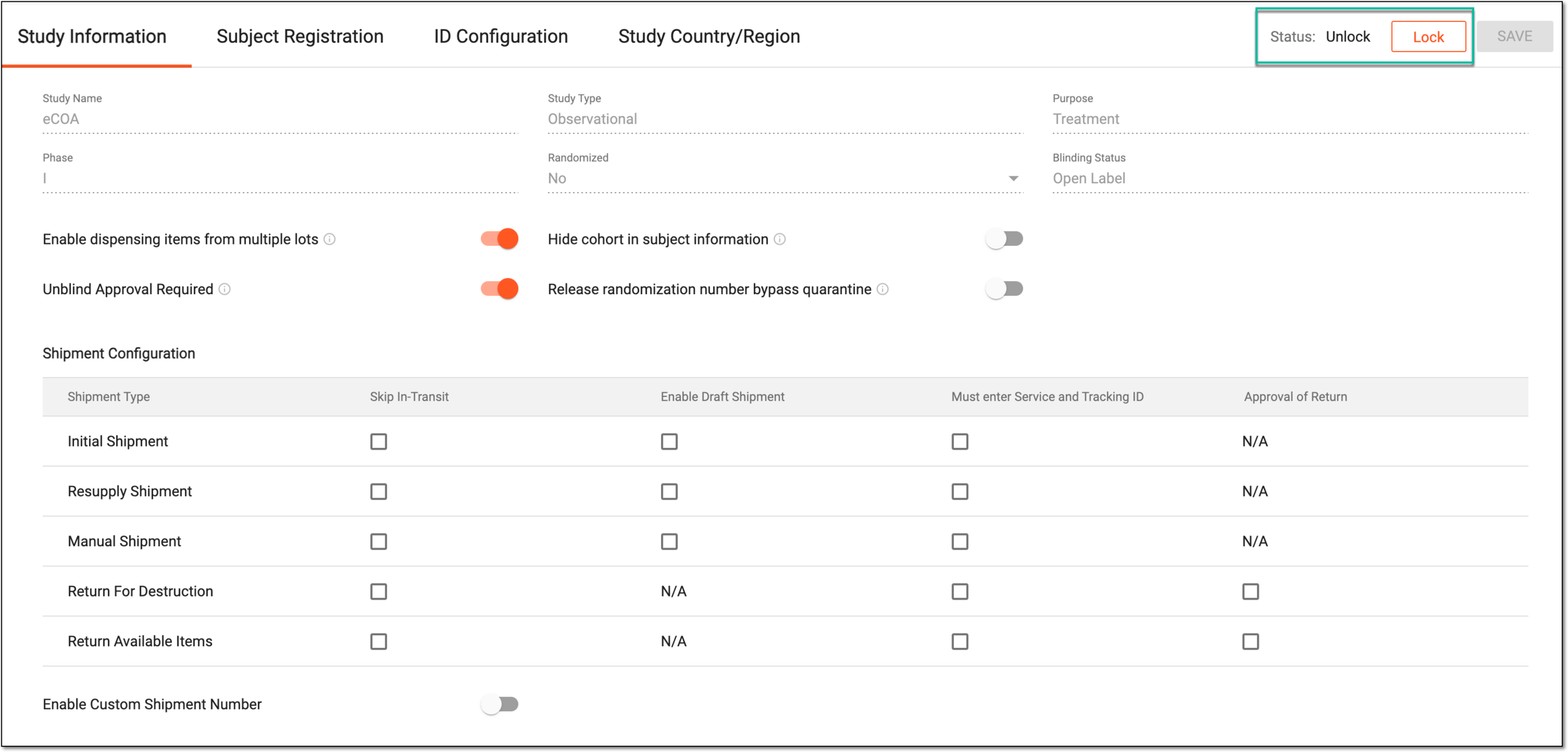 Figure 3. Locking study data
-
Unlock: for the study with the Locked status, select
 to unlock the
data.
to unlock the
data.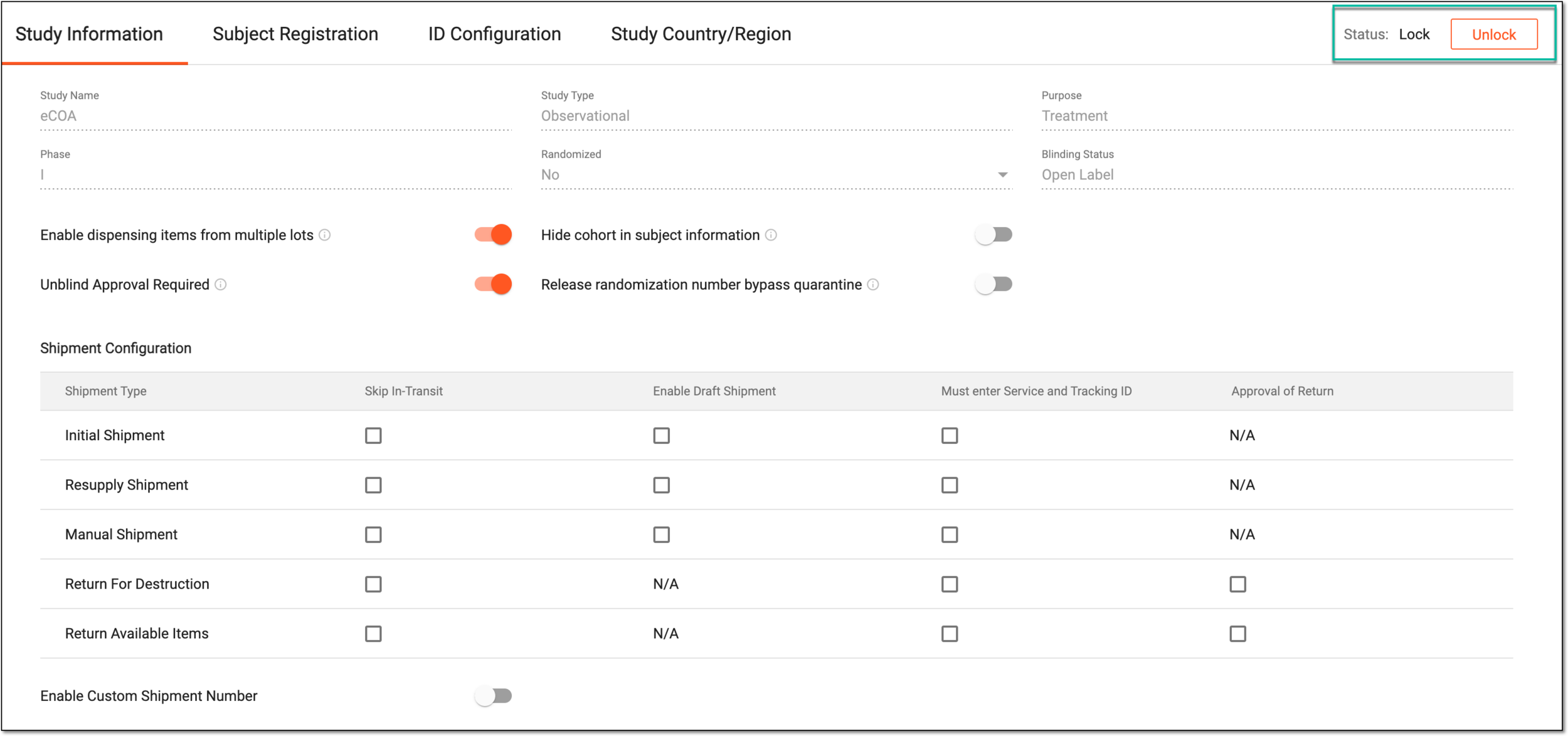 Figure 4. Unlocking study data
-
Once done, the study data becomes locked or unlocked depending on your action.