Edit user information
In the ADMIN app, from the USER tab, you can edit the existing user accounts to update their main details, such as their name, contact information, and so on.
-
In the ADMIN application header, select the USER tab.
-
In the User Management table that appears, next to the needed user, select User Info
 .
. Figure 1. Selecting option to edit user information
-
On the page that opens, in the User Information form, update the details as needed. These fields are identical to those explained in the table of the Add new user section.
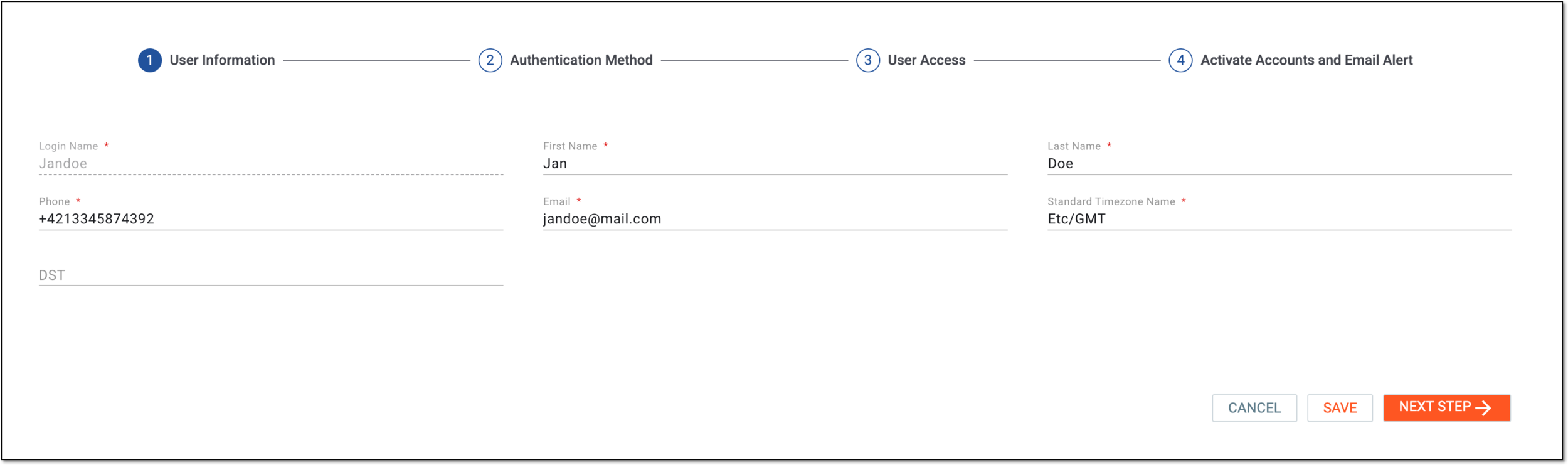 Figure 2. Editing user information
-
Once updated, do one of the following:
-
Select
 to implement the changes.
 -
Select
 to proceed to the user
access editing. In this case, in the dialog that appears, confirm the changes to save them.
to proceed to the user
access editing. In this case, in the dialog that appears, confirm the changes to save them.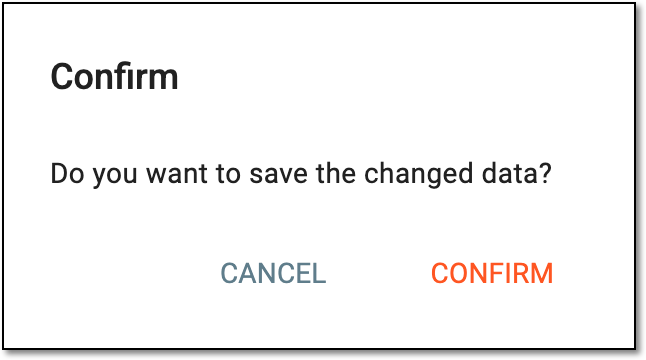 Figure 3. Confirming data change
-
You have now updated the user details.