Edit user access
In the ADMIN application, the USER tab provides the list of users added to a certain sponsor. From the user management page, you can view the user groups and manage the user roles of each user added to a certain sponsor. A user group organizes the users with identical roles and responsibilities together, whereas a user role defines certain permissions and rights the user has within the system.
-
In the ADMIN application header, select the USER tab.
-
In the User Management table that appears, next to the needed user, select User Access
 .
. Figure 1. Selecting option to edit user access
-
In the User Access form that opens, manage user access as follows.
-
From the workspace toolbar, select New Item
 .
.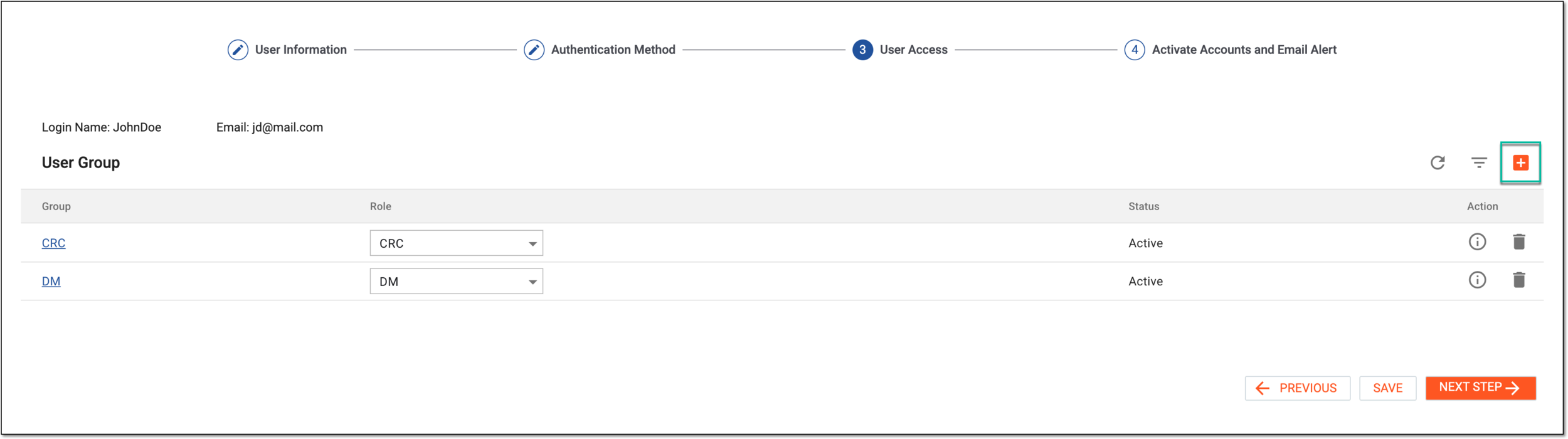 Figure 2. Selecting option to add user access
-
In the Select User Group dialog that appears, next to the user group representing the access levels you want to grant to your user, in the Role* field, select the role to assign to the user. You can select multiple user roles within one group if needed.
For instance, for the principal investigator in the study, you want to give the maximum level of access that is represented by the Study Management user group. Thus, next to this group, you can select the PI role. This will result in your user obtaining the PI user role and granting them access permissions configured for the Study Management user group.
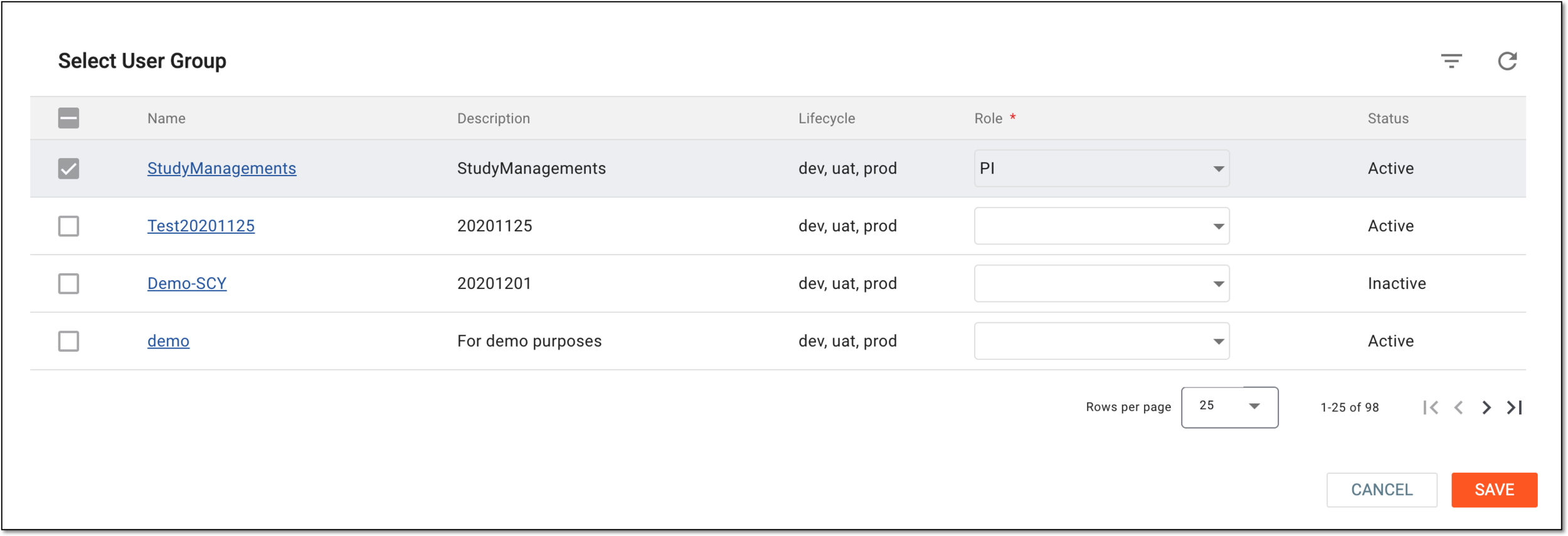 Figure 3. Selecting role within user group to provide access
-
Select
 to save the applied role settings, close the dialog, and return to the User Access page.
-
In the User Group table, locate the user group that comprises the access permissions that you want to analyze. Then next to the user group, select User Group Information
 .
.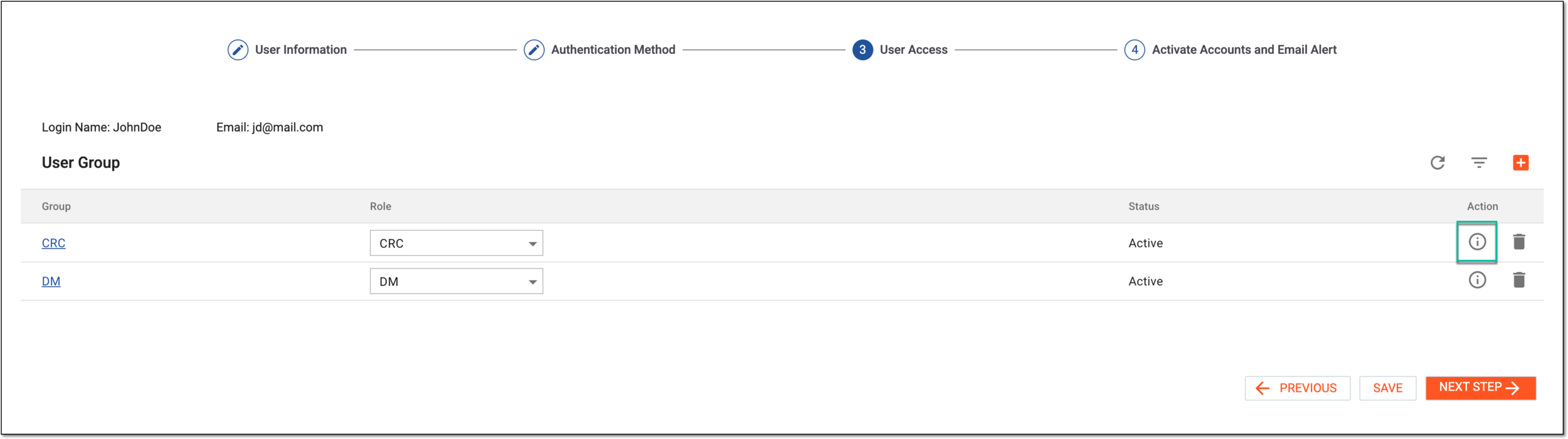 Figure 4. Selecting option to open user group access details
-
In the panel that expands, under the User Group Information tab, switch between the Site and Depot option buttons to view either sites or depots accessed by users of the group. Expand the environment in which you need to analyze access details (dev, uat, or prod), and then drill down into the sponsors, studies, and sites or depots to which the user group has access.
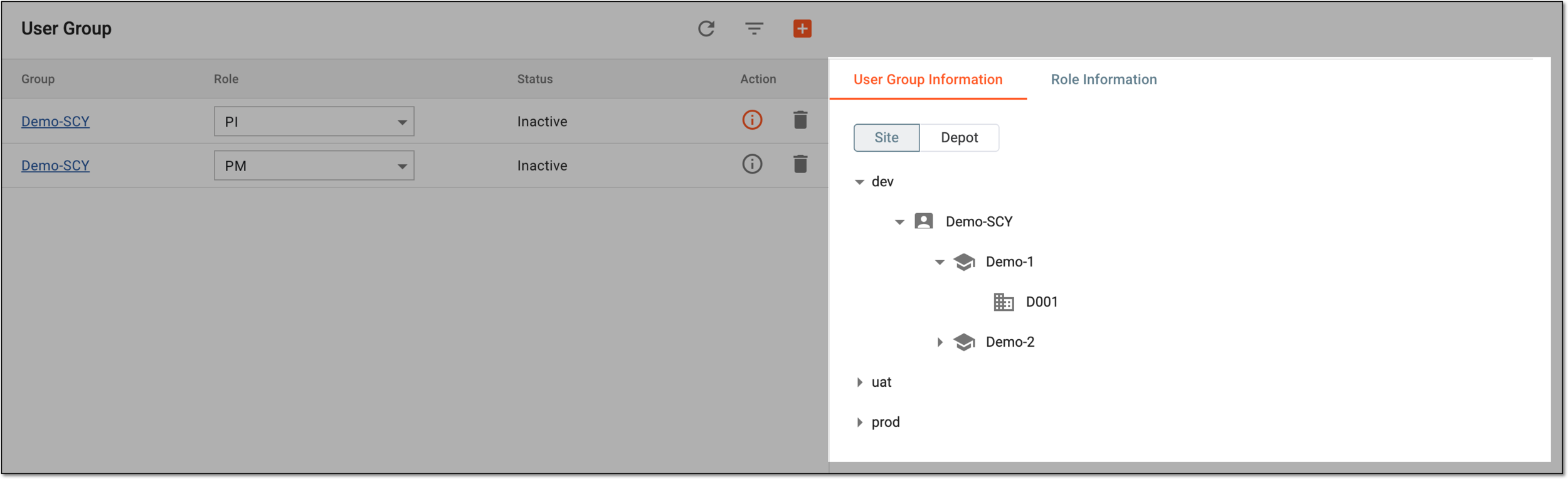 Figure 5. Analyzing user group access information
-
Select the Role Information tab and drill down into the structure of all eClinical apps and their functionalities that the user role can access.
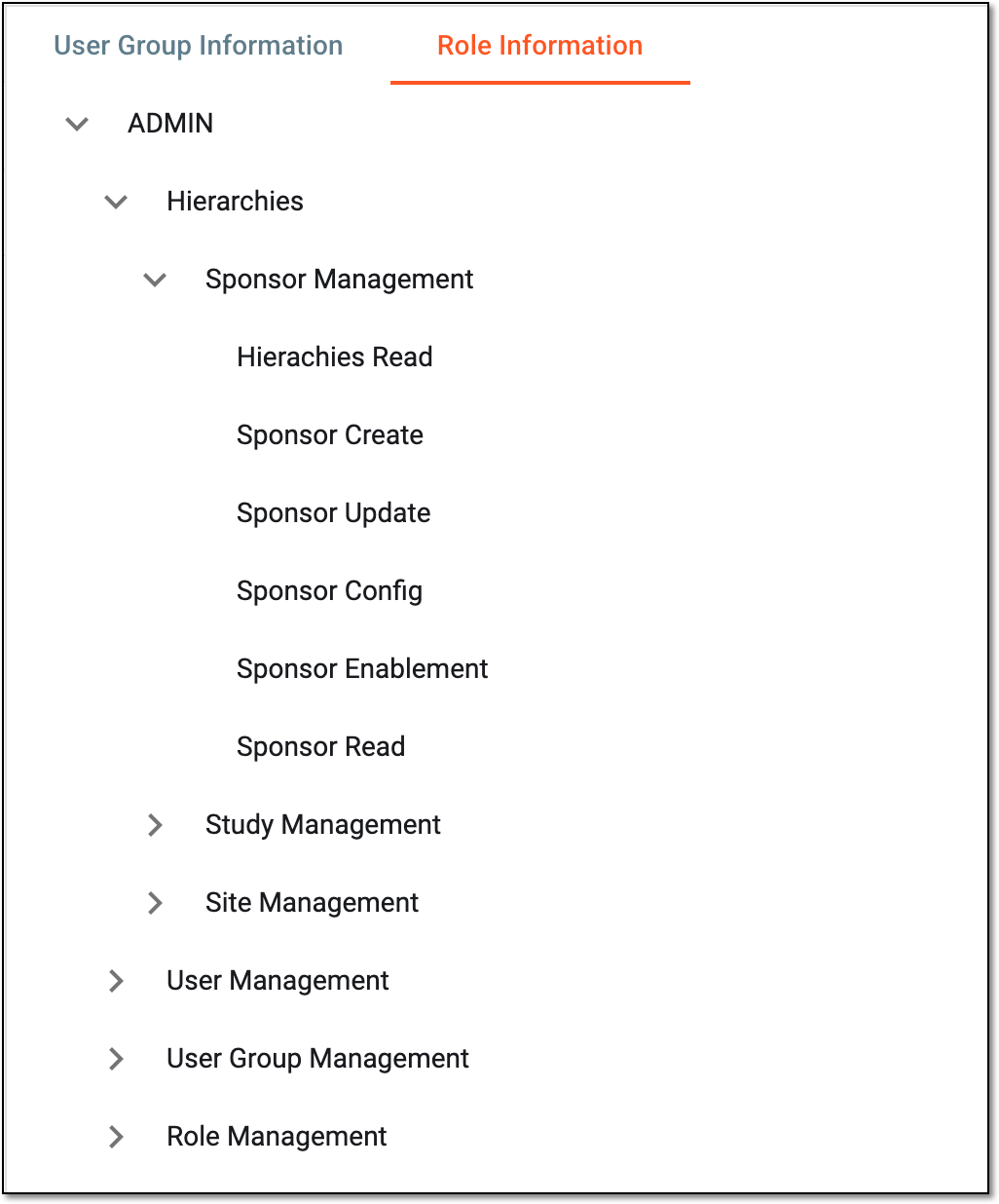 Figure 6. Analyzing role access information within user group
-
Once the needed details are analyzed, select
 to close the user group information panel.
-
-
Once updated, do one of the following:
-
Select
 to implement the changes.
 -
Select
 to proceed to resending user account creation email. In this case, in the dialog that appears, confirm the changes to save them.
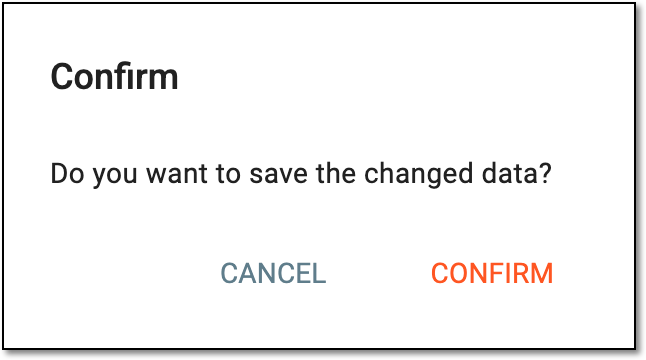 Figure 8. Confirming data change
-
Select
 to go to the user
authentication method configuration. In this case, the changes are discarded without saving.
to go to the user
authentication method configuration. In this case, the changes are discarded without saving.
-

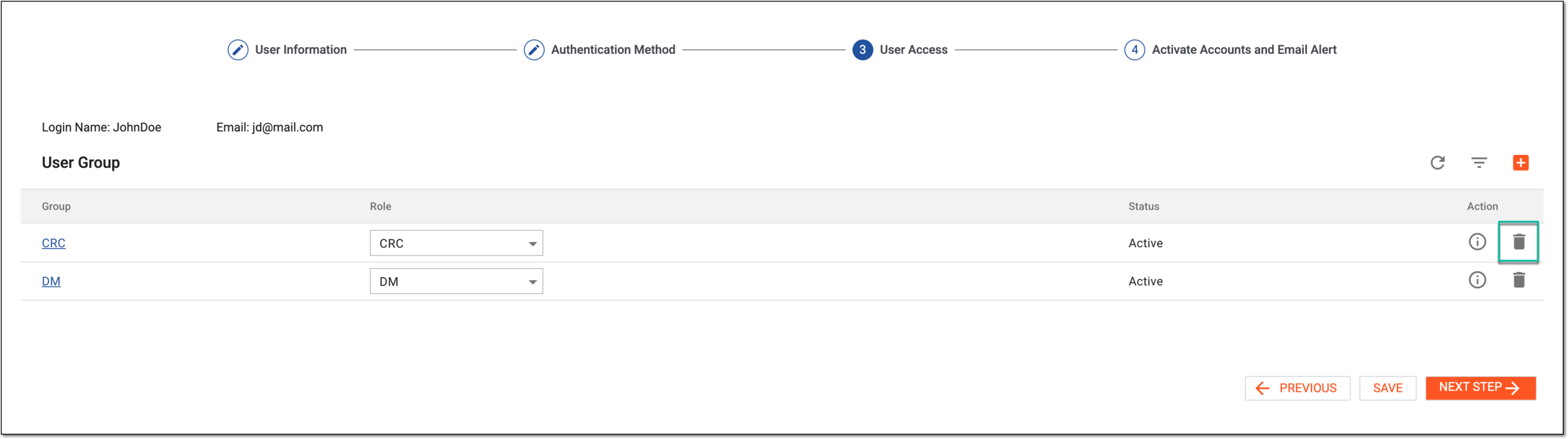
Once saved, you have updated access permissions for the user.