View safety data
In PV, you can view the safety data on AE/SAE from EDC that has already been reviewed and imported into the system as an ICSR report. The View feature serves auditing purposes if you need to check something without performing any additional actions.
-
In the PV application header, select the INTAKE tab.
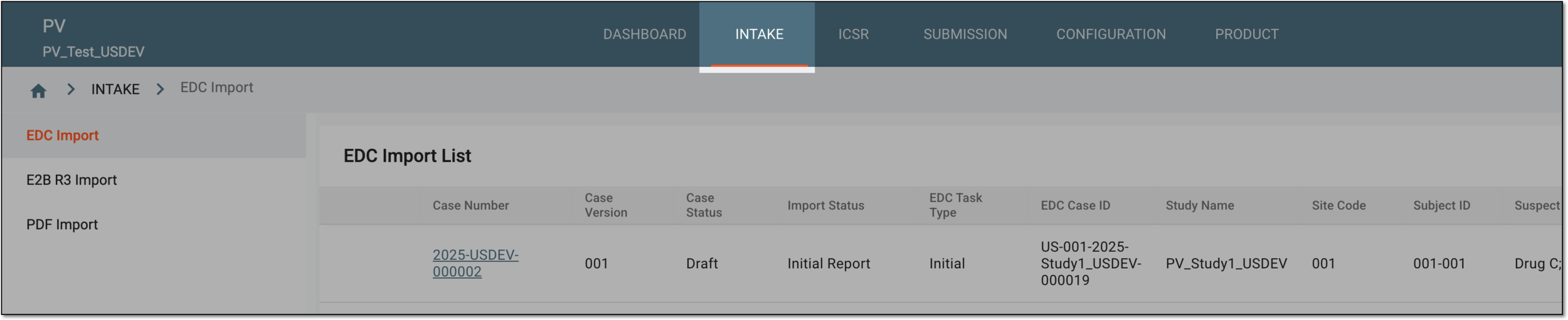 Figure 1. Accessing intake management
-
On the page that opens, in the left pane, select the EDC Import subtab.
-
In the EDC Import List that appears, locate the reviewed safety data for which you need to view the details. Then in the Actions column next to it, select View
 .
.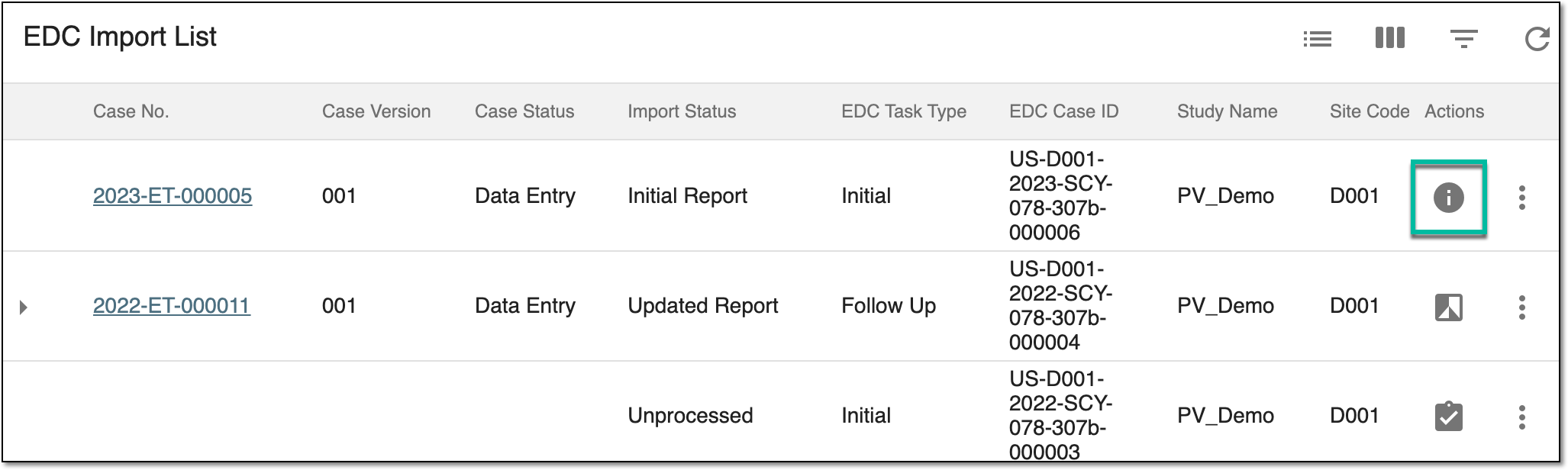 Figure 2. Selecting to view safety data
-
On the page that opens, in the left pane, navigate between subtabs to view the details of your interest.
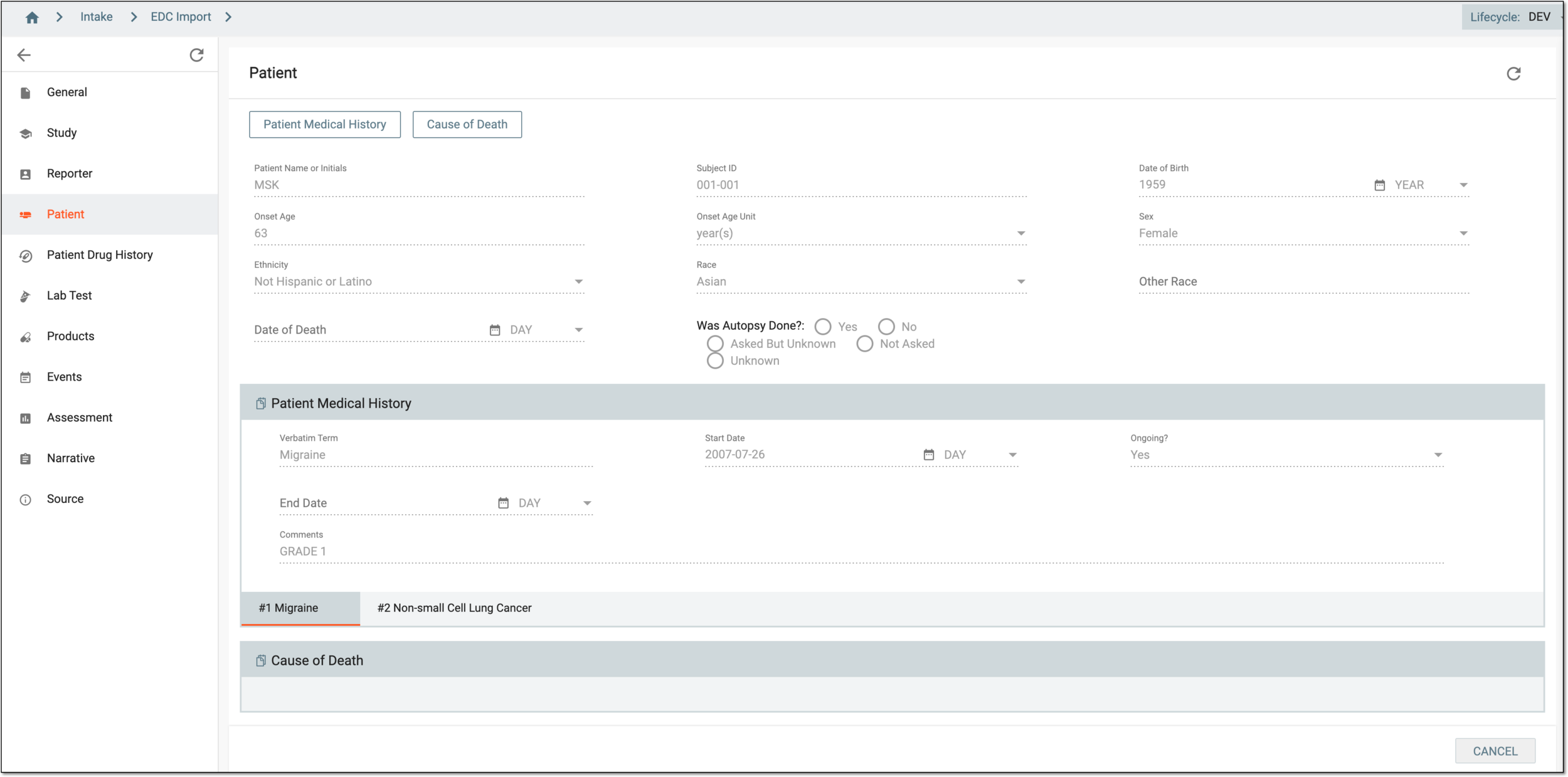 Figure 3. Viewing safety data
-
Select
 to close the safety data details and return to EDC Import List.
Upon closing, you have viewed the safety data. You can also compare the initial and follow-up data, if any.