Delete study
A study refers to a research investigation designed to evaluate the safety, efficacy, and other relevant aspects of a medical intervention, such as a drug, device, or treatment. Studies are conducted by a sponsor to gather data and evidence to support regulatory approval and contribute to the scientific understanding of medical interventions and preventions for existing ailments.
When the necessary sponsors are added to the client's company, you can create studies for each sponsor. Once the study is created, it can be deleted before being associated with any eClinical applications. This provides flexibility in the early stages of study development and implementation.
Important
You can only delete studies that have no applications assigned to them in any eClinical lifecycle.
-
In the ADMIN application header, select the HIERARCHIES tab.
-
In the left pane of the page that opens, select the needed sponsor
 .
.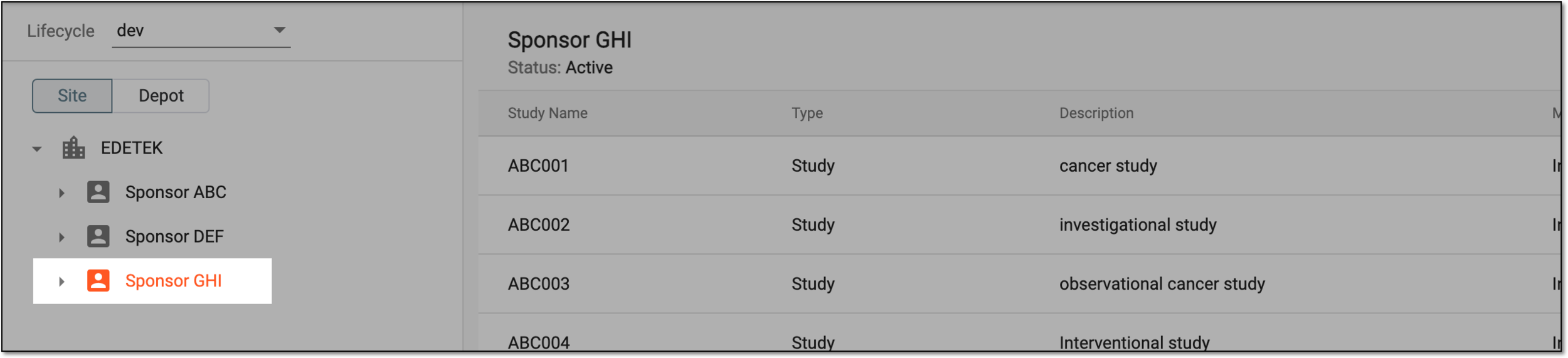 Figure 1. Selecting sponsor
-
In the table that appears, next to the needed study, select More
 > Delete
  .
. Figure 2. Selecting to delete study
-
In the confirmation dialog that appears, select
 .
.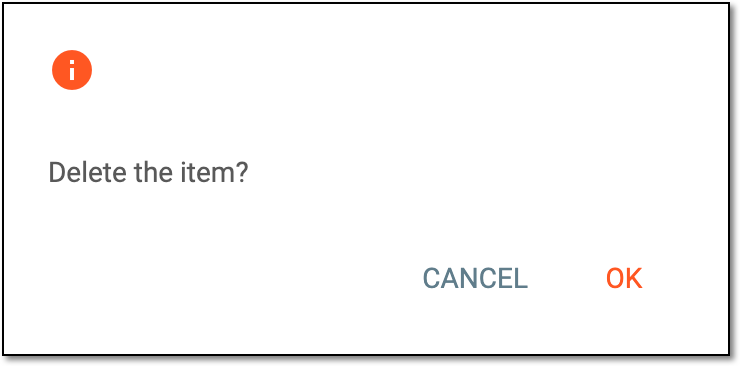 Figure 3. Confirming study deletion
Once confirmed, the study is deleted for a specific sponsor.