Lab defining
To enable the EDC system to manage and validate the CRFs related to specific lab results, you need to create and define labs for your study.
When defining a lab, you select the CRF into which the results of these lab tests are entered. Then you specify the domains from which the data should be taken and map them to the respective variables and fields. Thus, when the test results are entered in a CRF related to this lab, the EDC application can automatically populate the respective data and estimate the normal ranges as discussed in the following example.
For instance, the age data can be taken from both demographics (DM) and laboratory (LB) domains. The age data stored in the DM domain is the one filled in on the date of consent and the study could be going on for years since then. Thus, the subject can be a few years older and their normal ranges vary. Such detail can compromise the result of the study. Hence, to have the actual subject's age considered in the CRF, you map the age variable with the LB domain, which stores the age at the lab data collection date.
In the EDC application, you can manage labs (the anticipated laboratory test forms for your study) from the STUDY INFO > Lab Define page.
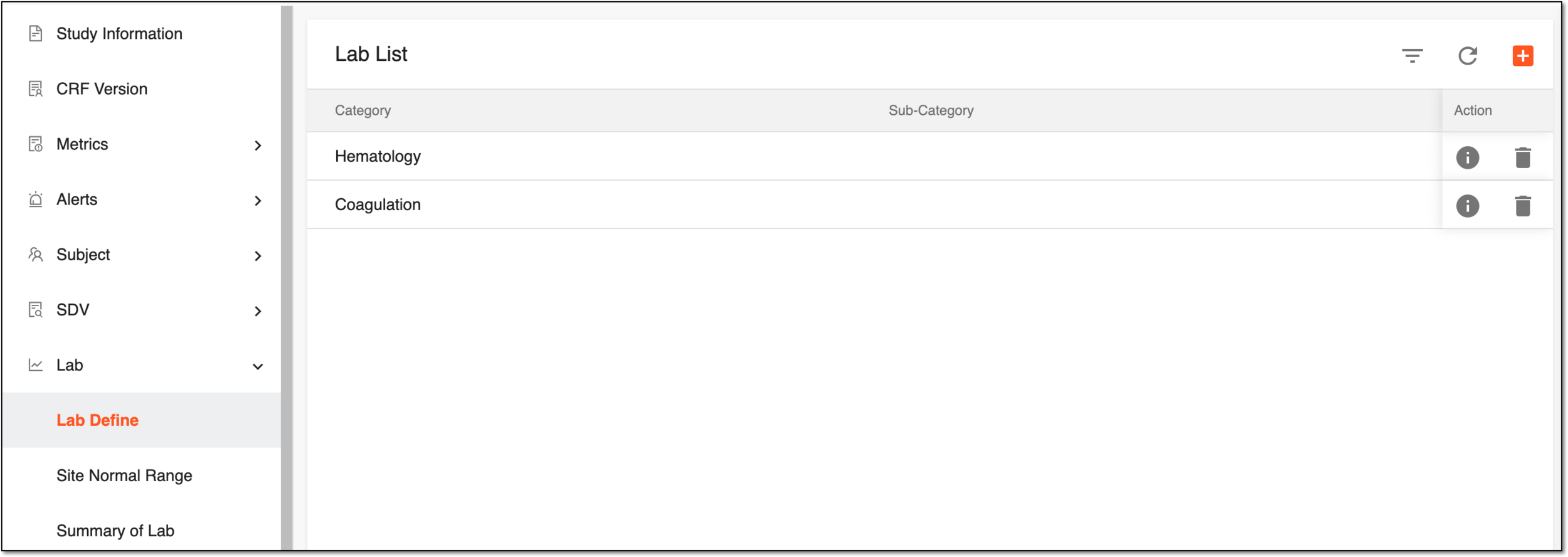
On the Lab Define page, in the Lab List table, you can view all the existing labs for your study. Also, you can perform the following actions from this page: