Delete lab
For the EDC system to know how to complete the data in the lab result case report forms (CRFs), you need to define a lab by mapping the domains from which the data should be taken to each field of the CRF. Thus, when the test results are entered in a CRF related to this lab, the EDC application can automatically populate the respective data and estimate the normal ranges.
In EDC, you can delete a lab that you no longer need for your study to keep the labs' list up-to-date.
-
In the EDC application header, select the STUDY INFO tab.
-
In the left pane, select the Lab > Lab Define subtab.
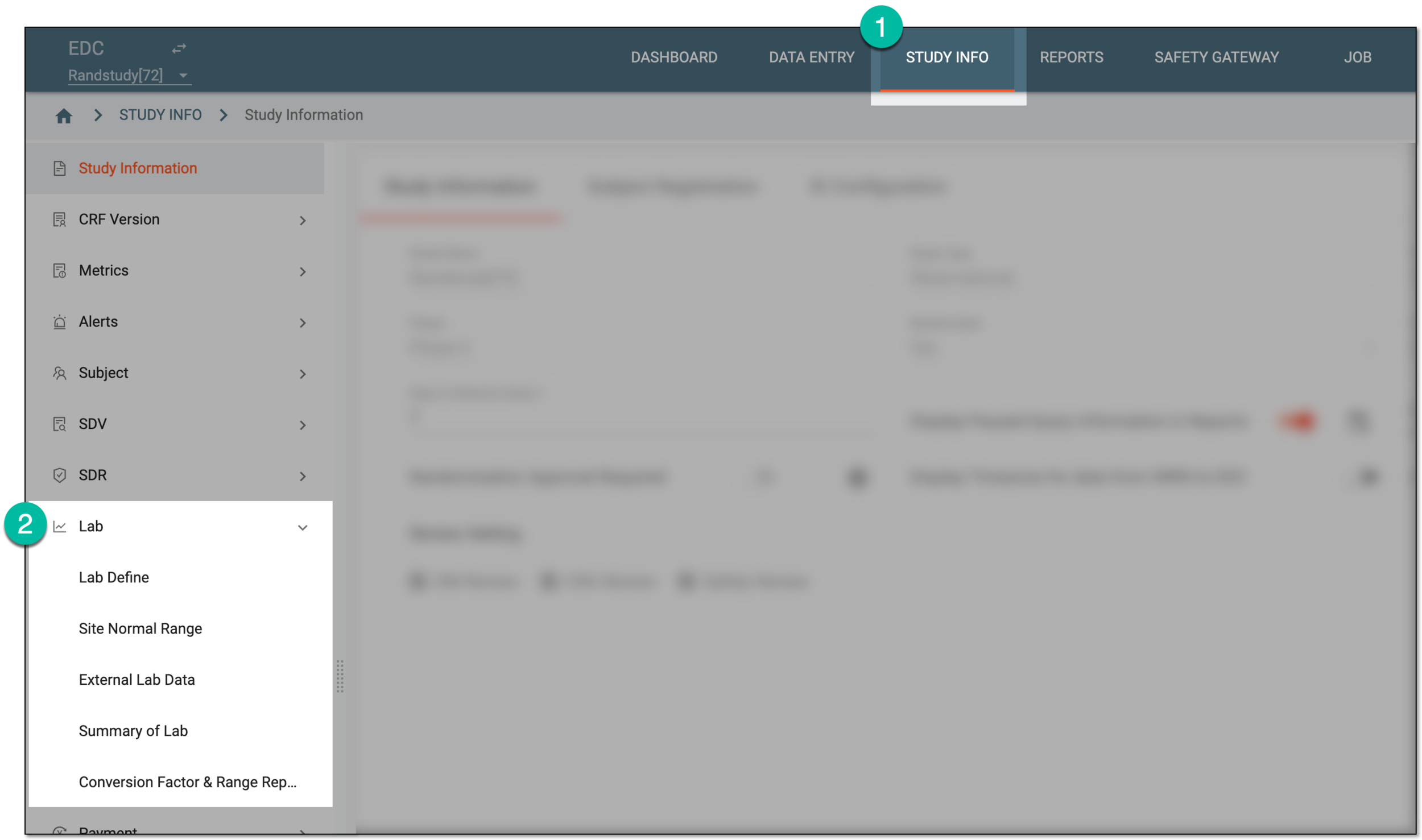 Figure 1. Accessing lab management
-
In the Lab List table that appears, locate the lab of your interest and in the Actions column next to it, select Delete
 .
.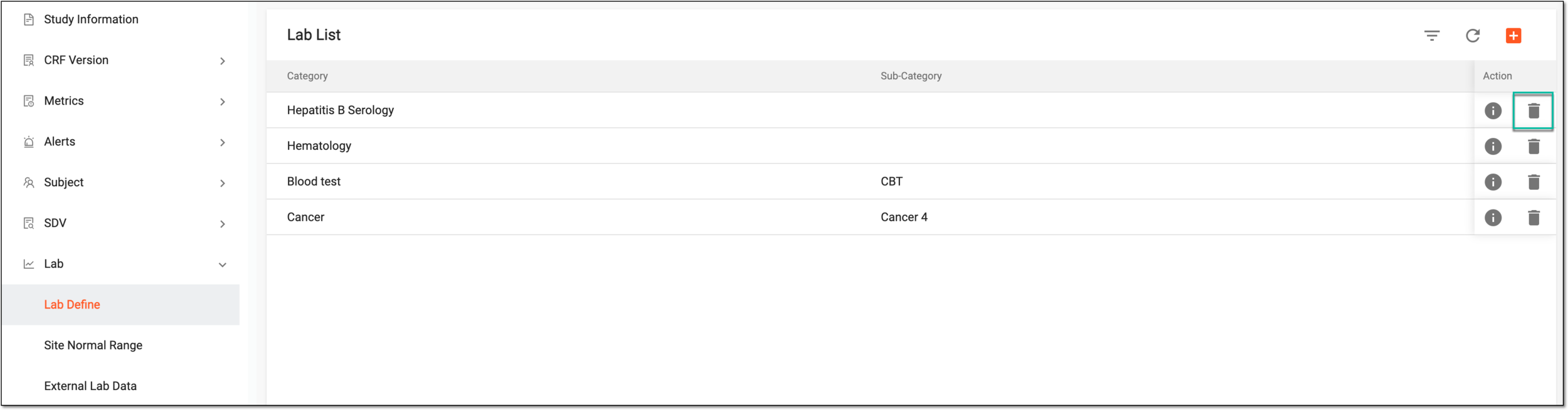 Figure 2. Deleting lab
-
In the Delete Item confirmation dialog that appears, select
 to delete the lab.
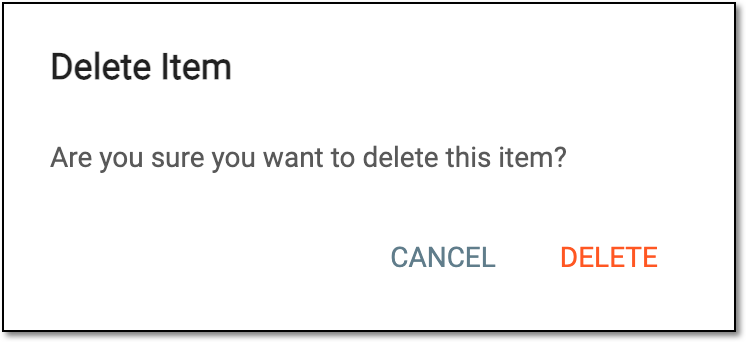 Figure 3. Confirming lab deletion
Once confirmed, the lab is deleted from the Lab List table.