Clear dataset empty data
A dataset is a visual representation of columns and rows in CDASH domains based on the configuration of forms. Each column in the dataset represents a CDASH variable that captures data in corresponding rows as per record ID settings. In Study Designer, a dataset is not the actual data storage as it serves solely to show how data is structured when entered in forms of the EDC system.
When you remove a question or item that is associated with a variable, and this variable has been used in other forms, the corresponding rows may not be removed from the dataset, taking space in the database without an intent to capture any data. Such rows can be manually cleared from the dataset, especially when the dataset needs to be reused in other studies.
-
In the Study Designer application header, select the CRF DESIGN tab.
-
In the toolbar, select the latest draft CRF version marked with the respective unlock symbol
 , otherwise, you cannot perform any actions.
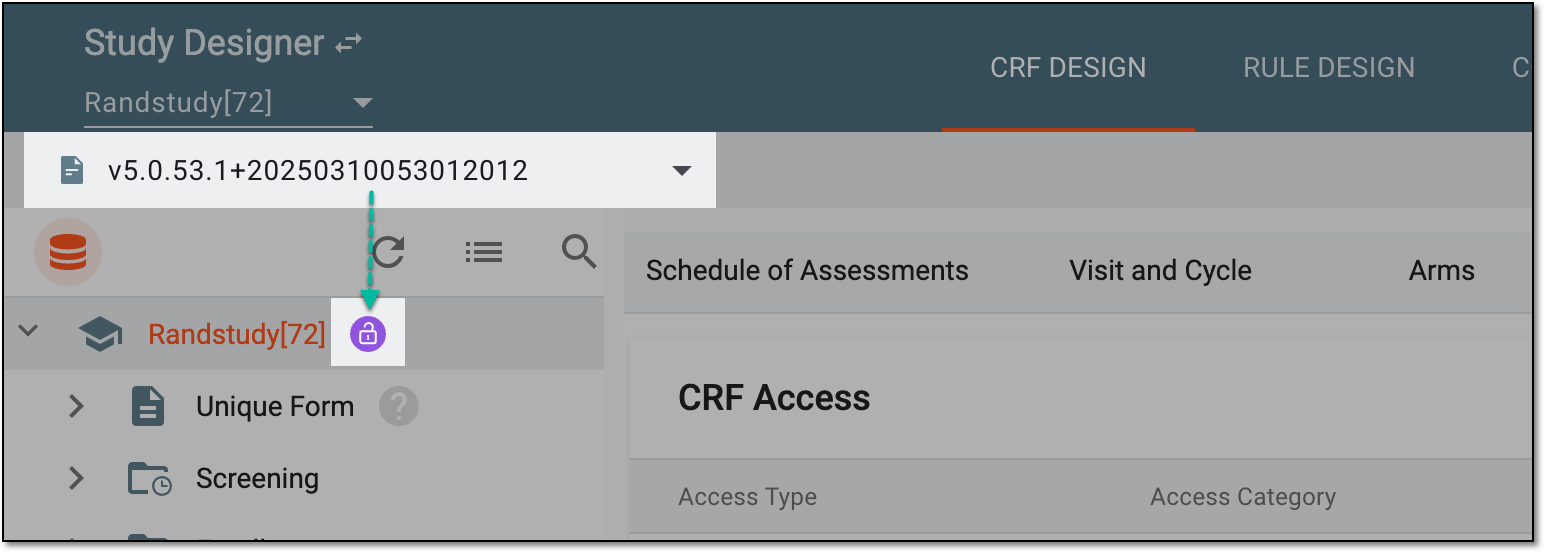 Figure 1. Selecting latest draft CRF version
-
From the workspace toolbar of the hierarchy tree, select Dataset
 .
.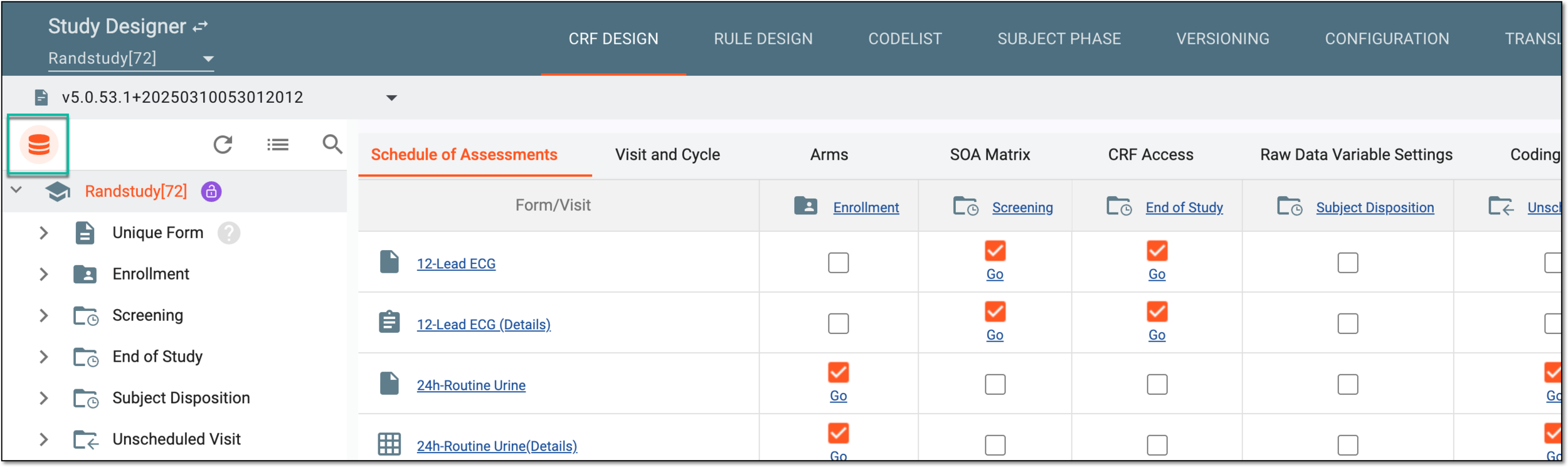 Figure 2. Accessing dataset page
-
From the workspace toolbar of the table that appears, select Clear Empty Data
 .
.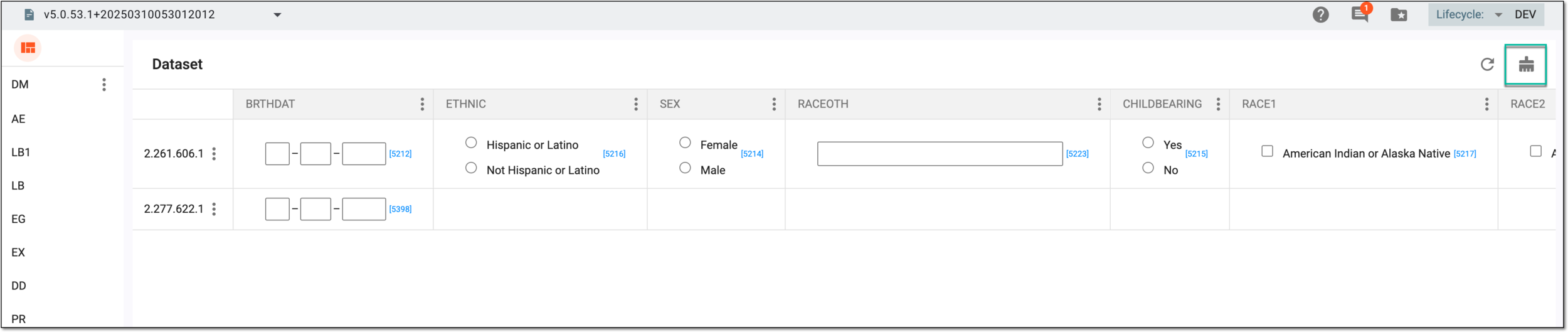 Figure 3. Selecting option to clear dataset
-
In the confirmation dialog that appears, select
 to clear the dataset.
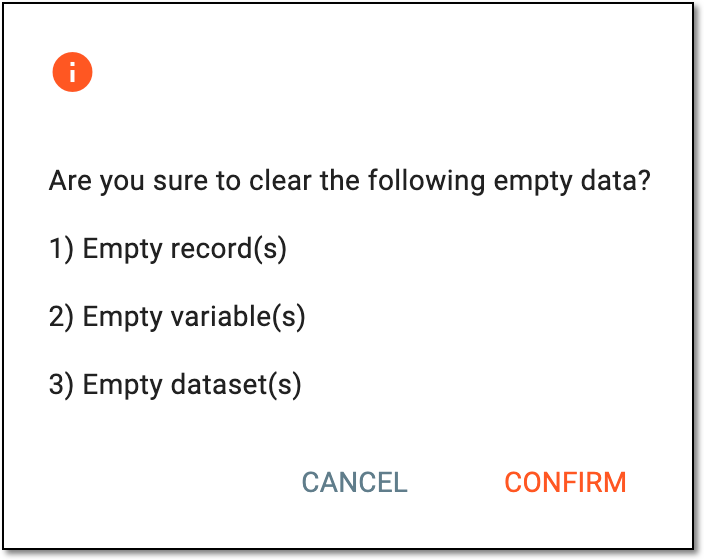 Figure 4. Confirming dataset clearing
Once selected, the dataset's empty data is cleared.