Delete CRF version integration
With the CRF version integration, you can specify the mapping between CRF versions in eClinical EDC and RAVE EDC, providing flexibility for each system to be linked with the desired corresponding version in the other system. The CRF version mapping ensures that data recorded in eClinical EDC from either eCOA or eDiary mobile application remains accurately represented in RAVE EDC.
After the configuration of CRF version integration, it may occur that the study team needs to delete this integration due to changes in study requirements or system preferences. The deletion of the CRF version integration eliminates the mapping to the corresponding CRF version in RAVE EDC.
Important
If the CRF version integration is deleted, any data captured through the eCOA or eDiary mobile application is no longer automatically transferred to the RAVE EDC system. This can potentially lead to missing data and incomplete records.
-
In the EDC application header, select the STUDY INFO tab.
-
In the left pane of the page that opens, select the System Integration subtab.
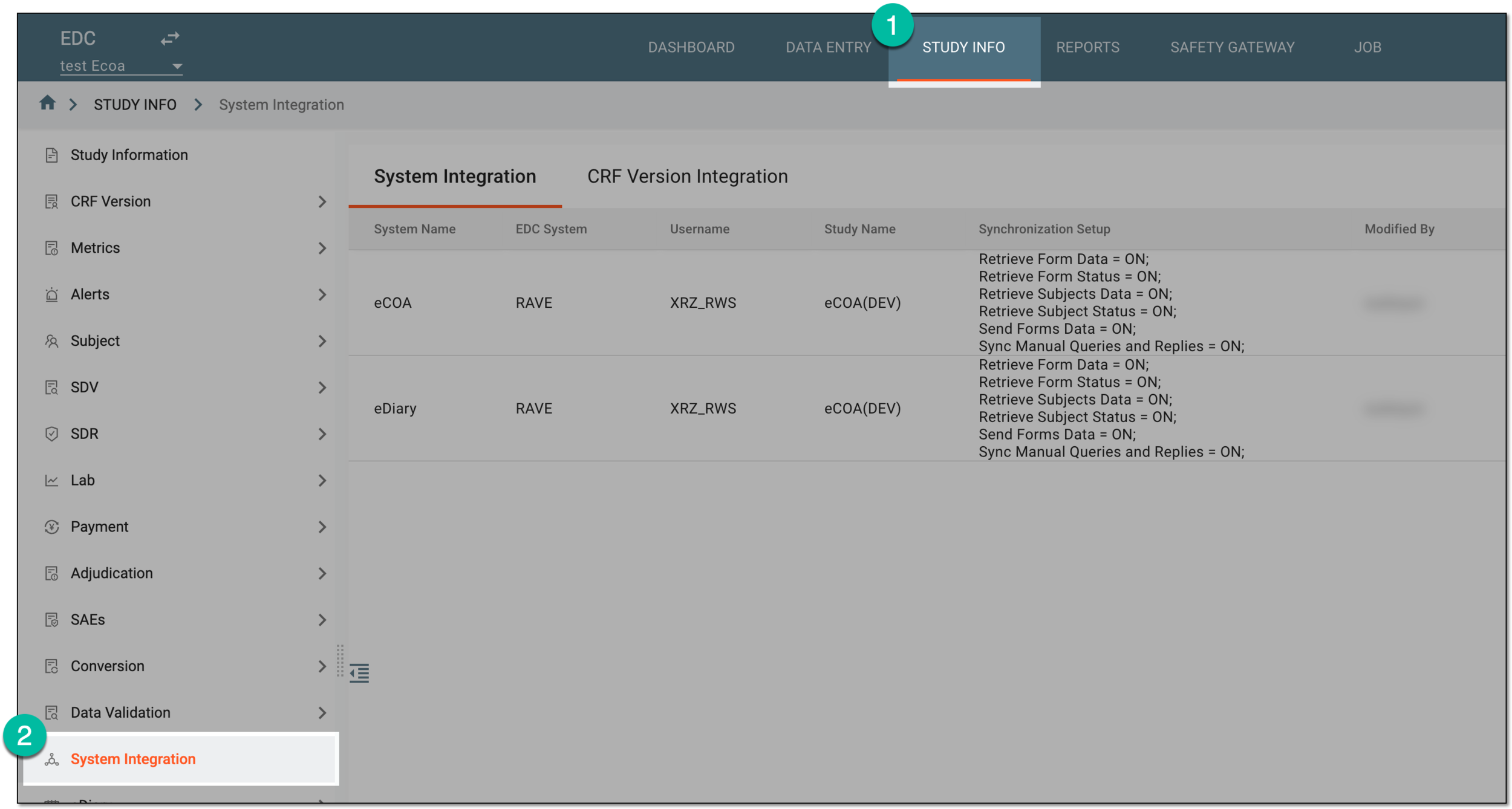 Figure 1. Accessing system integration
-
In the contents panel that appears, select the CRF Version Integration tab.
-
In the CRF Version Integration table that appears, next to the CRF version integration that you want to delete, select Delete
 .
. Figure 2. Selecting to delete CRF version integration
-
In the confirmation dialog that appears, select
 to confirm your action.
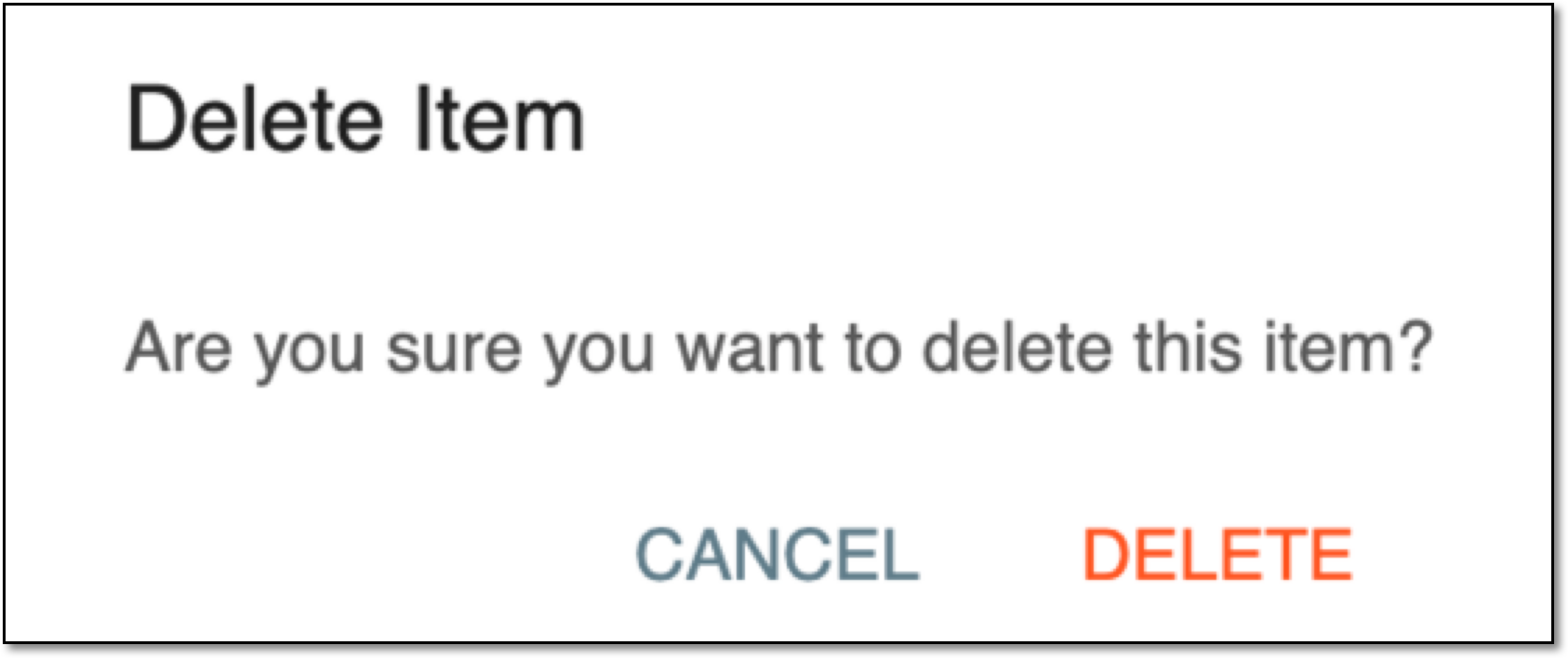 Figure 3. Confirming CRF version integration deletion
Once confirmed, the CRF version integration is deleted.