Delete additional ID
In a clinical trial, unique identifiers (IDs) are used to identify trial participants, protecting their personal information and maintaining confidentiality.
Once the additional IDs are configured for your study, you might need to delete some of them since they are no longer required according to your study protocol.
-
In the EDC application header, select the STUDY INFO tab.
-
On the Study Information page that opens, in the contents panel, select the ID Configuration tab.
-
On the page that opens, in the Additional ID Configuration block, locate the ID you want to delete and in the Action(s) column next to it, select Delete
 .
.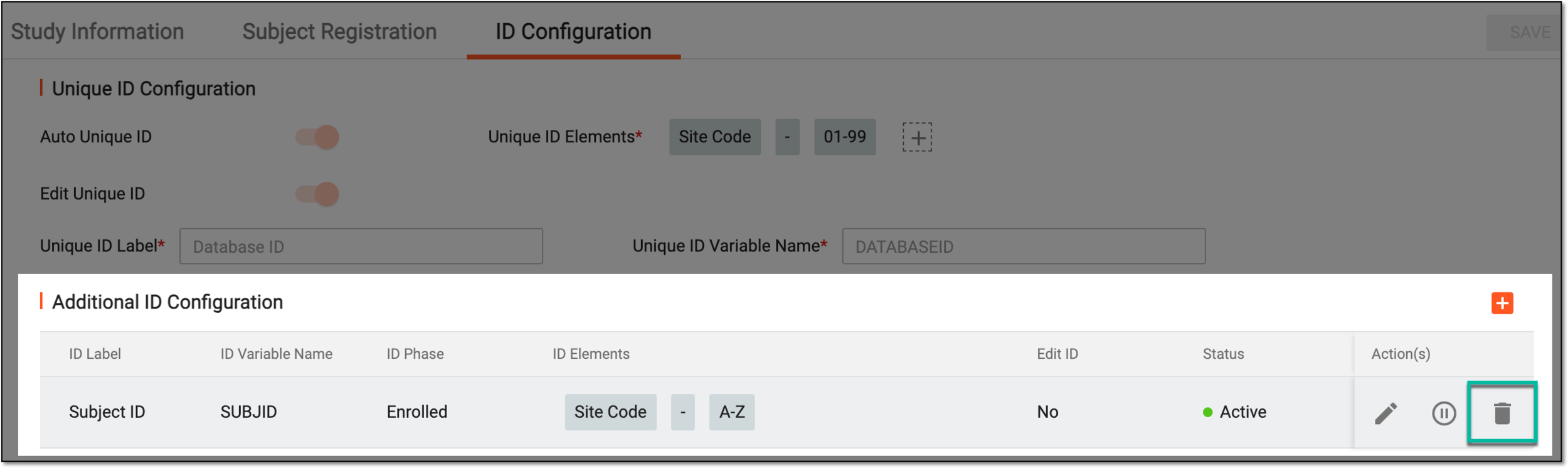 Figure 1. Deleting additional ID
-
In the Delete Item confirmation dialog that opens, select
 to confirm the ID deletion.
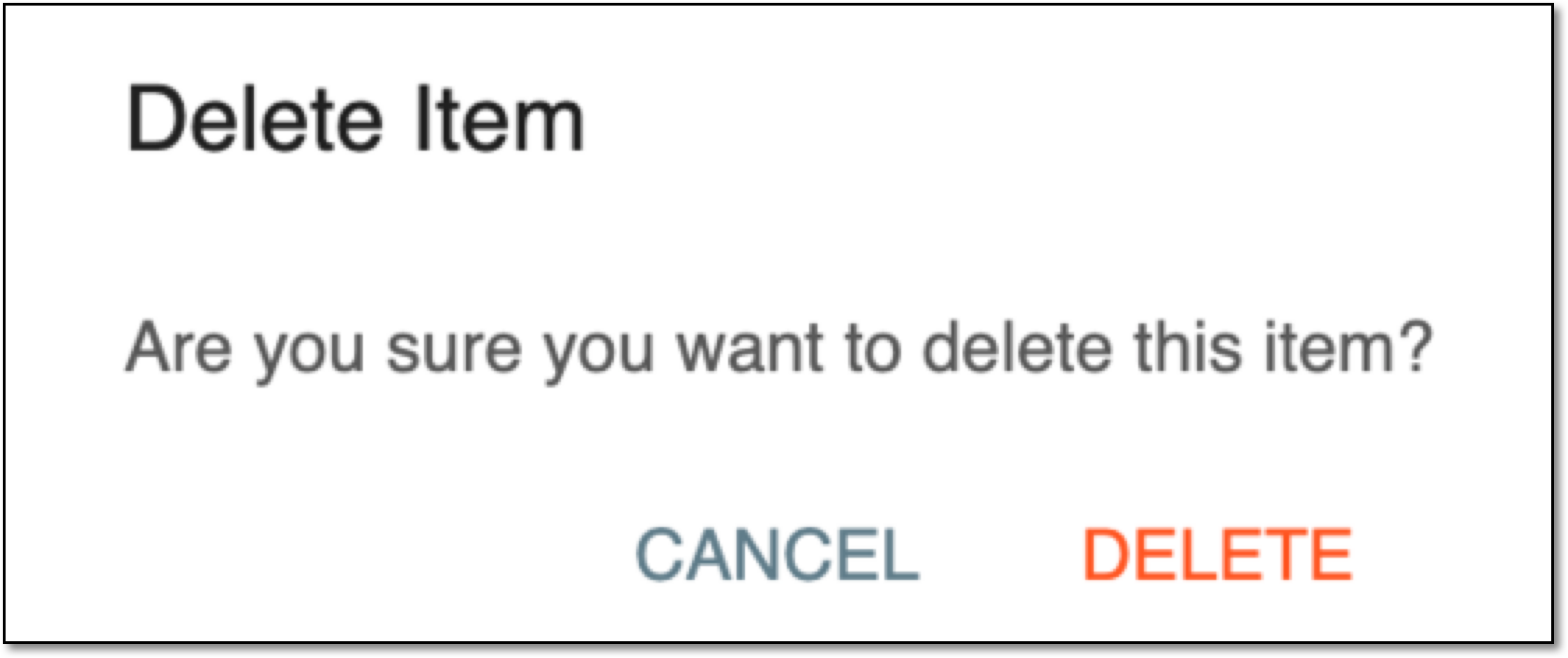 Figure 2. Confirming additional ID deletion
Once confirmed, the additional ID is deleted from the list, and the system no longer assigns the respective identifiers to the subject. The system only follows the logic of the additional ID(s), if any, that exist in the table.