View audit trail of subject
A subject is a healthy volunteer or a patient who enrolled to participate in the clinical trial according to criteria defined in the study protocol. Each subject has a history of actions done by IWRS users with it. You can also view the time pertinent to all audit actions.
Important
You can view the audit trail for a subject only if the subject management has been previously enabled for IWRS via the ADMIN application.
-
In the IWRS application header, select the SUBJECT tab.
-
On the Subject List page that opens, from the workspace toolbar, select a site where you want to register a new subject.
 Figure 1. Selecting site to view subjects
-
Then, next to the needed subject, select Audit Trail
 .
. -
In the Audit Trail dialog that opens, view the history of actions performed with the subject.
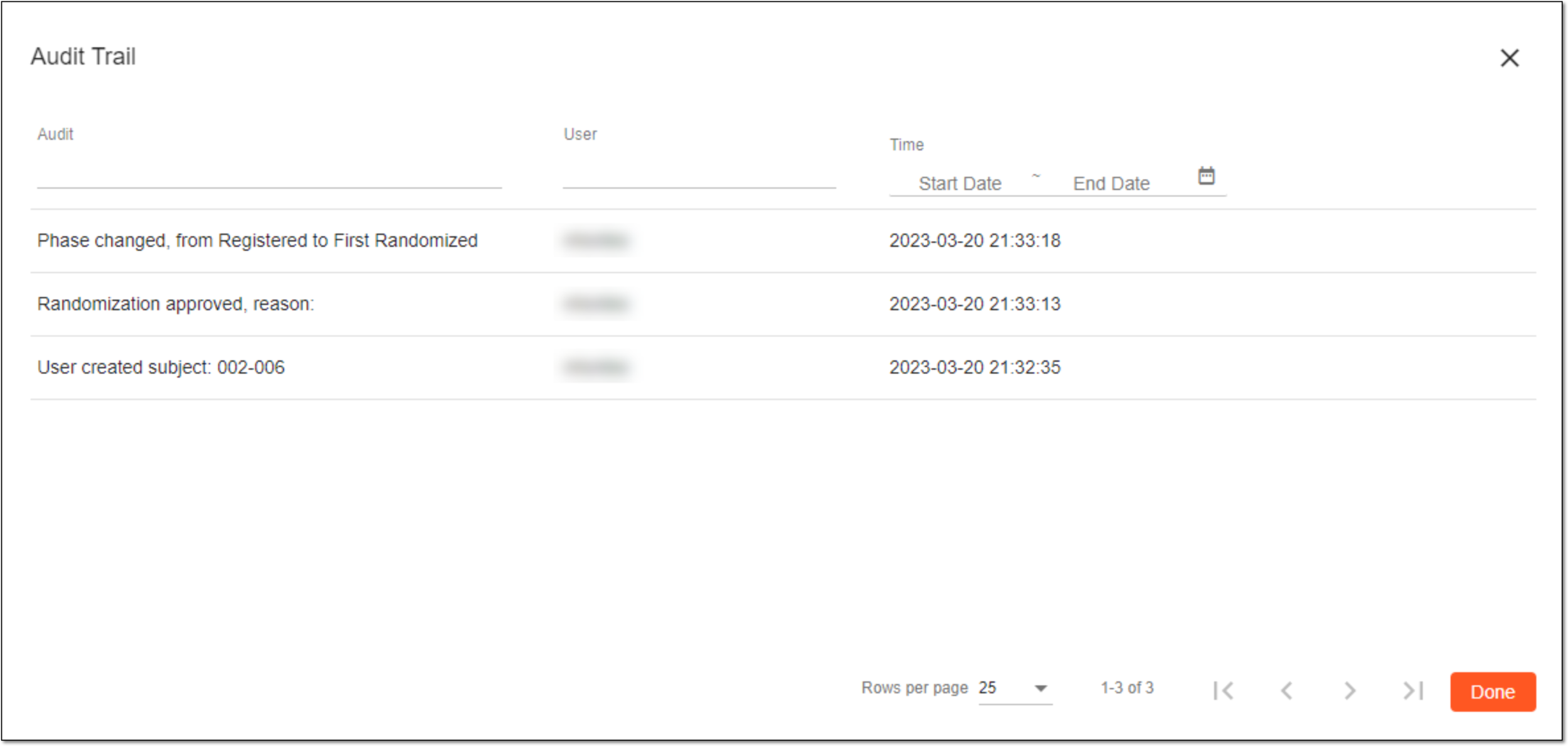 Figure 2. Viewing audit trail for subject
Once viewed, select  to close the Audit Trail dialog.