Resend order email for site shipment
In IWRS, when a shipment request from your site is submitted upon creation or confirmed later on, the order email is sent to the supplier automatically upon these two actions. However, you might need to send the email again to remind the supplier about the requested shipment or if the original email gets lost.
-
In the IWRS application header, select the SITE tab.
-
In the Site List table that appears, select the name of the site for which you need to resend the shipment order email.
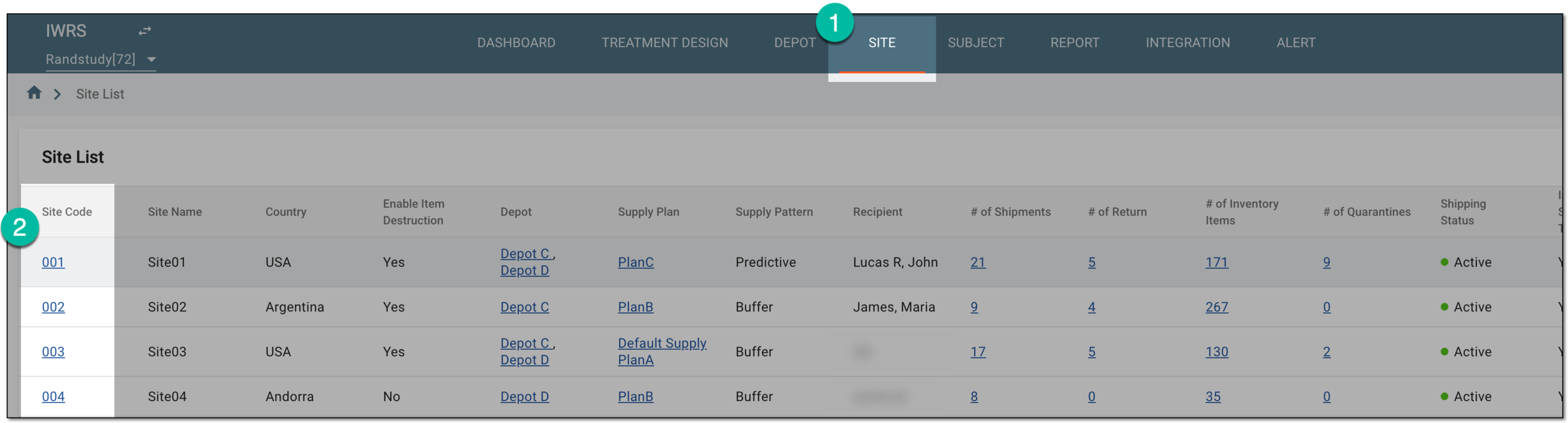 Figure 1. Selecting site to open its details
-
On the page that opens, in the left pane, select the Shipment subtab.
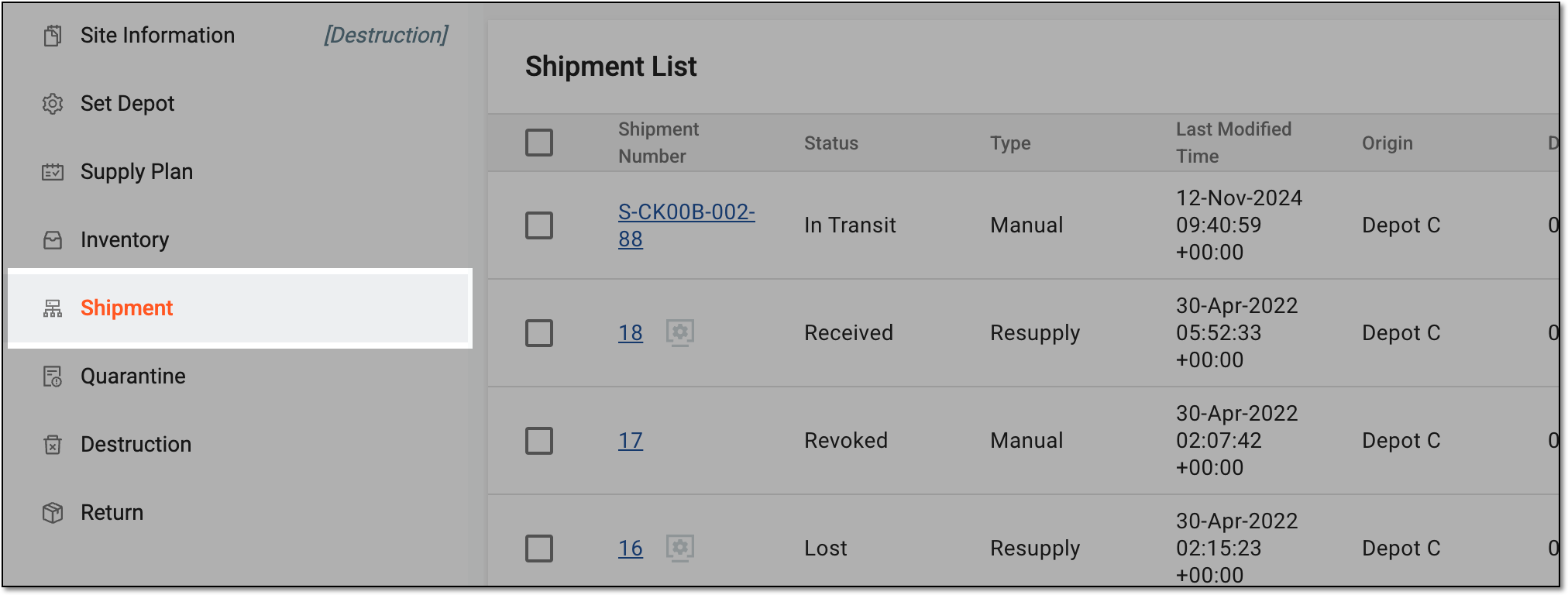 Figure 2. Accessing site shipments
-
In the Shipment List table that appears, go to the shipment of your interest and in the Actions column next to it, select Resend Order Email
 .
.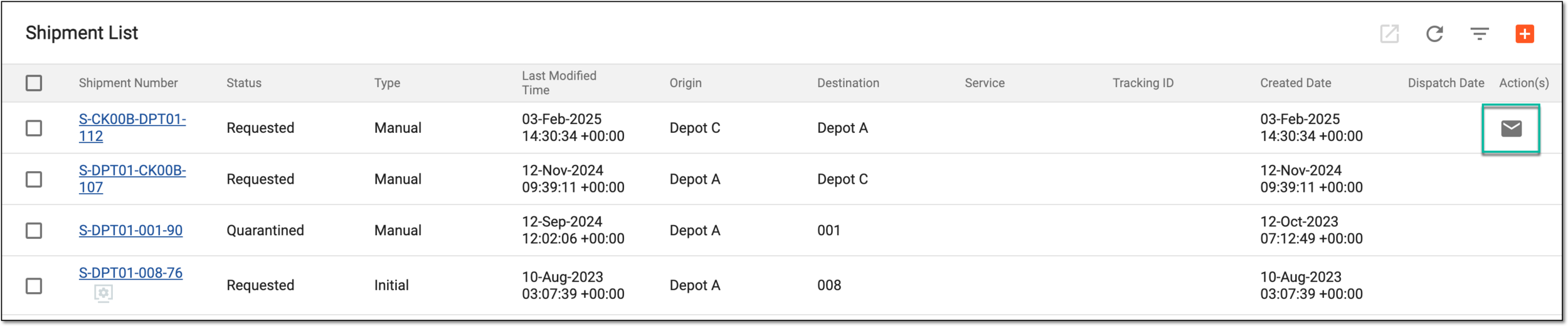 Figure 3. Resending order email
Important
This action is only available for shipments with the Requested and Draft statuses. For the Draft shipments, the email with the request is only sent to the shipment applicant.
Upon selection, the order email is sent again to the supplier.