Delete invalid ICSR
In PV, on the ICSR List page, you can find all the ICSR records created in PV or generated as a result of reviewing AE/SAE safety data extracted from EDC.
If you want to keep your list of ICSRs up-to-date, you can delete the invalid case reports. For the ICSR to be marked as Invalid, it should meet one or more of the following criteria:
-
The case does not have an identifiable reporter.
-
The case does not have an identifiable patient.
-
The case does not have an adverse reaction.
-
The case does not have a suspect medicinal product.
Important
To delete an invalid record, it must not contain any submission records.
For example, an initial ICSR is created with an adverse event of fever, but the follow-up report states that it has been an error and no adverse event occurred. In such a case, the ICSR must be invalidated upon the follow-up. Such an ICSR can be deleted to avoid cluttering the list.
Nevertheless, when deleting an invalid ICSR, you need to be careful, because some of them can be waiting to be revalidated upon receiving the follow-up data.
For example, an adverse event is reported, but a suspect drug is not included. Thus, an ICSR is created with an invalid status and will sit in the invalid workflow until a follow-up report is received with the missing information on a suspect drug. Then this invalid case can be processed as a valid ICSR. Such an ICSR should be kept intact while awaiting the follow-up.
-
In the PV application header, select the ICSR tab.
 Figure 1. Accessing ICSR list
-
On the ICSR List page that opens, in the table, locate the invalid ICSR record that you need to delete. Then in the Actions column next to it, select Delete
 .
. Figure 2. Selecting to delete ICSR
-
In the Delete Item confirmation dialog that opens, select
 to confirm the deletion.
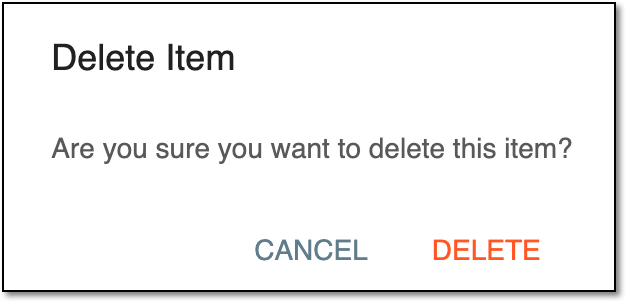 Figure 3. Confirming to delete ICSR
Upon confirmation, the ICSR is deleted from the system and no longer appears in the ICSR List table.