Delete site supply relationship
A supply relationship is a process of the product units or container units provision from a depot to a site. Sometimes, you might need to delete some of the previously established site supply relationships to keep the list up-to-date.
-
In the IWRS application header, select the DEPOT tab.
-
In the Depot List table that appears, select the name of the depot for which you need to delete the site supply relationship.
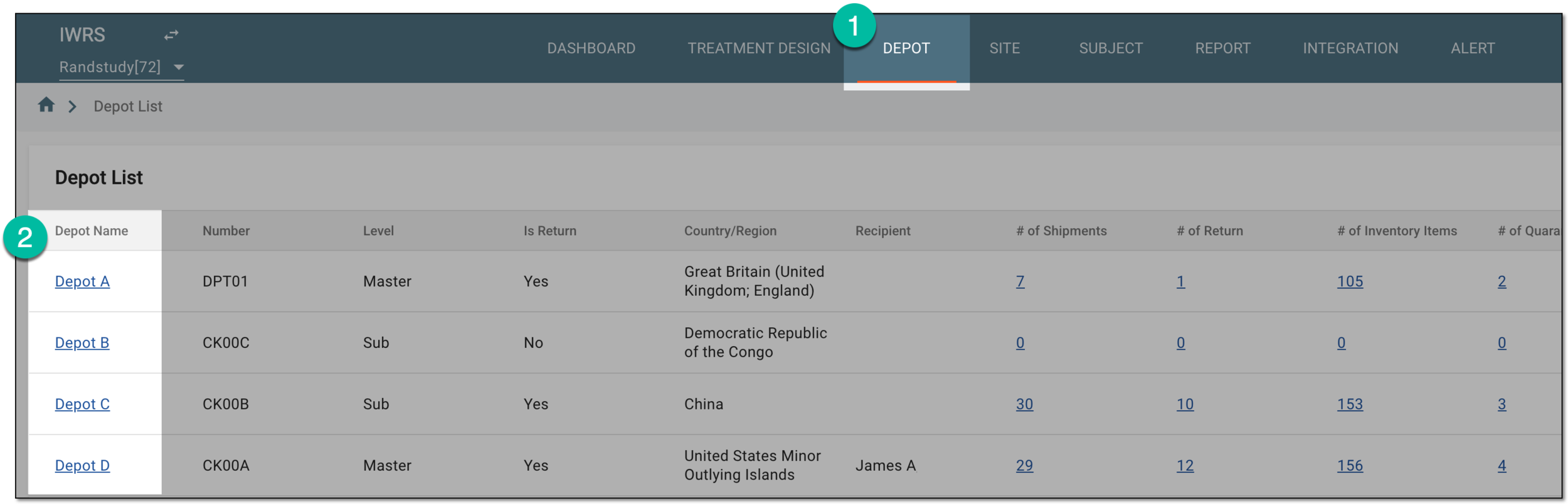 Figure 1. Selecting depot to open its details
-
On the page that opens, in the left pane, select the Supply For Site subtab.
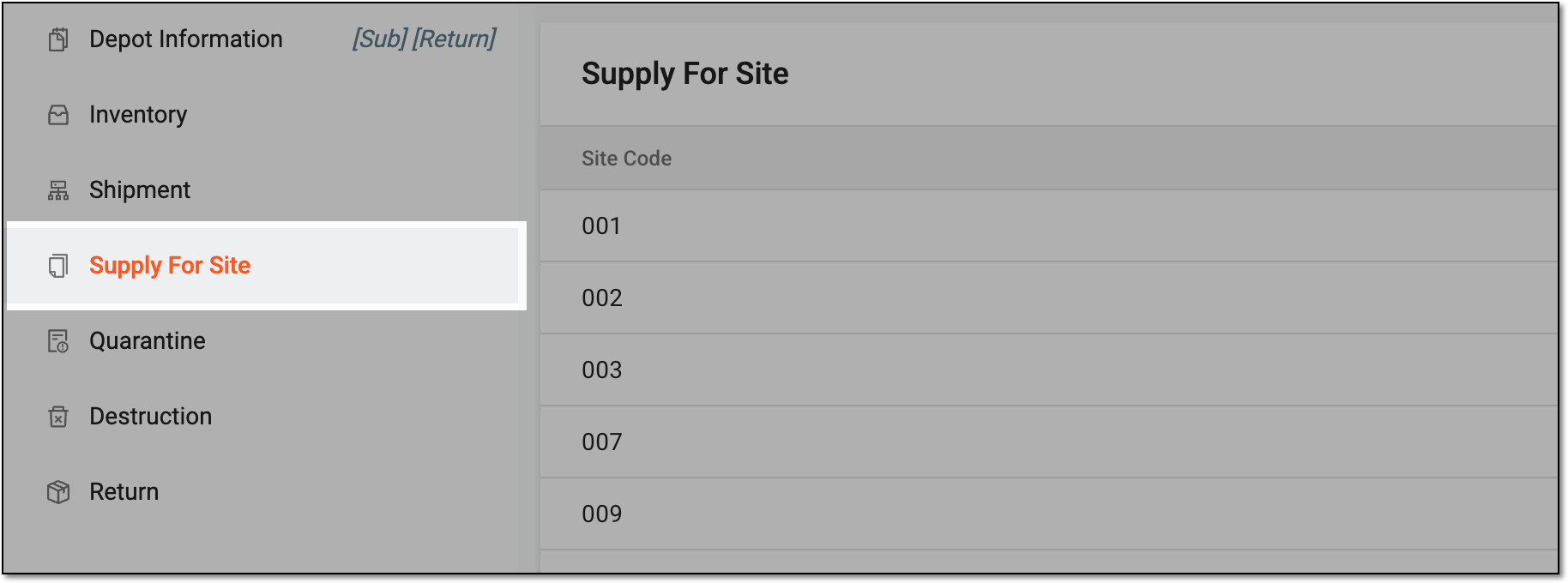 Figure 2. Accessing supply for site settings
-
In the Supply For Site table that appears, go to the site with which you need to delete the supply relationship, and in the Action(s) column next to it, select Delete
 .
. Figure 3. Deleting site supply relationship setting
-
In the Delete Item dialog that opens, select
 to confirm your action.
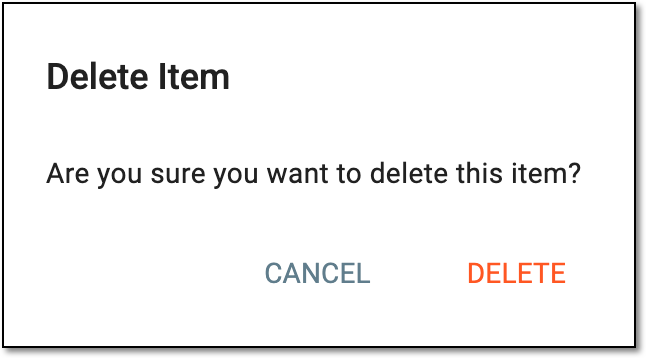 Figure 4. Confirming site supply relationship deletion
Upon confirmation, the supply relationship with the site is deleted.