Edit site supply relationship
A supply relationship is a process of the drug supply from a depot to a site. Sometimes, you might need to edit the details of the existing site supply relationship to keep the list of the shipped product units or container units and locations up-to-date.
-
In the IWRS application header, select the DEPOT tab.
-
In the Depot List table that appears, select the name of the depot for which you need to update the site supply relationship.
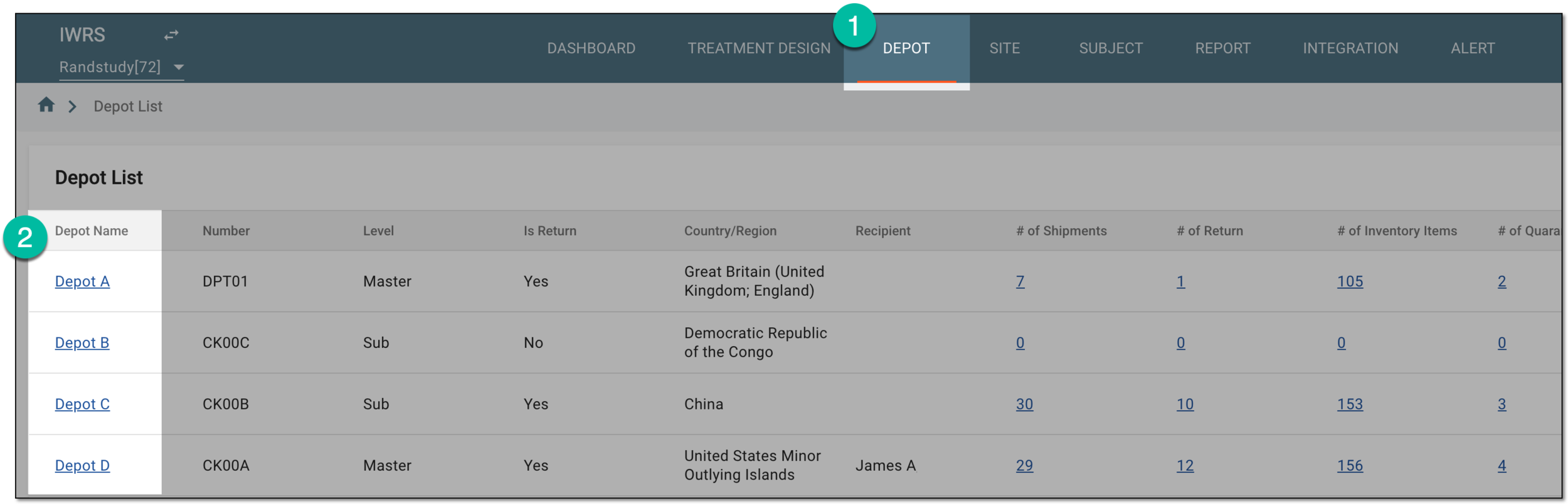 Figure 1. Selecting depot to open its details
-
On the page that opens, in the left pane, select the Supply For Site subtab.
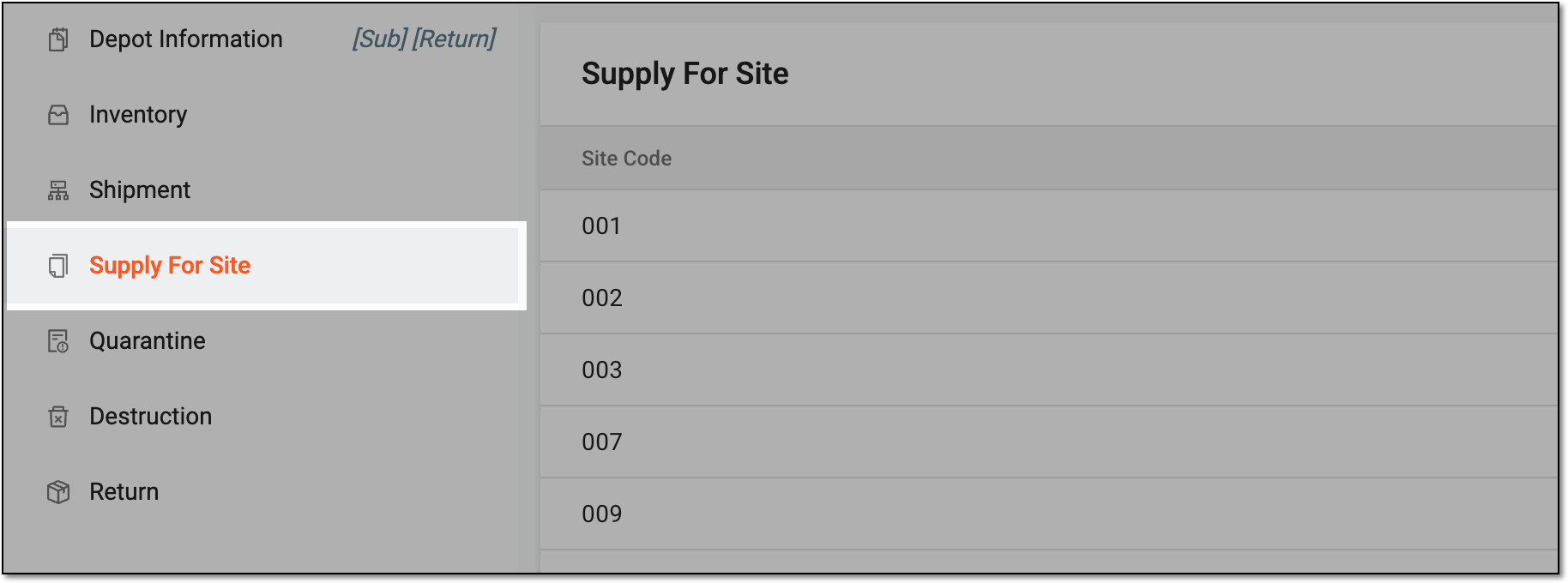 Figure 2. Accessing supply for site settings
-
In the Supply For Site table that appears, go to the site for which you need to edit the supply relationship, and in the Action(s) column next to it, select Edit
 .
. Figure 3. Selecting option to edit site supply relation
-
In the Edit dialog that opens, select the checkboxes next to the item units you want to be supplied for this site or clear the checkboxes next to the items to cancel their supply.
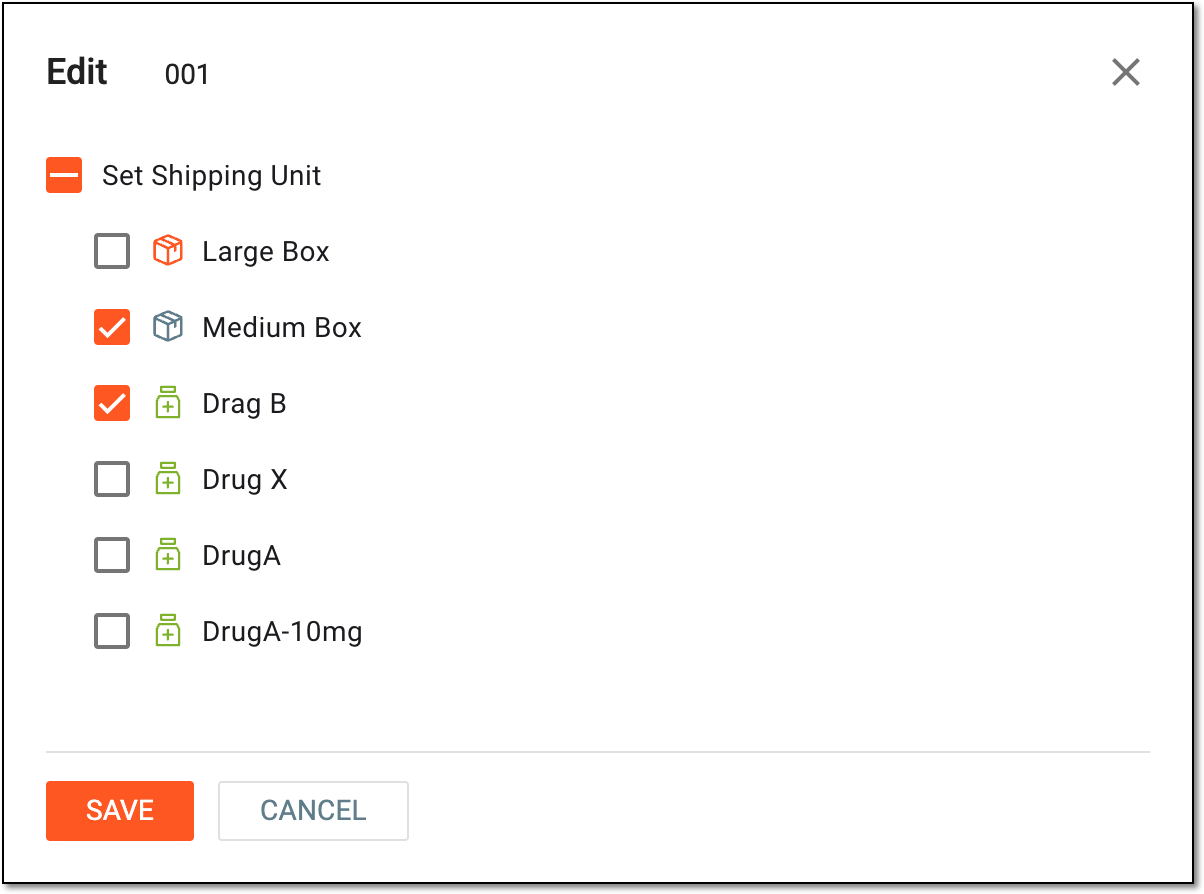 Figure 4. Editing site supply relation details
-
Select
 to implement the changes.
Upon saving, the supply relationship with the site is updated.