Edit site
CTMS enables you to update site-specific information when necessary. For example, you can change the site address or upload some documents related to this site (such as qualification certificates and other documents).
-
In the CTMS application header, select the ENTITY MANAGEMENT tab.
-
On the page that opens, in the left pane, leave the Site tab selected.
-
On the Site List page, depending on the view mode applied to your sites, do one of the following:
-
If sites are presented as tiles:
-
On the Site List page that opens, select the tile representing the site whose details you want to update.
-
On the Details page that opens, select
 .
.
-
-
If sites are presented as a list:
-
In the Site Name column, select the hyperlink representing the name of the site you want to update.
-
On the Details page that opens, select
.
-
-
-
In the Update Item form that opens, make the required changes as explained in the table of the Add new site to CTMS section.
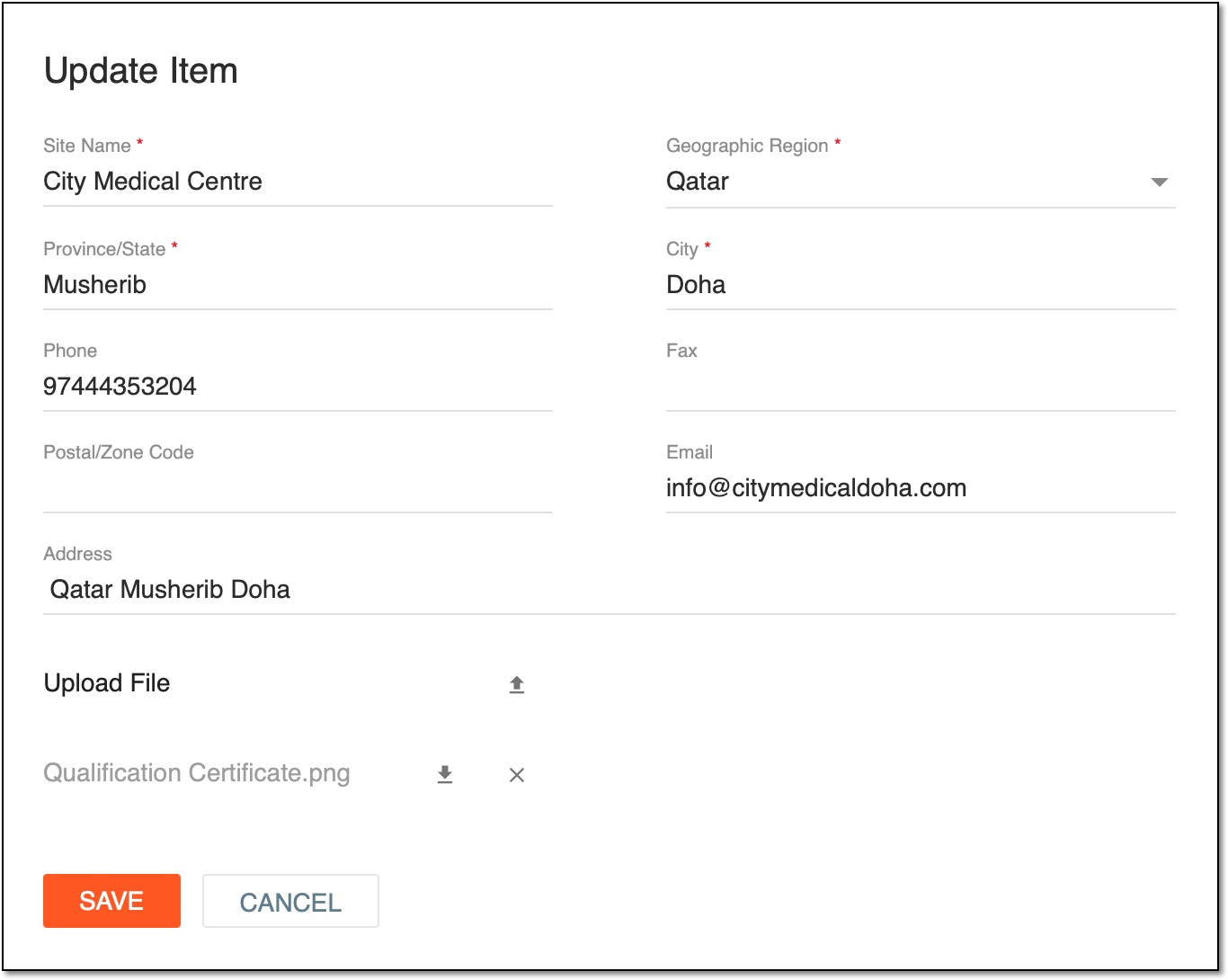 Figure 1. Updating site information
-
Select
 .
.
Once the changes are saved, the site is updated.