Change view of Site List table
The CTMS interface is flexible and user-friendly, allowing you to view all sites added to the CTMS system in the way you prefer.
The default view is the card view, where you can see all the sites as individual tiles.
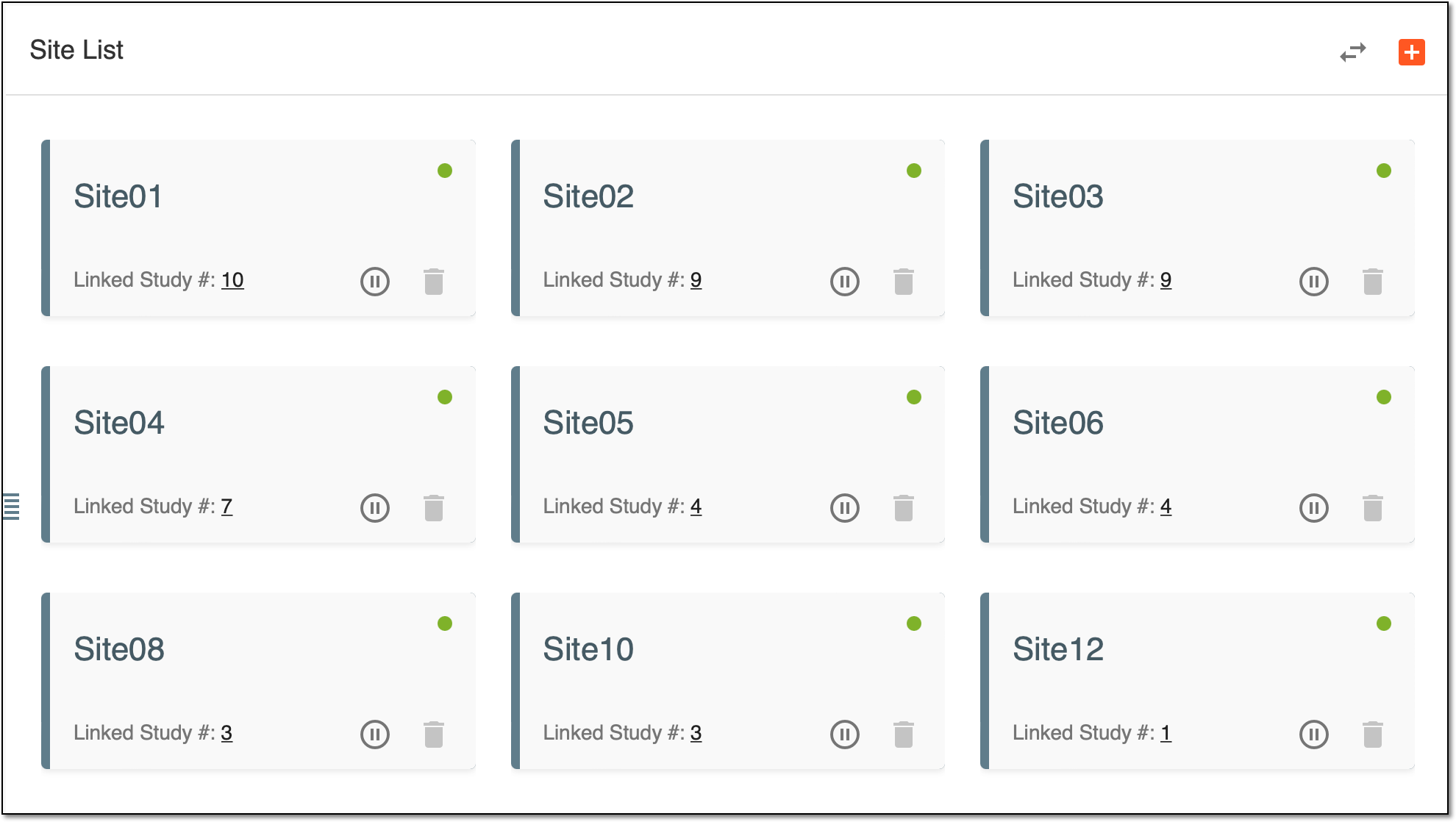
Figure 1. Card view
List view, in its turn, is where you can view the same sites as a list.
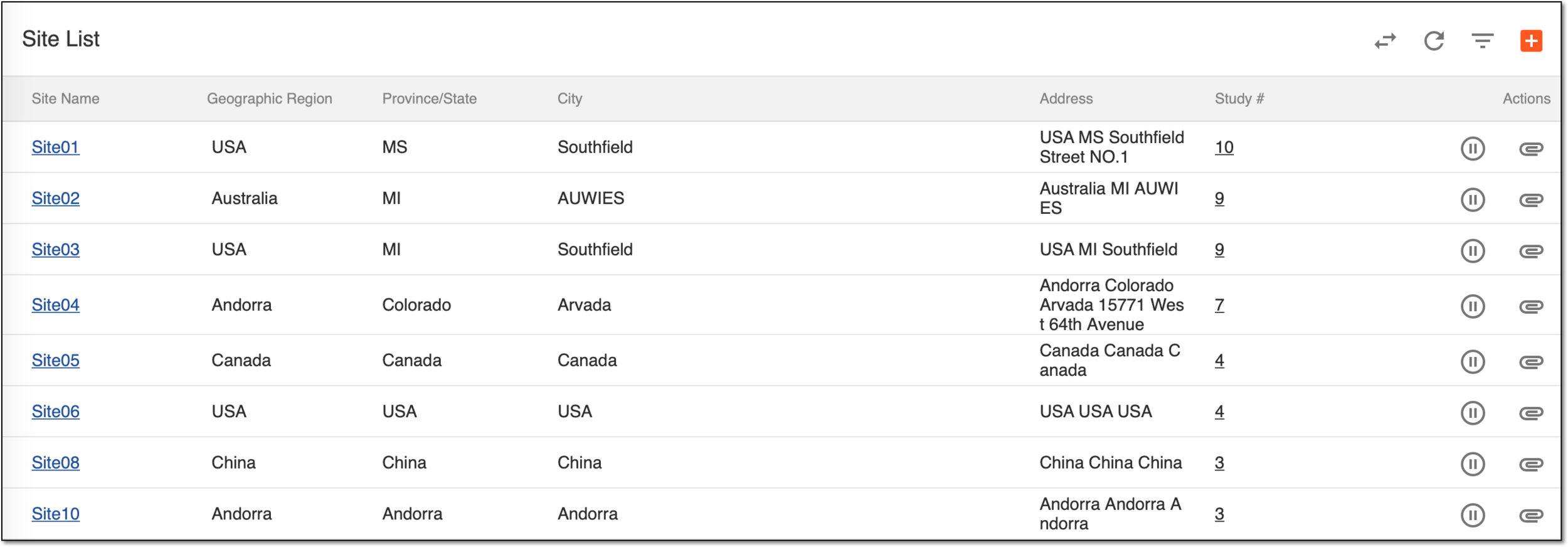
Figure 2. List view
To change the mode, above the sites, simply select Switch Style  .
.