Enable site-to-site shipments
In a clinical trial, sites are the locations where the subject treatment and item dispensation occur. To have enough items in the inventory, sites request shipments from the depots (the most common practice for clinical trials) or other sites if there is no depot involved in the study. In IWRS, you can either allow or restrict the site-to-site shipment relations for specific sites.
-
In the IWRS application header, select the SITE tab.
-
On the Site List page that opens, in the table, select the site code of your interest.
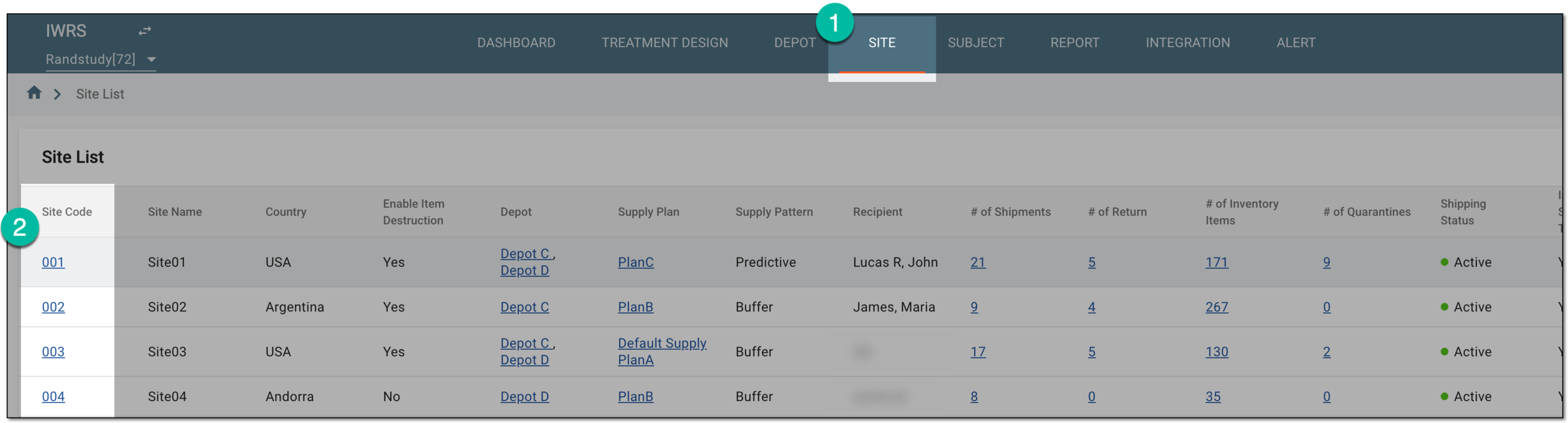 Figure 1. Selecting site to open its details
Tip
Once you open the needed functionality for a site, you can use the breadcrumbs navigation to switch the site without the necessity to return to the Site List page.
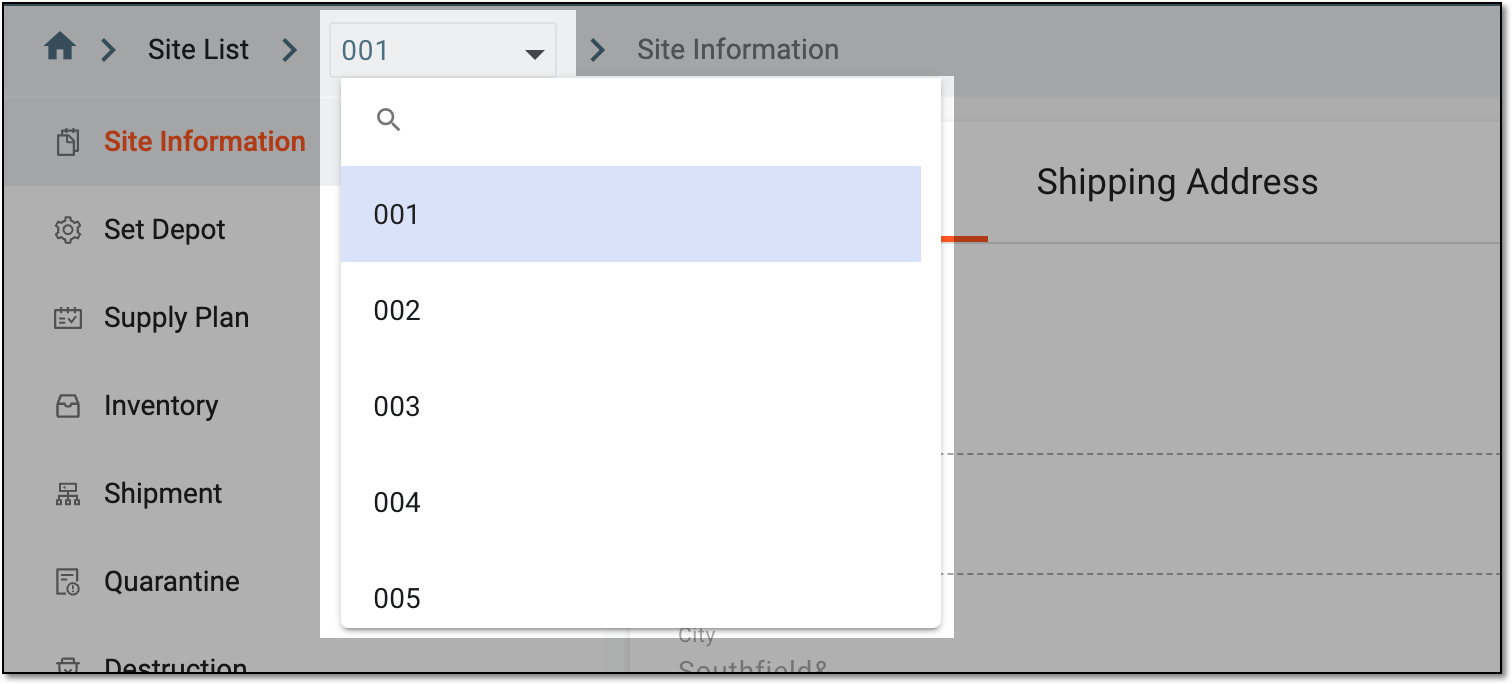 Figure 2. Switching sites from breadcrumbs
-
On the Site Information page that opens, turn the Enable Site to Site Shipment toggle on/off as follows:
-
Turn the toggle on to allow the site to ship/receive items to/from other sites of your study.
-
Turn the toggle off to restrict the site-to-site form of shipment for this site.
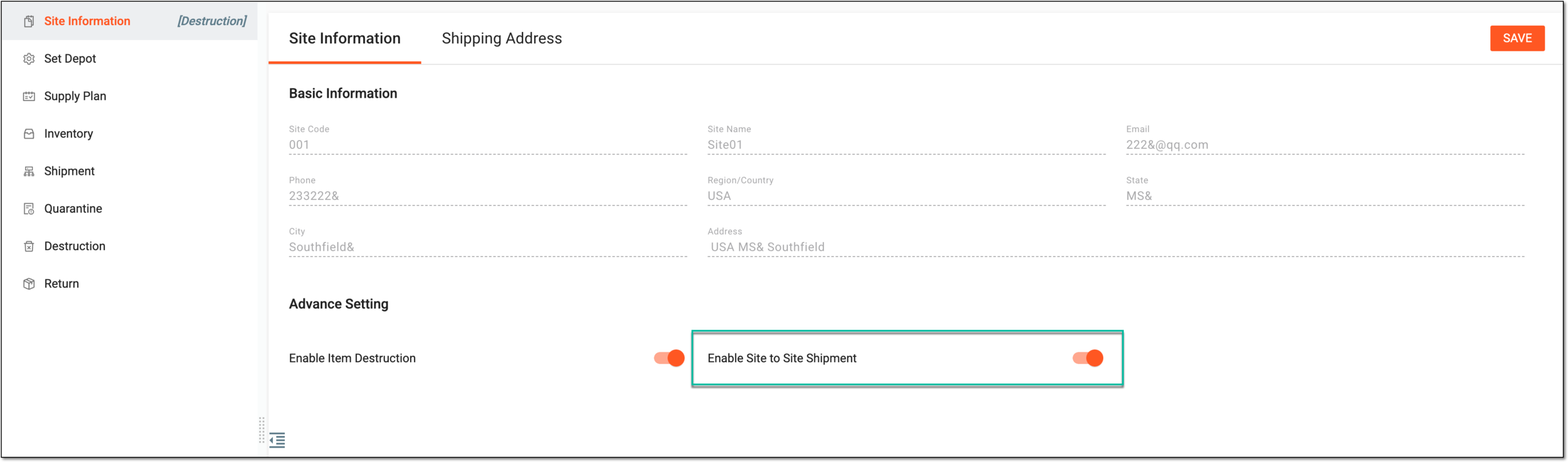 Figure 3. Enabling site to site shipment
-
-
Select
 to save the implemented setting.
Upon saving, you have allowed or restricted the site to ship items to other sites. If enabled, you can now create a new site-to-site shipment.