Edit scrambled randomization
In IWRS, you can edit the previously created scrambled randomization if the numbers within are vacant—not occupied by any randomzation scheme.
Important
If the numbers within the scrambled randomization are occupied—assigned to subjects—you cannot edit its details, and the Edit icon  next to it is disabled.
-
In the IWRS application header, select the TREATMENT DESIGN tab.
-
On the page that opens, in the left pane, select the Period subtab.
-
In the Period List table that appears, locate the period of your interest. Then in the Period Name column, select the value to open the period configurator.
-
In the period configurator, in the Scrambled Randomization List table, go to the scrambled randomization that you want to update and select Edit
next to it. -
In the Edit dialog that appears, edit the fields as needed. These fields are identical to the ones explained in the table of the Add new scrambled randomization section.
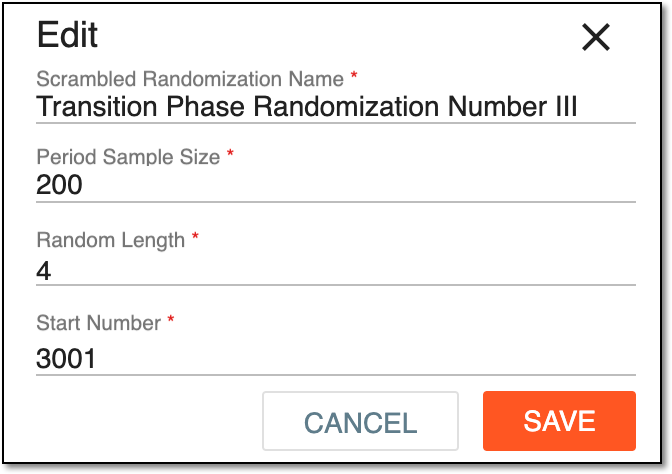 Figure 1. Updating scrambled randomization
-
Select
 to save the implemented changes.
Upon saving, the scrambled randomization details are updated. You can also track all changes made to the scrambled randomization via its operation history.