Delete supply plan
You can delete supply plans that are no longer needed.
To delete a supply plan
-
In the IWRS application header, select the TREATMENT DESIGN tab.
-
From the left pane, select the Supply Setting subtab.
-
In the Supply Plan table that appears, go to the supply plan that you want to remove and next to it, select Delete
 .
. -
In the confirmation dialog that appears, select
 to proceed with the deletion.
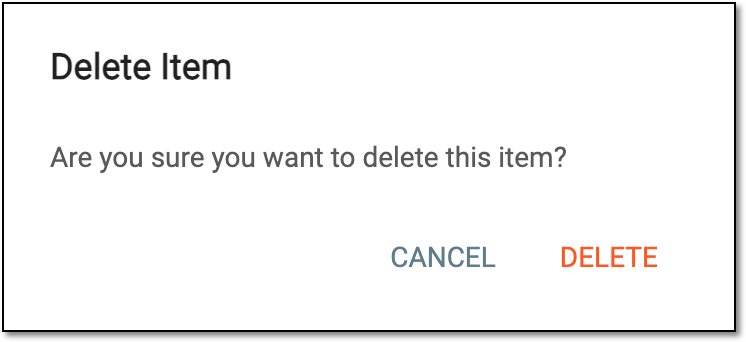 Figure 1. Confirming supply plan deletion
Upon confirmation, a supply plan is deleted. You can create a new supply plan.