Delete item disposition
You can delete item dispositions that are no longer needed. However, you cannot delete a default item disposition. In such a case, the Delete option is disabled.
To delete an item disposition
-
In the IWRS application header, select the TREATMENT DESIGN tab.
-
In the left pane, select the Item Disposition subtab.
-
In the Item Disposition table that appears, locate the item disposition you want to remove and select Delete
 next to it.
 -
In the confirmation dialog that appears, select
 to proceed with the deletion.
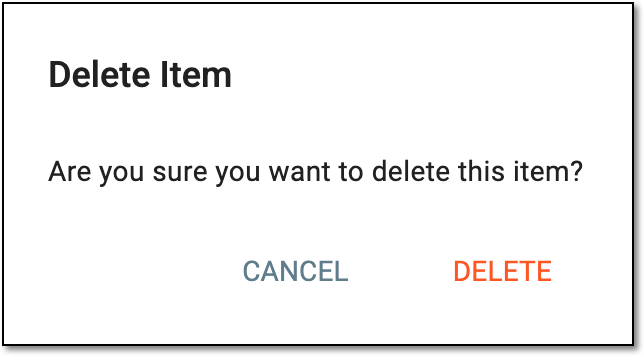 Figure 1. Deleting item disposition
Once selected, your item disposition has now been deleted. You can also create new item disposition.