Delete factor
In IWRS, you can delete the factors that are no longer needed to keep your list up-to-date. However, you cannot delete the factors if:
-
The factor has been created automatically by the system. In other words, the factor is of the CRF Mapping type. In such a case, the Delete option is disabled.
-
The factor has been created manually but is already used in the system—used as cohort inclusion criteria or as a treatment-determining factor in the subject dispensing plan. In such a case, the following error message appears upon attempting to delete the factor:
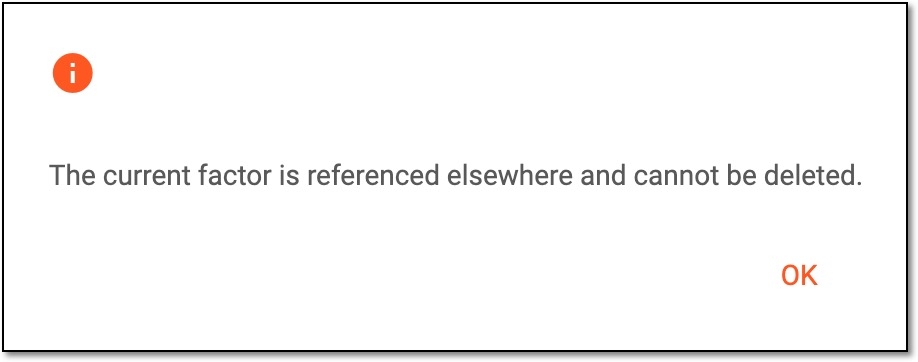 Figure 1. Receiving error message for factor deletion
-
In the IWRS application header, select the TREATMENT DESIGN tab.
-
In the left pane, select the Factor subtab.
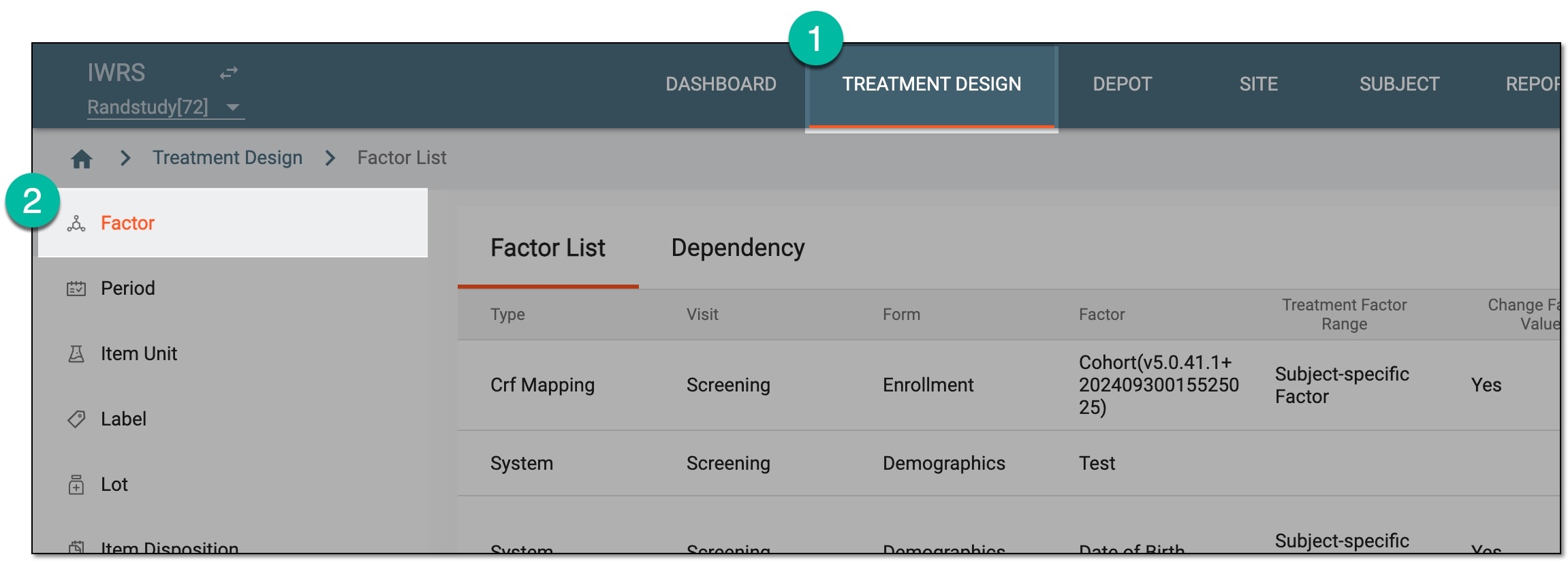 Figure 2. Accessing factor list
-
In the Factor List table that appears, go to the factor that you want to remove and select Delete
 next to it.
 Figure 3. Deleting factor
-
In the confirmation dialog that appears, select
 to proceed with the deletion.
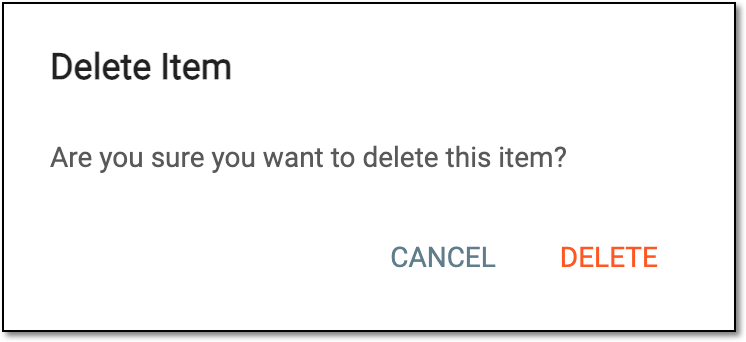 Figure 4. Confirming factor deletion
Once confirmed, your factor has now been deleted.