Set language of data entry and UI
The EDC application provides flexibility to multilingual studies to perform data collection and review in different languages based on their locations, participating audience, and other factors.
The translation languages are configured on the global (study) and site levels to ensure adaptability to ever-changing requirements and business needs of a sponsor.
Once the translation configurations are set for the study, and the site's primary language is selected, you can switch your EDC UI to the suitable language to enter data and interact with the application conveniently.
Important
The CRF data can be entered only in the site's primary language to ensure a unified approach to data collection and a single original language of raw data. Also, the manual queries can be created and comments can be added only in the site's primary language to maintain integrity.
-
Log in to eClinical and select the EDC application.
-
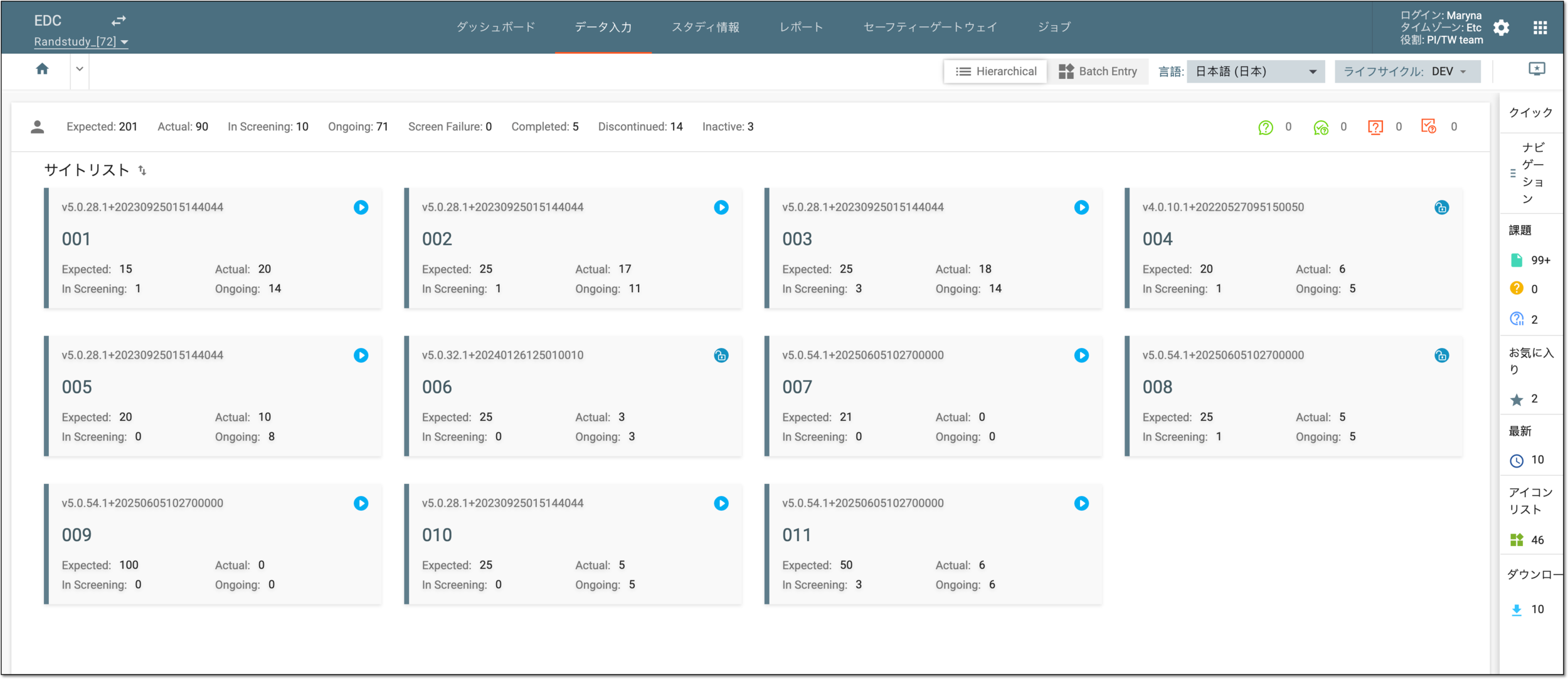
On the application toolbar, from the Language field, select the preferred language of the EDC UI.
 Figure 1. Selecting language
Once selected, the EDC UI is displayed in the set language, and if this is the primary language at your site, you can also enter data in it. If the selected language is not primary, you cannot enter data in it; it is only the language of the UI.