Delete translation language from study
In EDC, once you have set certain languages for data translation in your study, you can delete the ones that are irrelevant at any time.
Important
You cannot delete the language if:
-
The language is set as the primary one for any site.
-
This is the only active language in the global setting list.
To delete a translation language from the study
-
In the EDC application header, select the STUDY INFO tab.
-
On the page that opens, in the left pane, select Translation > Translation Setting.
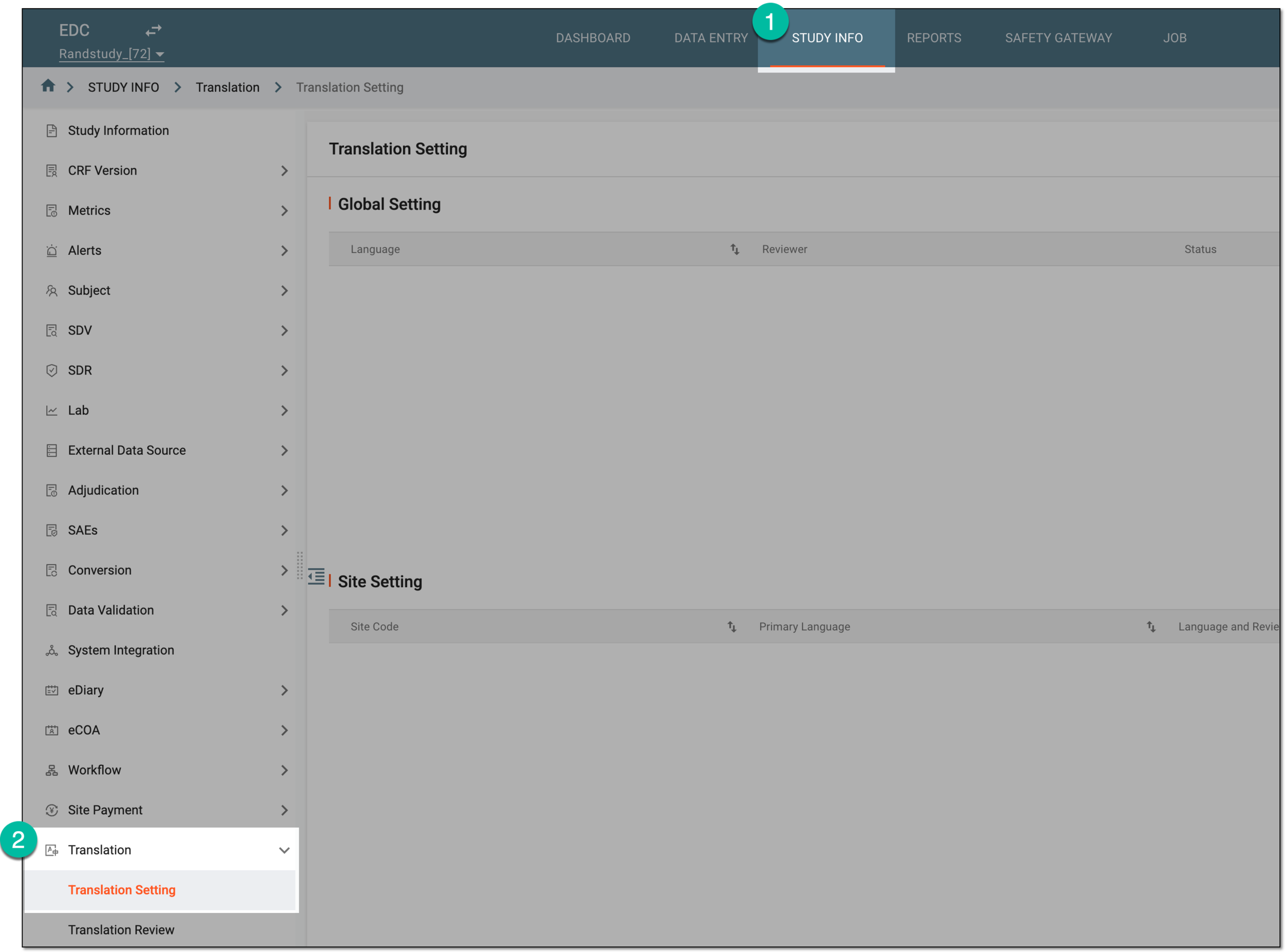 Figure 1. Accessing translation setting
-
On the Translation Setting page, in the Global Setting list, next to the translation language you want to remove, select Delete
 .
. Figure 2. Selecting option to delete translation language
-
In the confirmation dialog that appears, select
 to proceed with your action.
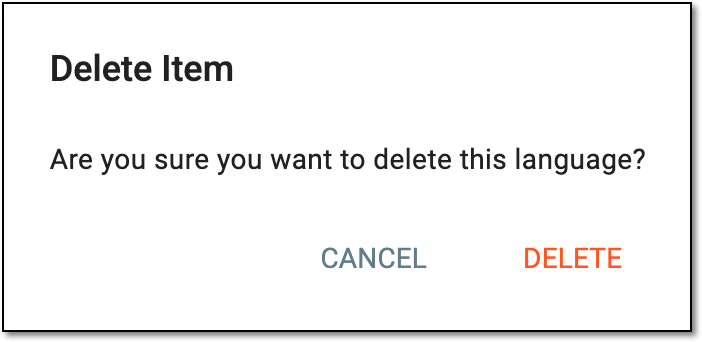 Figure 3. Confirming translation language deletion
Once confirmed, the language is removed from your study.