Edit visit folder details
In Study Designer, you can add visit folders—dedicated directories to store related visits, for instance, unscheduled visits that need to be repeated according to the study protocol. If required, you can update the name of these folders due to changes in the protocol or a sponsor introducing new study requirements.
-
In the Study Designer application header, select the CRF DESIGN tab.
-
In the toolbar, select the latest draft CRF version marked with the respective unlock symbol
 , otherwise, you cannot perform any actions.
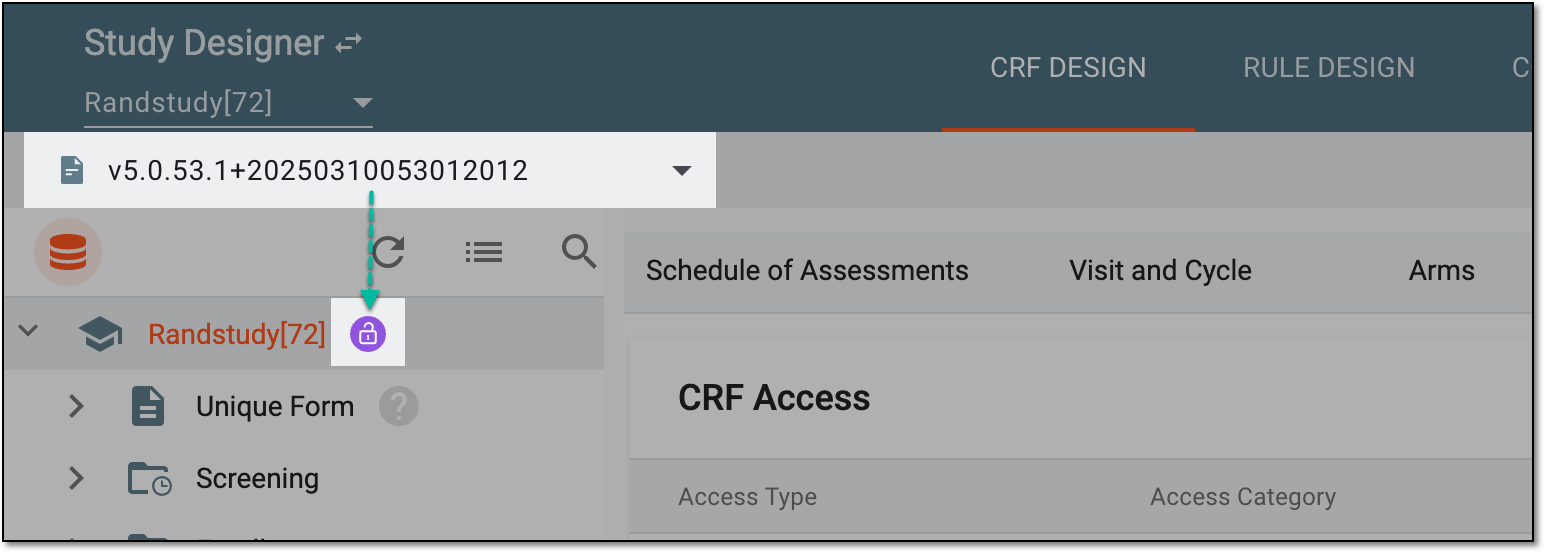 Figure 1. Selecting latest draft CRF version
-
In the left pane that appears, right-click the folder whose name you want to update.
-
In the context menu that opens, select Edit
 .
. -
In the Edit dialog that appears, update the folder name.
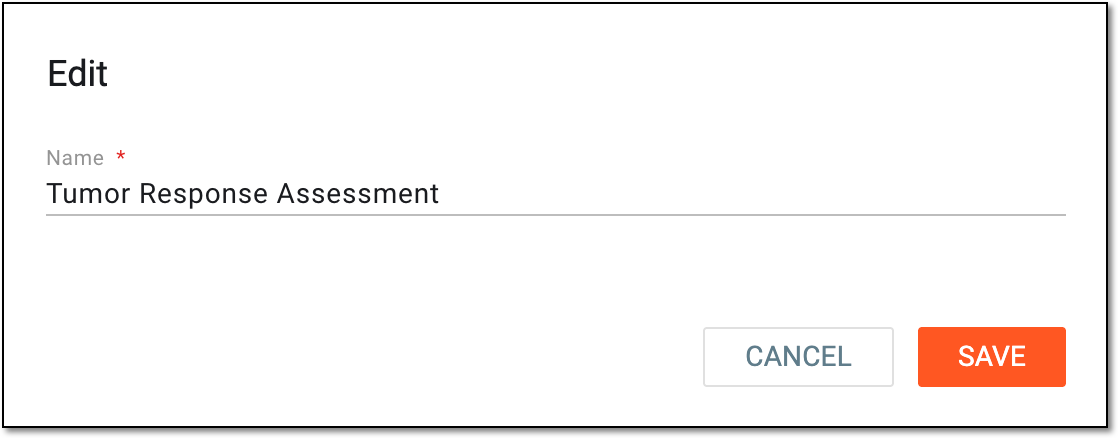 Figure 2. Editing folder name
-
Select
 to update the folder name.
Once saved, the folder name is updated.