Delete job for report extraction
In IWRS, all the available reports can be extracted from the system to the preset external server using scheduled jobs—automated tasks for data extraction. Scheduling jobs saves time for manual export and enables regular and timely execution, minimizing risks of human error. If at any time your existing job becomes obsolete, you can delete it. Deleting the job from the system immediately ceases its execution.
-
In the IWRS application header, select the REPORTS tab.
-
On the page that opens, from the left pane, select Report Extraction Job.
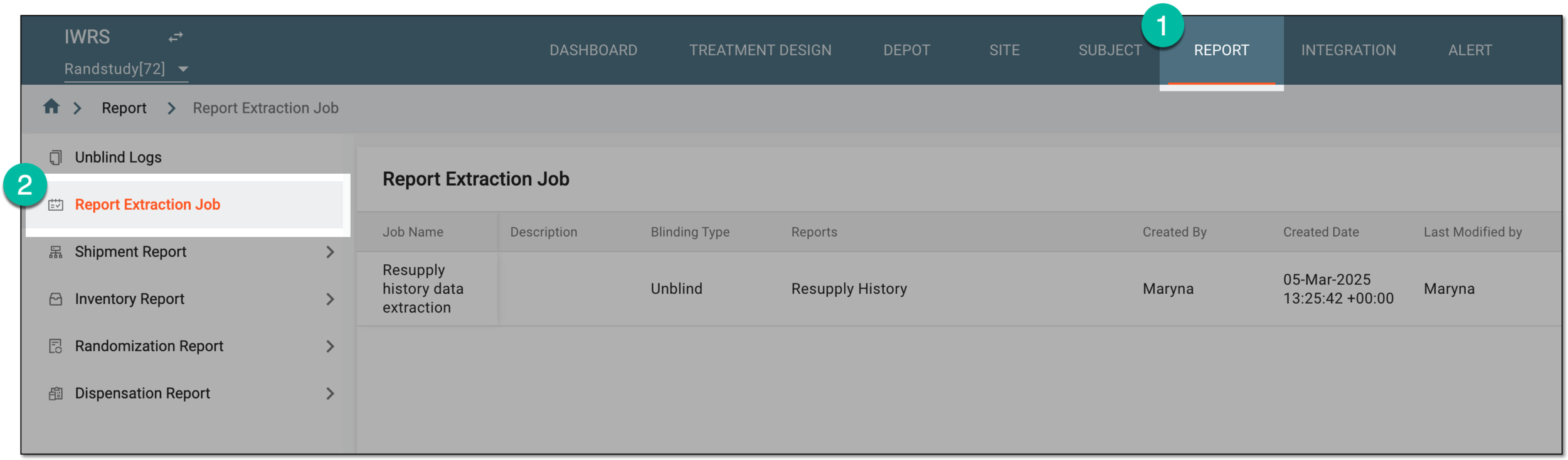 Figure 1. Accessing report extraction jobs
-
On the Report Extraction Job page that opens, locate the job that you want to delete. Then from the Action(s) column next to it, select More
 > Delete
  .
. Figure 2. Deleting report extraction job
-
In the Delete Item dialog that opens, select
 to confirm the deletion.
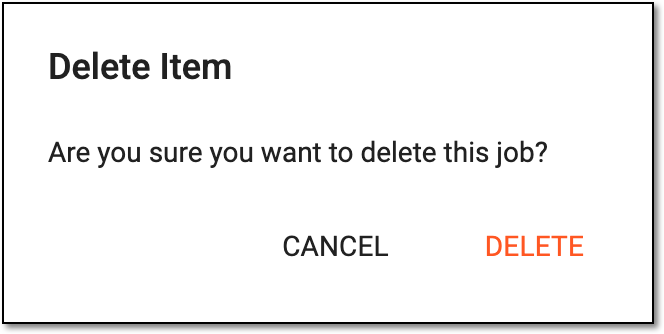 Figure 3. Confirming deletion of extraction job
Once confirmed, the report extraction job is deleted.