Clear assigned term
In the Medical Coding module, there may be cases where you need to clear an assigned dictionary term for a verbatim term (VT) in the coding process. This can occur when an incorrect or inappropriate term has been assigned or if the term requires re-evaluation for any other reason. Clearing an assigned term helps you reset the coding status, enabling a fresh assessment and the opportunity to manually reassign a correct standardized term from the appropriate coding dictionary.
-
In the Medical Coding application header, select the CODING tab.
 Figure 1. Accessing coding functionality
-
On the VT List page that opens, in the table, review a list of available VTs, which may be either assigned or still pending assignment. Then, go to the VT for which the term needs to be cleared and next to it, select Clear Assigned Term
 .
.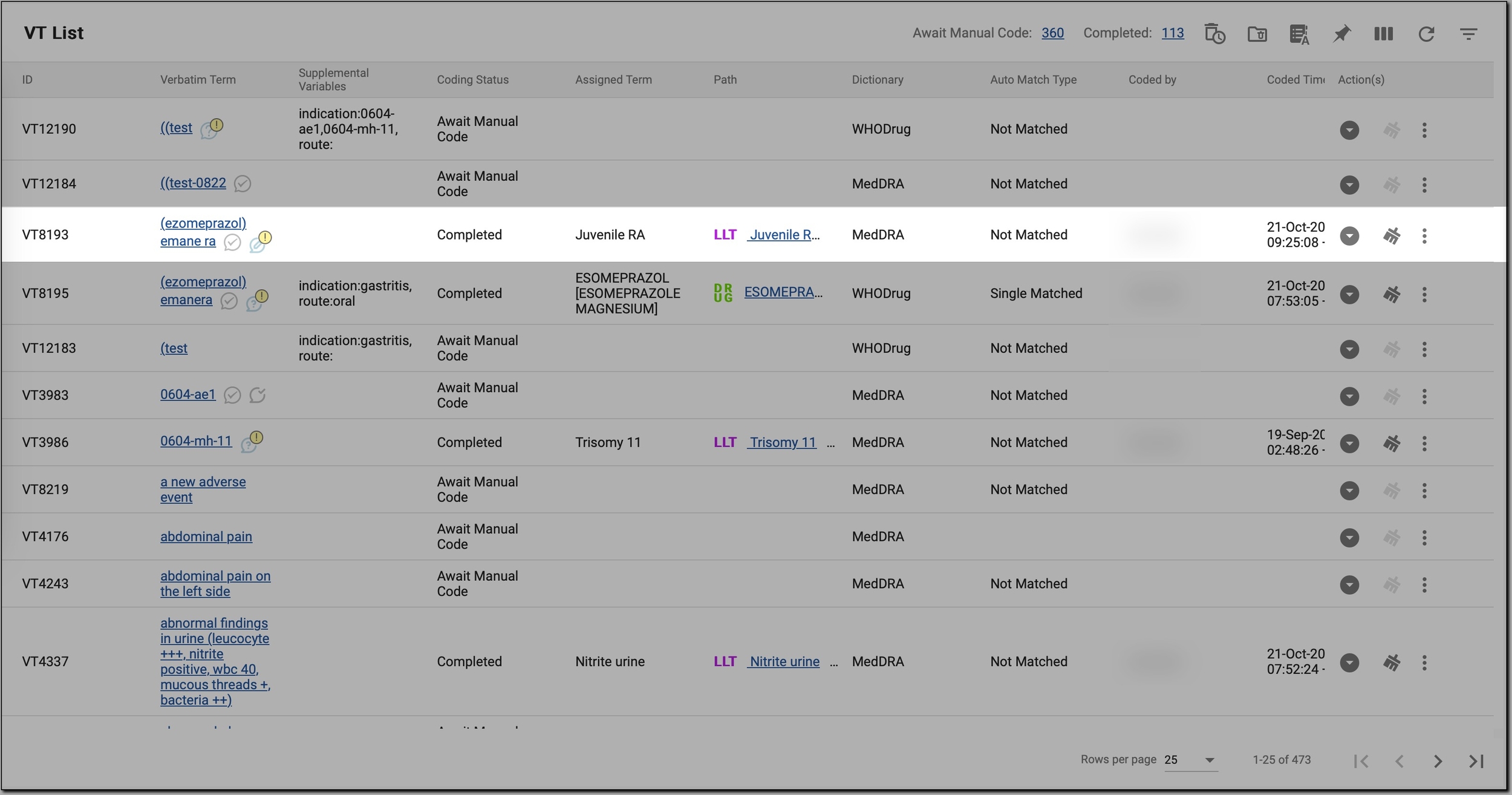 Figure 2. Initiating term clearing
-
If the VT has a synonym, in the Clear Assigned Term dialog, select one of the options as follows.
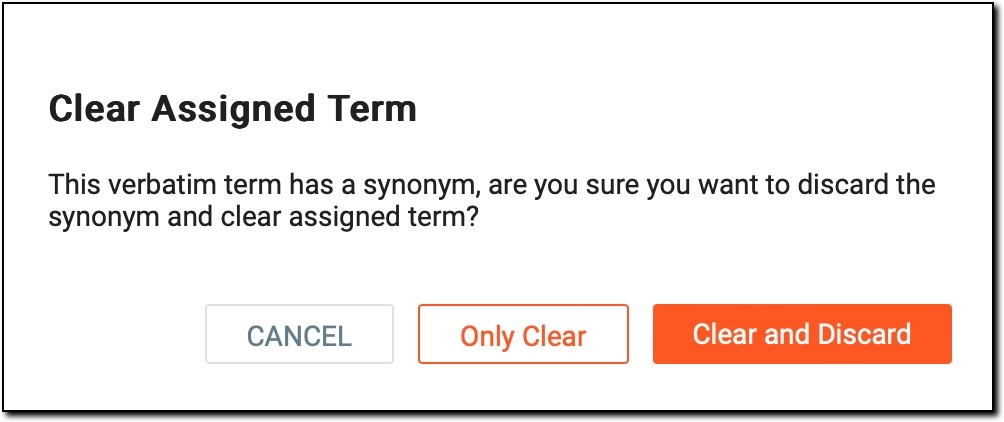 Figure 3. Clearing assigned term for VT with synonym
-
Only Clear: removes the assigned term while leaving the synonym in place. This option is useful if you want to reset the assigned term for the specific VT but retain the synonym for future reference or reassignment.
-
Clear and Discard: removes the assigned term and deletes the synonym as well. This option is typically used when you want to completely remove the term and its synonym from the list, allowing for a fresh start in the coding process.
-
CANCEL: discards the assigned term clearance. No changes are made to the VT and it retains its current state.
-
-
If the VT does not have a synonym, in the Clear Assigned Term dialog, select
 to remove the assigned term and save your
changes.
to remove the assigned term and save your
changes.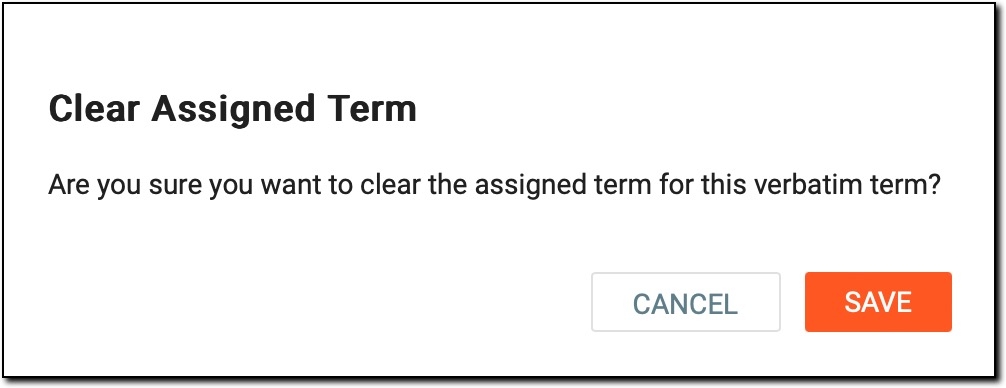 Figure 4. Clearing assigned term for VT with no synonym
The assigned term is removed, and the following changes occur:
-
The Assigned Term column for the selected VT is cleared, leaving it without any previously assigned standardized term.
-
Coding Status is updated to Await Manual Code, indicating that manual coding is required.
-
The Path column is cleared, as no valid term is associated with the VT.
-
If the VT had a synonym, it either remains (if Only Clear was selected) or is removed (if Clear and Discard was selected).