Delete coding batch
The Delete Coding Batch functionality helps you permanently remove coding batches that have been previously canceled. This option is crucial for maintaining an organized coding environment, ensuring that only relevant and active batches remain in the system.
-
In the Medical Coding application header, select the BATCH tab.
 Figure 1. Accessing batch configurations
-
In the Batch List table that appears, go to the coding batch that was previously cancelled and that you want to remove. Then select Delete
 next to it.
 Figure 2. Initiating coding batch deletion
Important
The option is not available for coding batches in statuses other than Cancelled.
-
In the Delete Item confirmation dialog, select
 .
.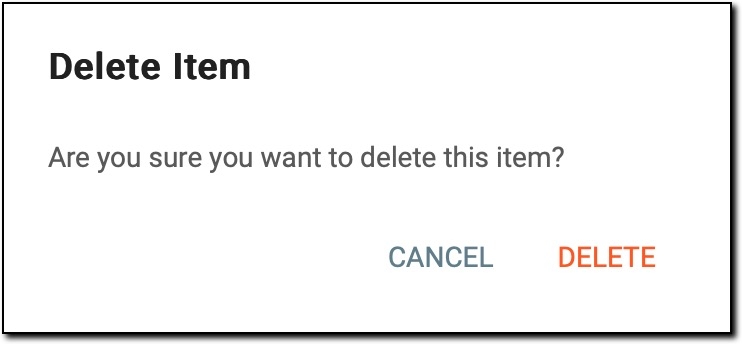 Figure 3. Deleting coding batch
Once the deletion is confirmed, the canceled batch is permanently removed from the system. This action helps streamline your batch management by eliminating unnecessary entries, ensuring that only relevant coding batches remain accessible for review and processing.