Cancel item batch destruction request at depot
Item destruction refers to the process of disposing of or destroying an investigational product or other unused medication when they are no longer needed, damaged, or for another reason.
In IWRS, the depots can destroy items by creating destruction batches—bundles of items that are to be destroyed together—and approving their disposal. For the batches that were created but not yet approved, the destruction request can be canceled, for instance, if some items were added to the batch by mistake.
Another scenario for canceling the destruction request is for the previously approved batch to be revoked and thus, return to the Initial status. For such batches, the request for destruction can be canceled.
-
In the IWRS application header, select the DEPOT tab.
-
In the Depot List table that opens, select the needed depot.
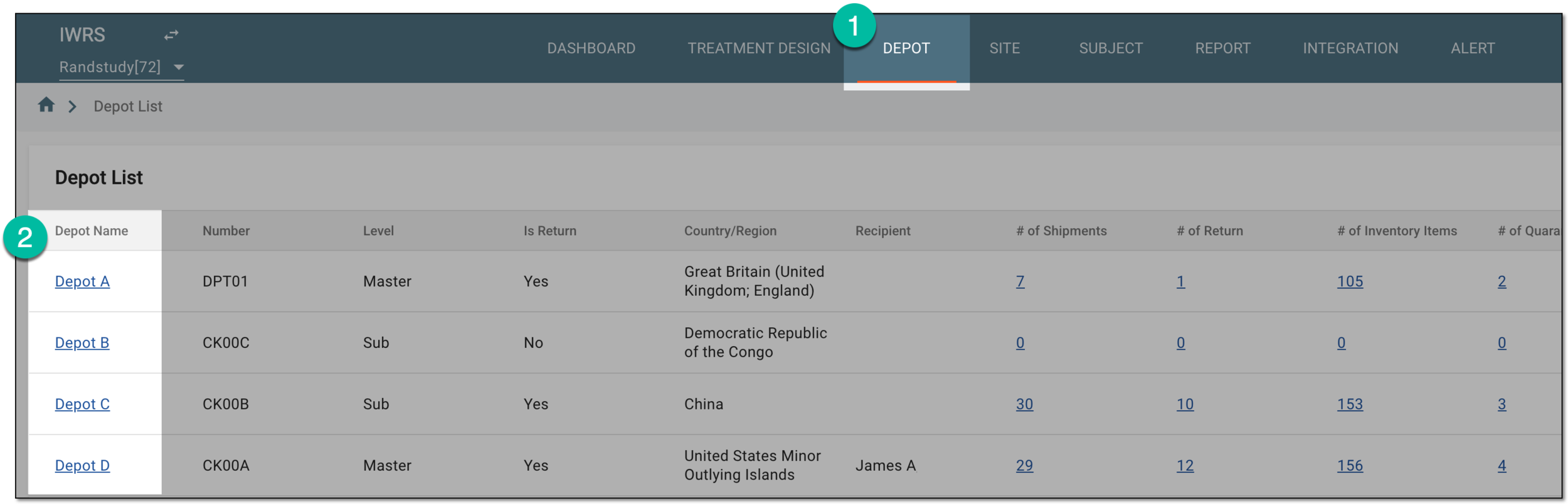 Figure 1. Selecting depot to open its details
-
On the page that opens, in the left pane, select Destruction.
-
On the page that opens, select the Destruction Batch tab.
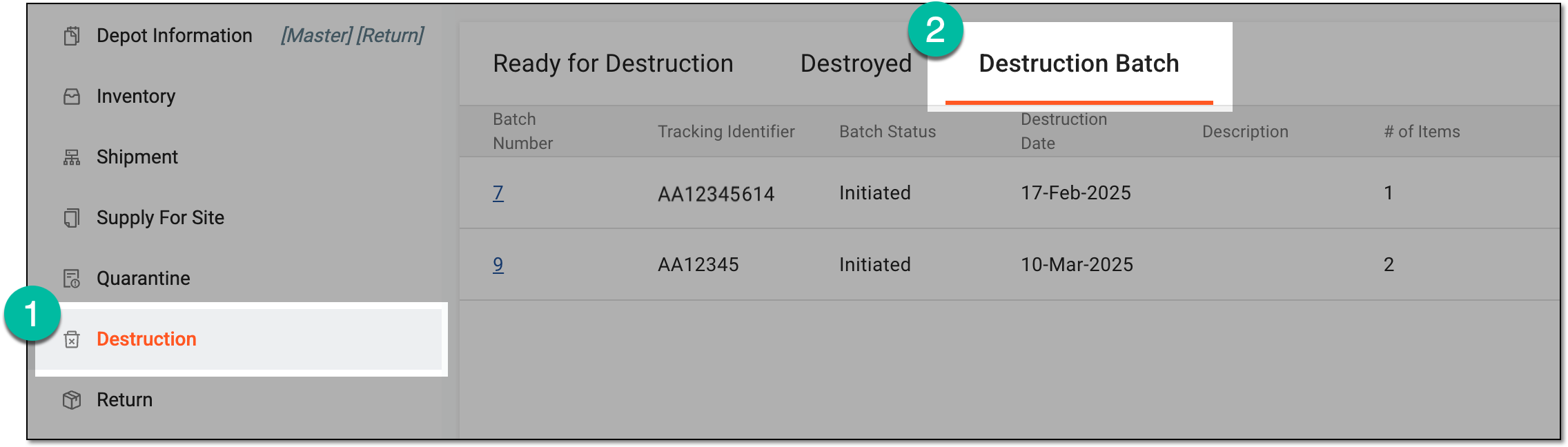 Figure 2. Accessing item destruction batch list
-
In the Destruction Batch table that appears, locate the batch in the Initiated status that you want to cancel. Then select its batch number.
 Figure 3. Selecting item destruction batch to cancel
-
On the Destruction Batch page that opens, review the details of the items for the initiated destruction. Then select
 .
.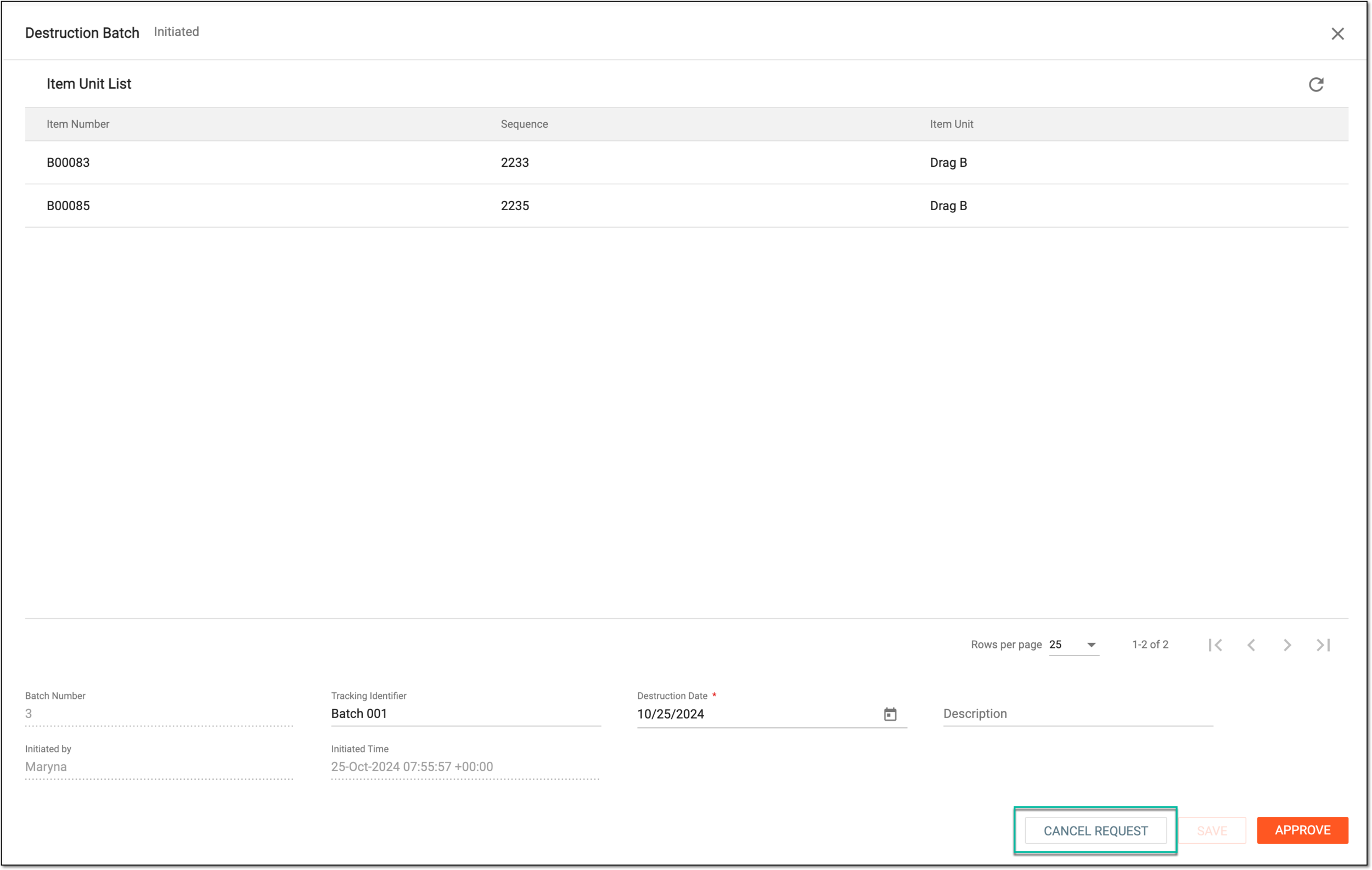 Figure 4. Canceling item batch destruction request
-
In the Cancel dialog that opens, provide the mandatory reason for your action and select
 .
.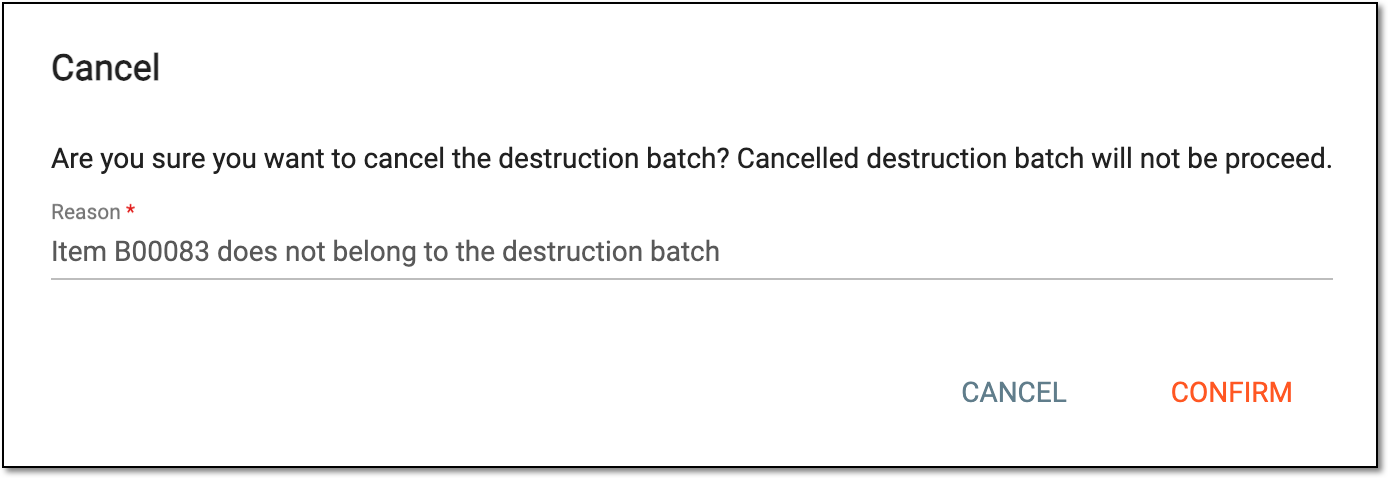 Figure 5. Confirming item batch destruction request cancelation
Once confirmed, the request for the item destruction of the batch is canceled. No further processing is possible for canceled batches, except for deletion.