Cancel open query
While working with forms in EDC and finding some inaccurate or missing data, you can create queries for responsible users to address the issues and either correct them or confirm the data's accuracy. A query is a request to fix the encountered discrepancy in the study data.
Manual queries are created by users when some data is missing, questionable, or does not match the expected criteria. However, sometimes you open the query and realize that the data in question is clarified or the issue is resolved in any way, hence the query becomes redundant. To avoid cluttering the system and prevent assignees from doing redundant work of closing such queries, you can cancel the query on the condition that no action has been taken on it.
-
In the EDC application header, select the DATA ENTRY tab.
-
On the site list page that opens, select the tile representing the site with which you want to work.
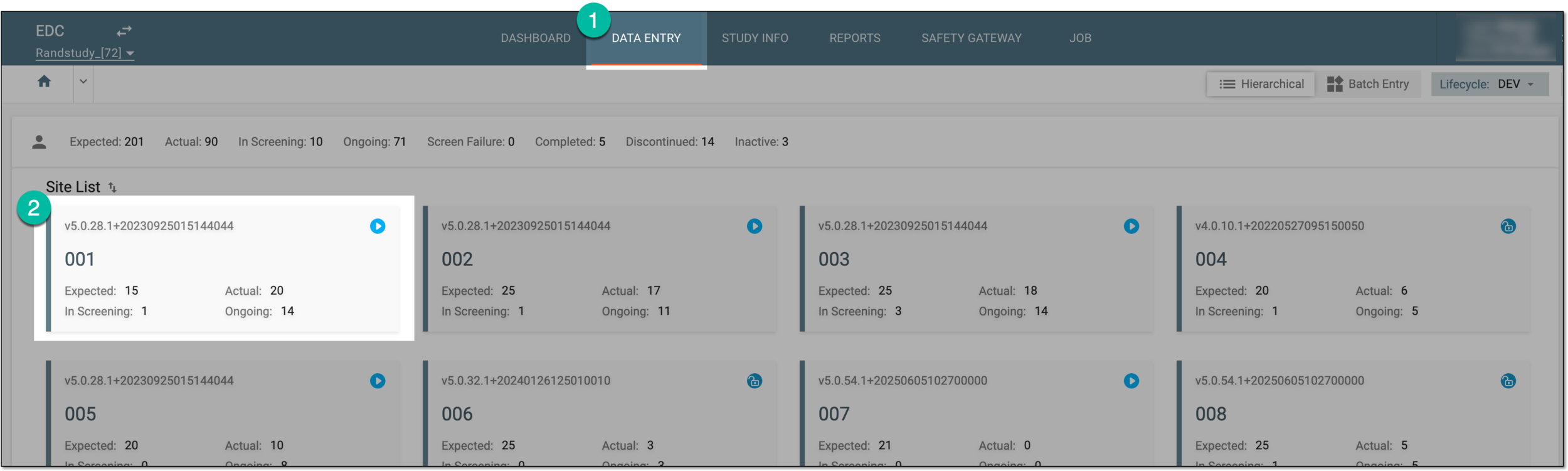 Figure 1. Accessing site
-
In the Subject ID column, select the needed subject.
 Figure 2. Selecting subject
-
Once the needed subject is accessed, select either of the following two options:
-
In the subject visit tree of the page that opens, expand the needed visit to select the form with the query you intend to work.
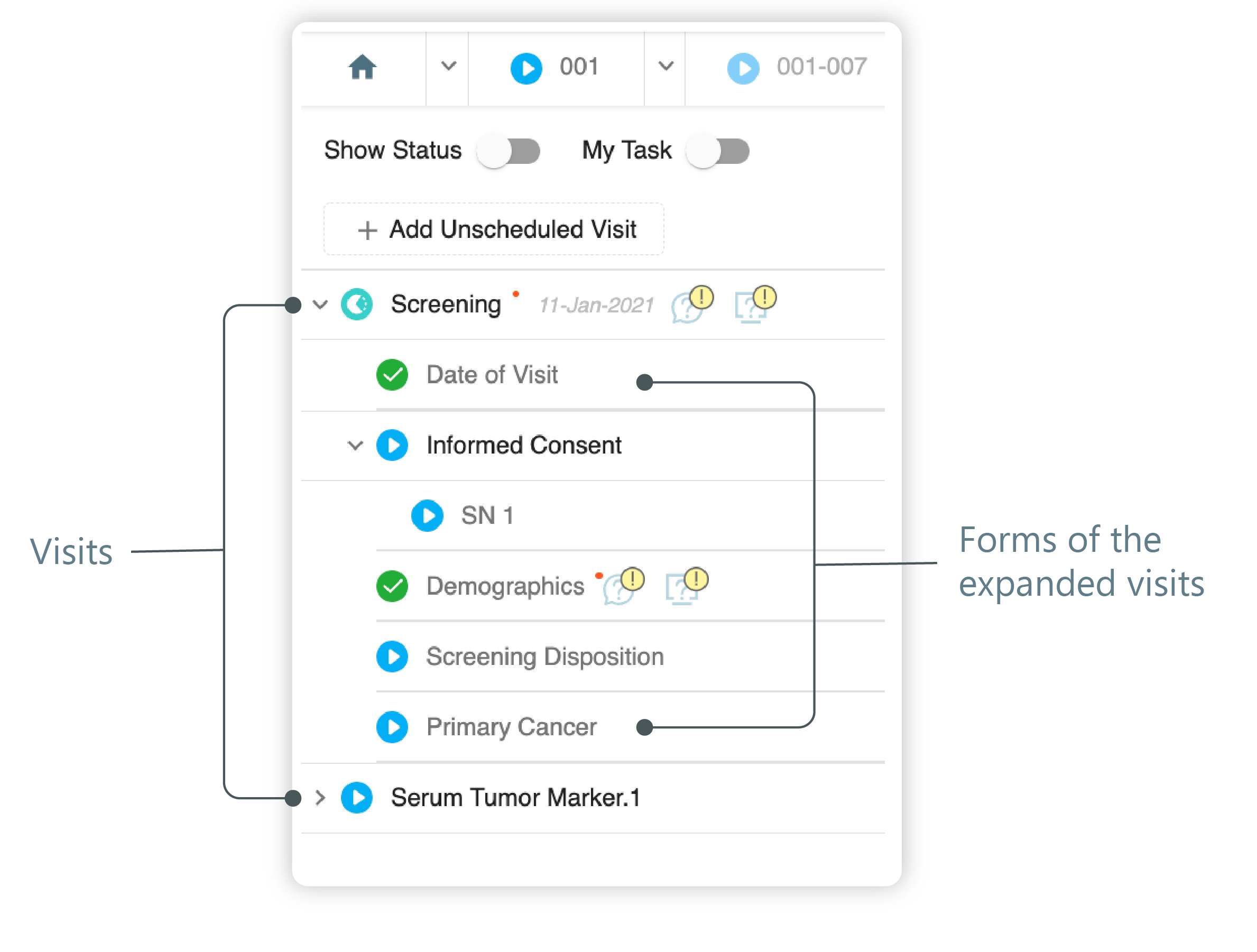 Figure 3. Left panel. Visits and their forms
-
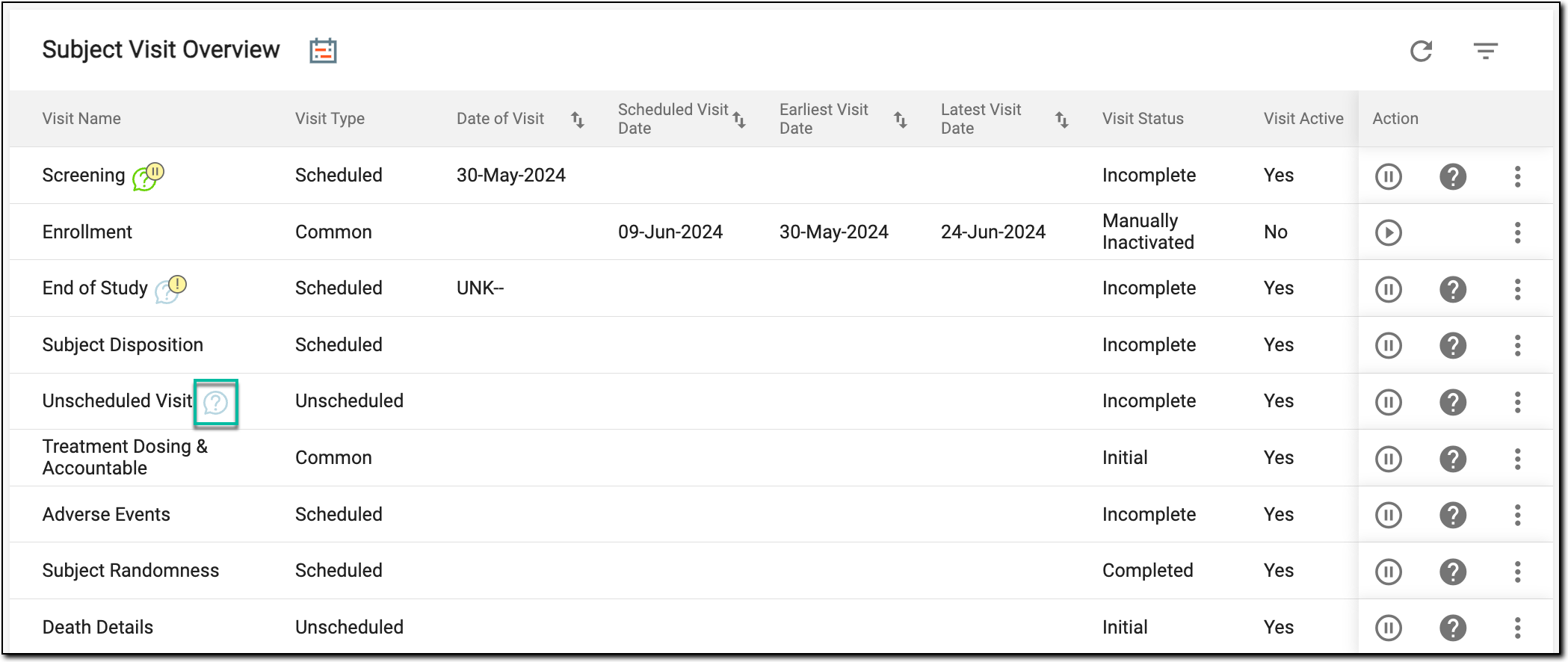
On the Subject Visit Overview page, locate the needed visit.
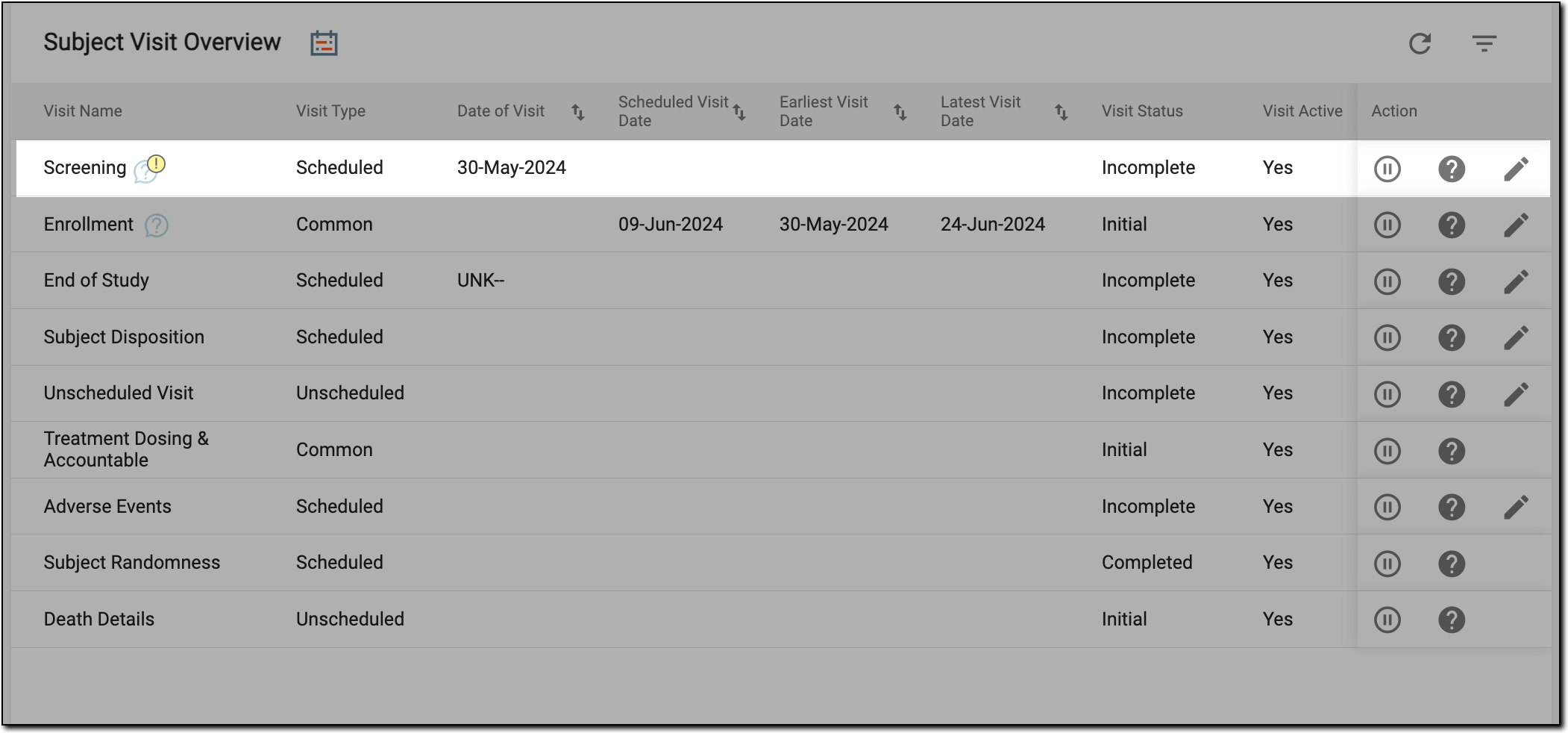 Figure 4. Locating visit
-
-
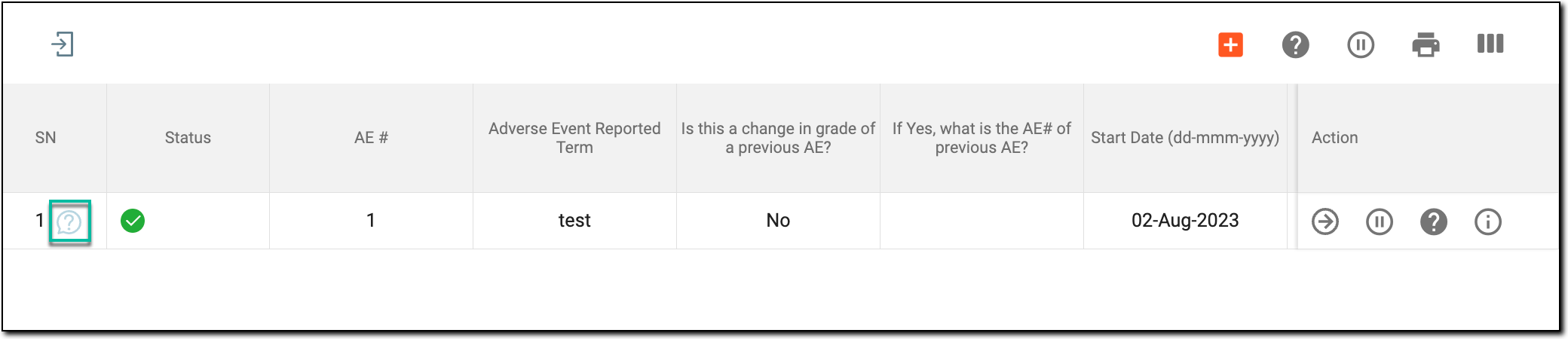
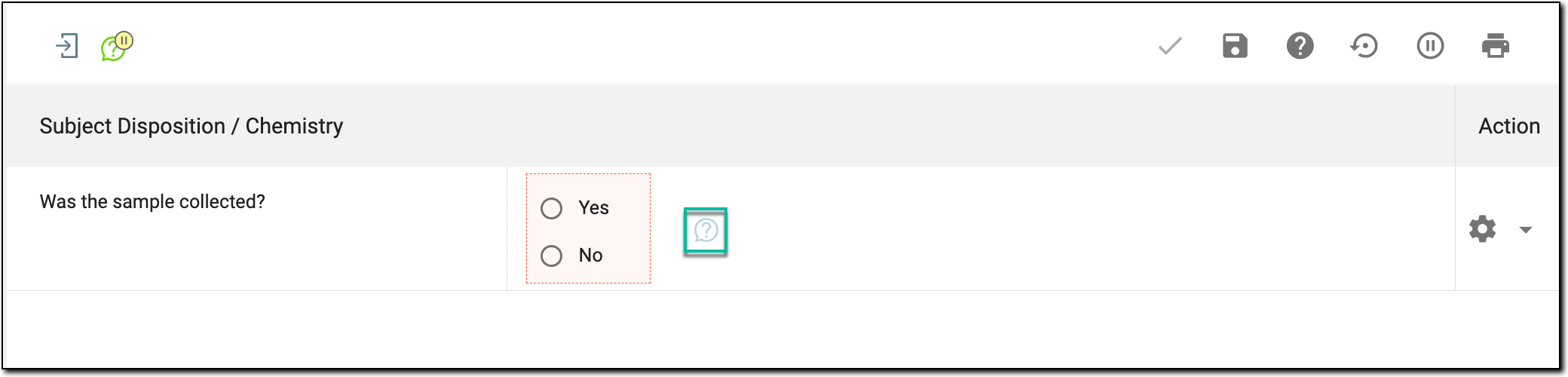
Next, access a manual query for the needed visit, form, record, or item as follows.
-
In the panel that expands, next to the needed query, select Cancel
 .
.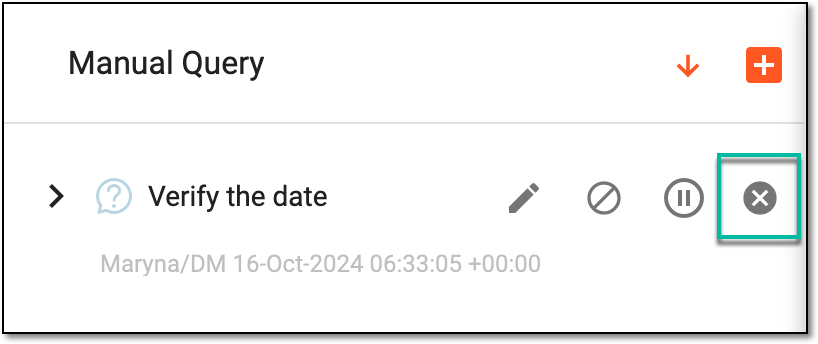 Figure 9. Cancelling query
-
In the dialog that appears, select or enter a reason for pausing the query and enter the next review date for this query. Then select
 .
.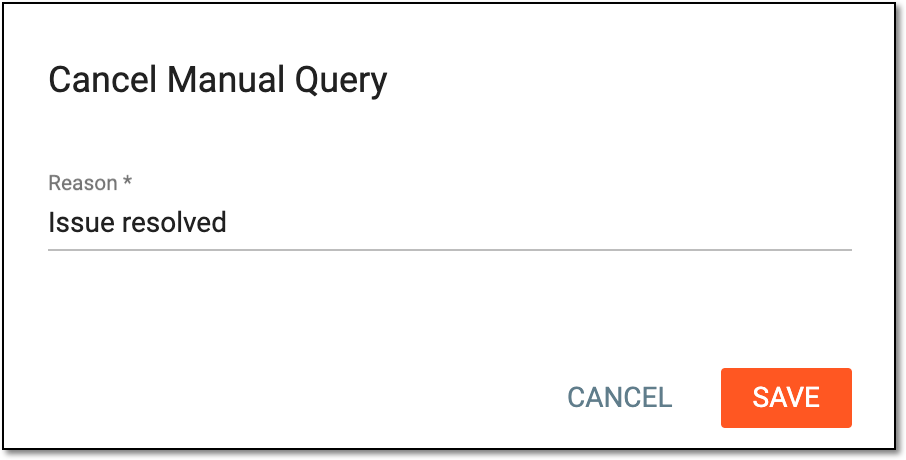 Figure 10. Providing reason for cancelling open query


Once saved, the query is cancelled and disappears from the entity in question—visit, form, record, or item. However, all cancelled queries of EDC are traceable via the Cancelled Manual Query report.