Rerun test case for CRF version
In EDC, you can generate and run testing cases for your configured CRF versions in the test—UAT—lifecycle before pushing the newest version and initiating actual data entry in the production—PROD—lifecycle. This helps you review and verify if the CRF logic is working correctly to prepare the fault-free version and avoid situations of broken logic only outing when the actual data entry starts.
If needed, you can rerun your test case manually after introducing some amendments, for instance, updating the individual case logic.
-
In the EDC application header, select the STUDY INFO tab.
-
On the page that opens, in the left pane, select CRF Version > Edit Check Testing Case.
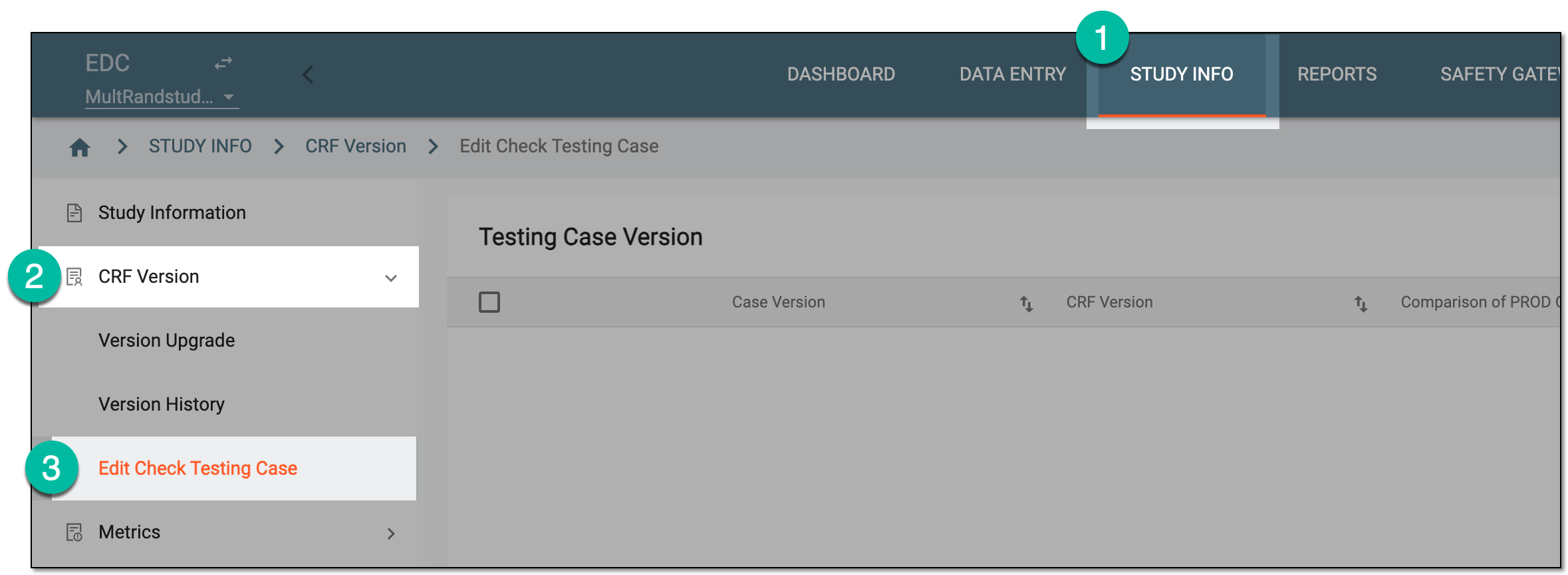 Figure 1. Accessing edit check testing
-
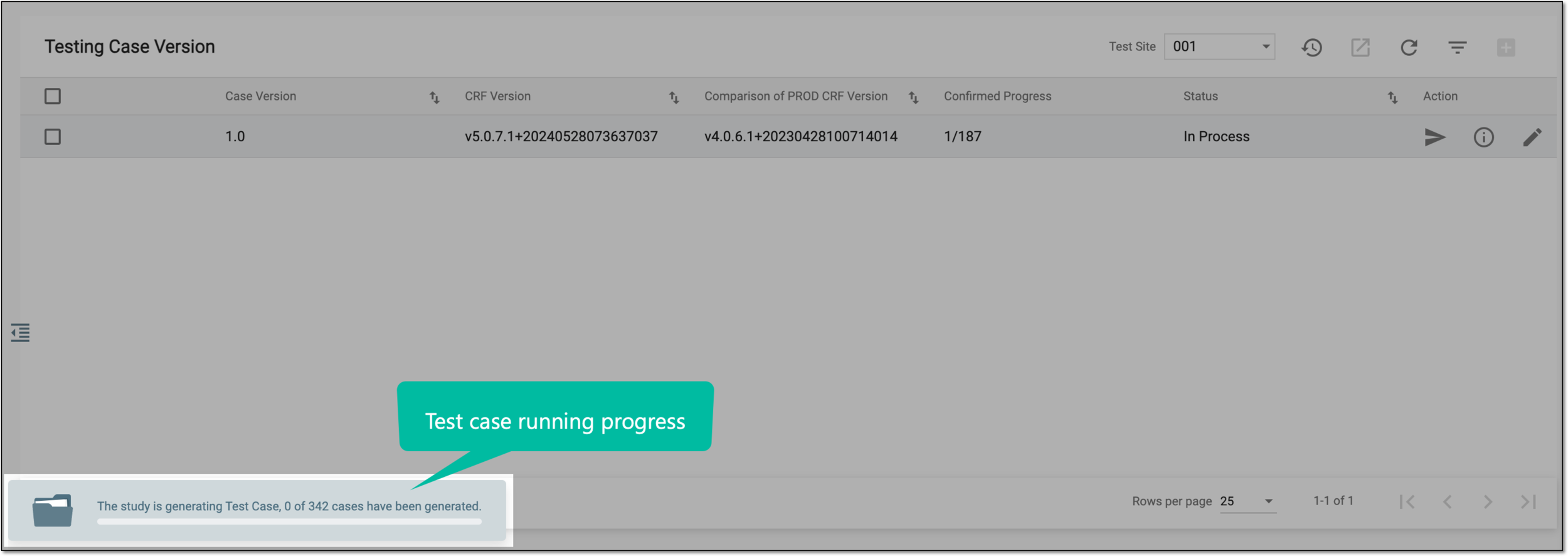
On the Testing Case Version page that opens, locate the test case version that you want to rerun. Then from the Action column, select Re-run
 .
. Figure 2. Rerunning test case version
You have initiated a new test case run. The widget appears depicting the running progress. Once done, you can proceed to review the new test case results.