Reassign query from deleted to active role
When a role is deleted in the ADMIN application, all queries assigned to the deleted role cannot be answered, resolved, or closed until they are reassigned to a different role. This is important to avoid delaying the process of resolving the query.
From the Exception Assigned To subtab, you can reassign the query of the deleted role to a different active role.
-
In the EDC application header, select the REPORTS tab.
-
On the page that opens, in the left pane, select Exception Query Report > Exception Assigned To.
-
On the page that appears, select the query whose role you want updated. Then, from the workspace toolbar, select Edit
 .
. -
In the Edit dialog that appears, select the new role responsible for resolving the query and then select
 .
.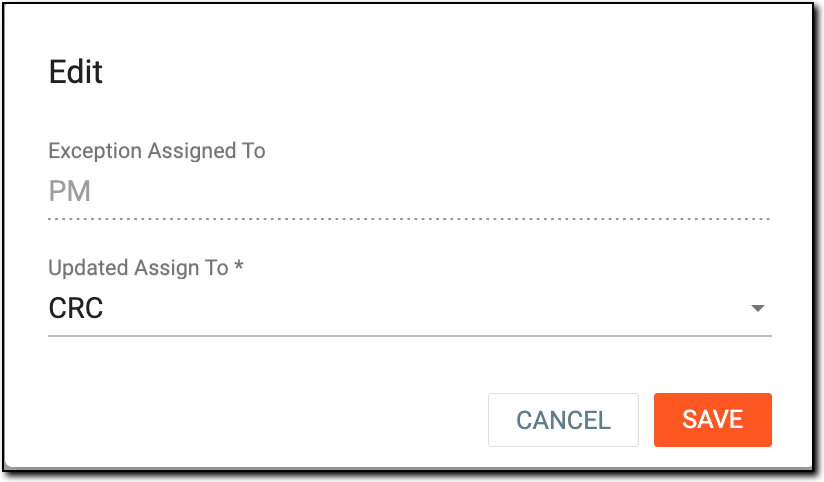 Figure 1. Updating query assignee
Once saved, the query is reassigned to the new role and removed from the Exception Assigned To list; however, you can view the details of this operation in the Exception Query Operate History list.