Delete data processing rule
Deleting data processing rules removes outdated or unnecessary rules from the system, ensuring that only relevant and effective rules are maintained. This action helps keep the data processing framework clean and focused, enhancing the accuracy and efficiency of data handling.
-
In the Medical Coding application header, select the CONFIGURATION tab.
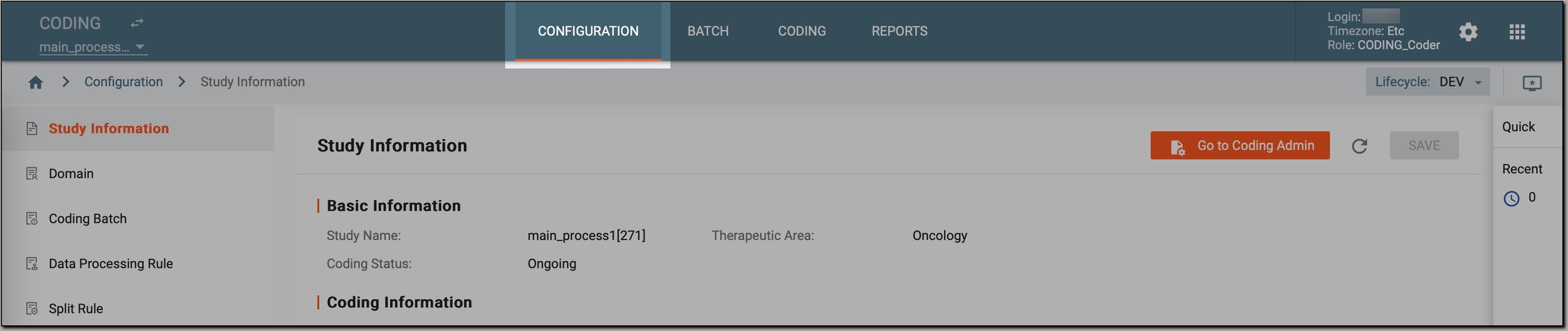 Figure 1. Accessing coding configurations
-
In the left pane, select Data Processing Rule.
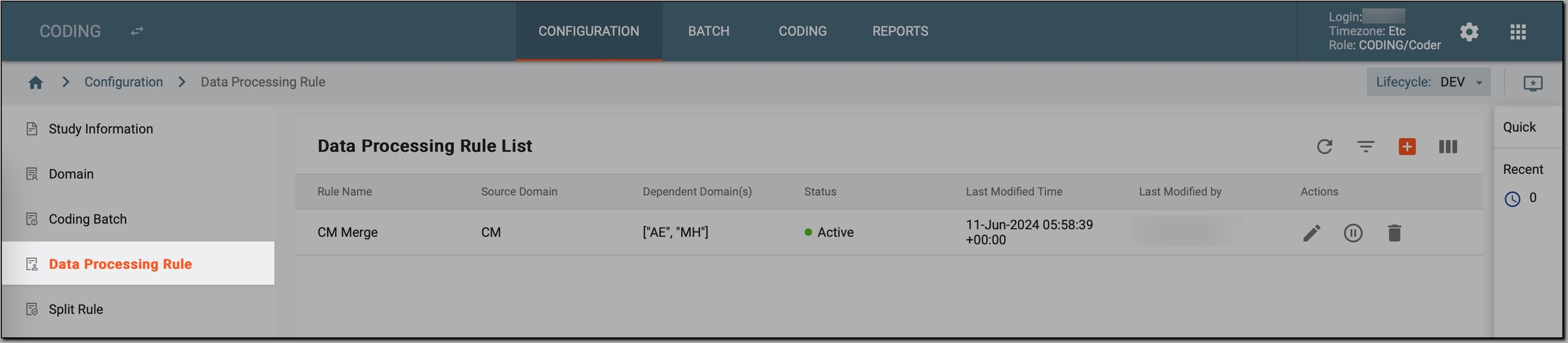 Figure 2. Accessing data processing rules
-
In the Data Processing Rule List table that appears, go to the data processing rule that you want to delete and select Delete
 next to it.
 Figure 3. Initiating deletion of data processing rule
-
In the Delete Item confirmation dialog, select
 .
.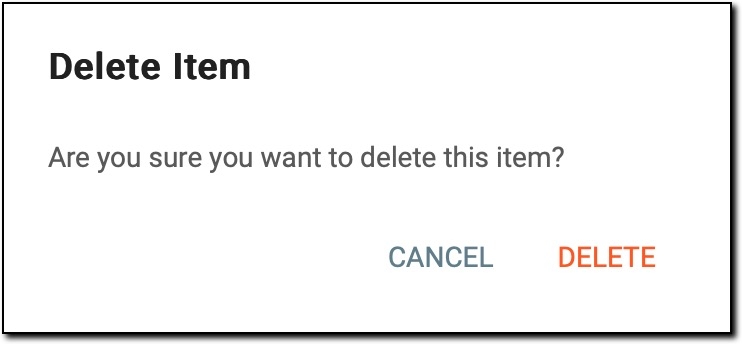 Figure 4. Deleting data processing rule
Once done, the selected data processing rule is permanently removed from the CODING application and can no longer be used to define how data is processed before the coding phase.