Export synonym list
Using the Export feature, you can download and save existing synonym lists as XLSX files. This can be beneficial to preserve and analyze synonym lists offline or transfer them to other systems or users who may not have access to the CODING application.
-
In the Coding Admin application header, select the SYNONYM tab.
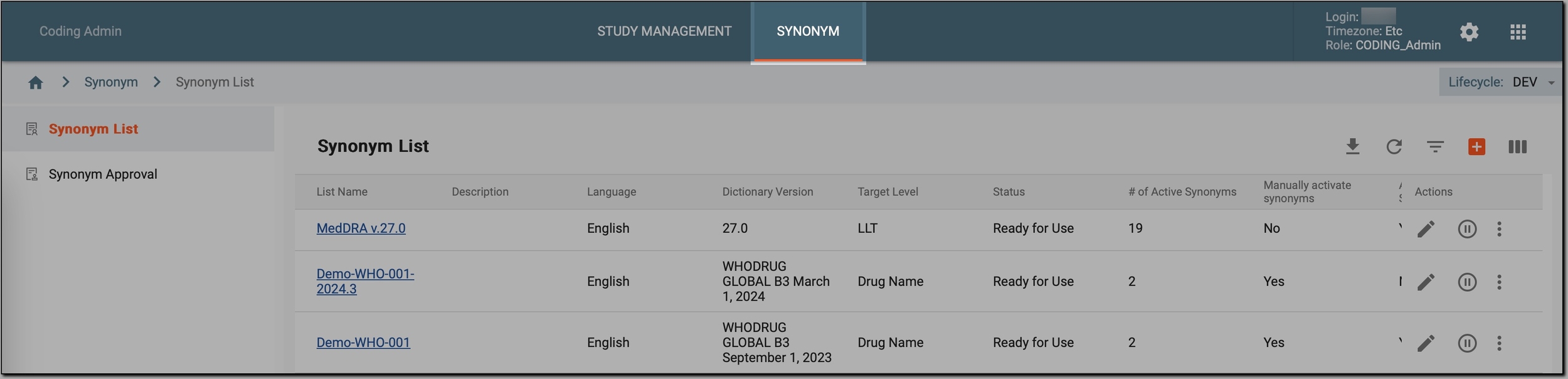 Figure 1. Accessing synonym configurations
-
In the left pane, select Synonym List.
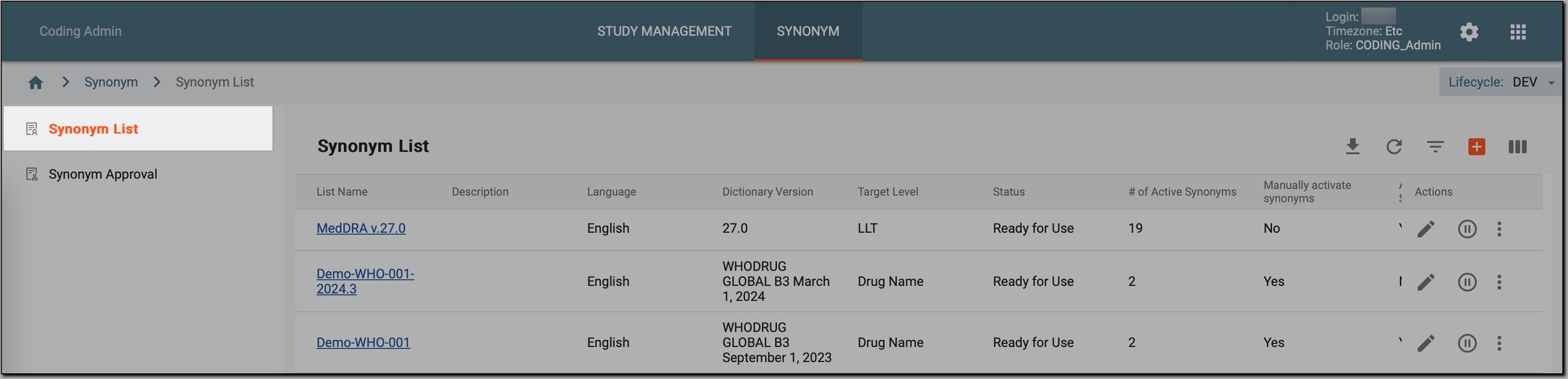 Figure 2. Accessing synonyms
-
In the Synonym List table that appears, go to the synonym list that you want to export and select
 > Export
  .
.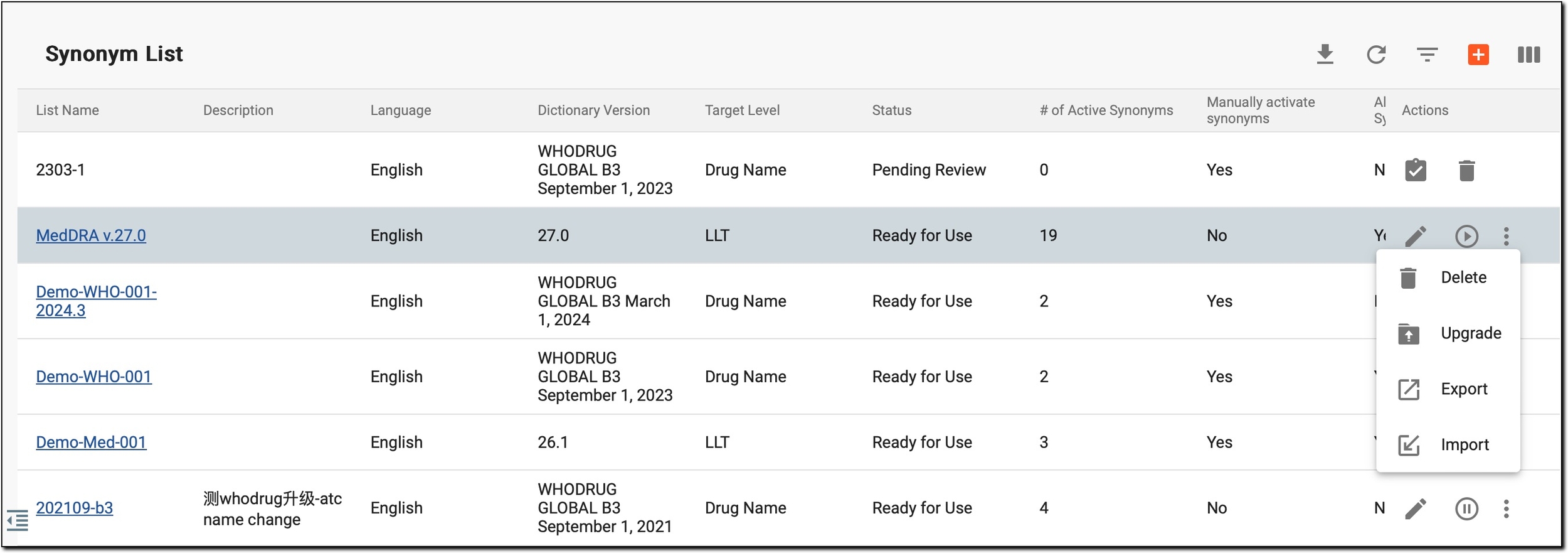 Figure 3. Initiating synonym list export
-
Follow the prompts on your screen to export (download) and save the synonym list to your computer as an XLSX file.
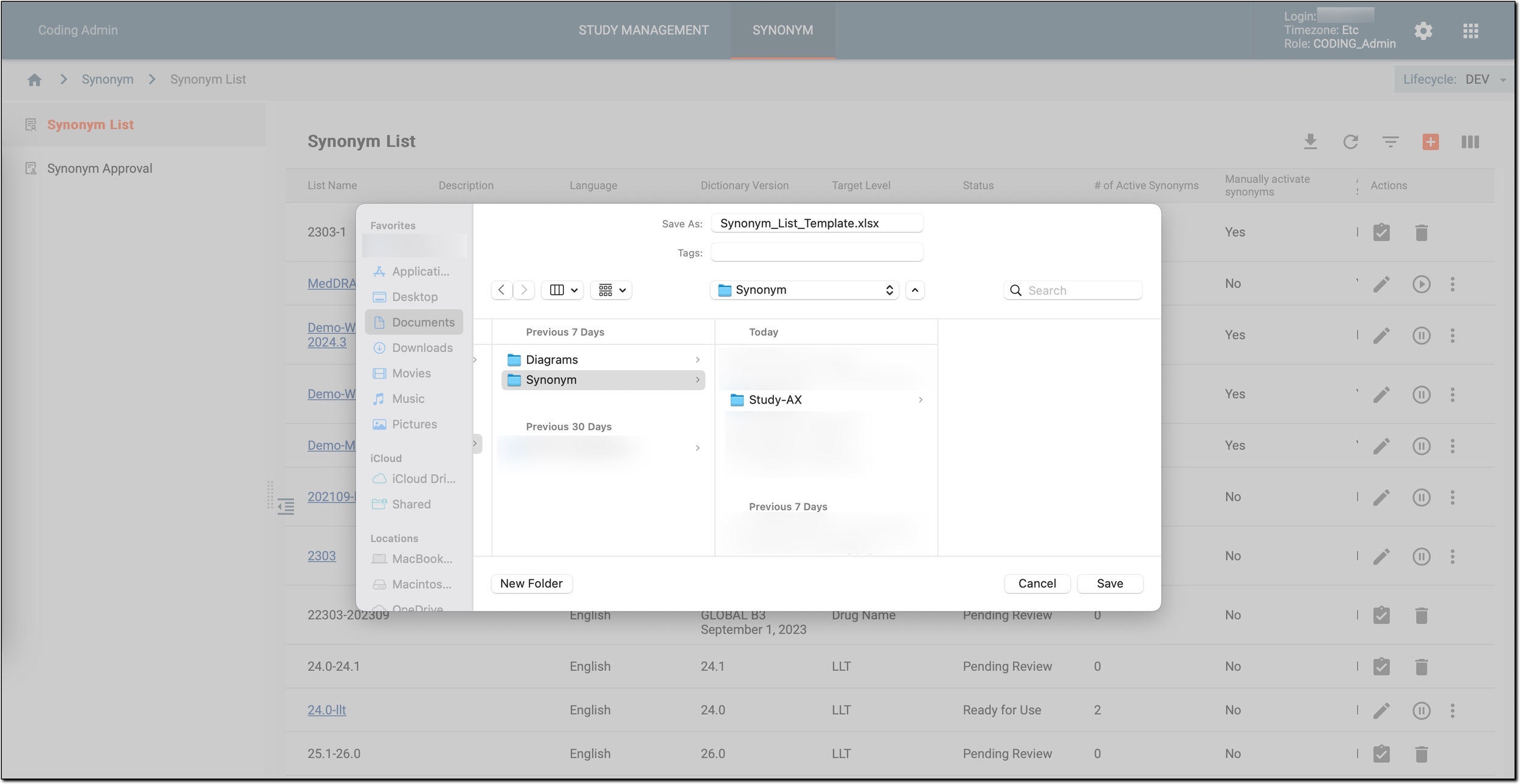 Figure 4. Exporting synonym list
Once done, you can use the XLSX file for various purposes, such as offline analysis, sharing with others, integration into other systems, or backup purposes.