Delete synonym list
The purpose of deleting a synonym list is to remove outdated or unnecessary lists from the CODING application, ensuring a streamlined and organized database of synonyms for accurate medical coding.
-
In the Coding Admin application header, select the SYNONYM tab.
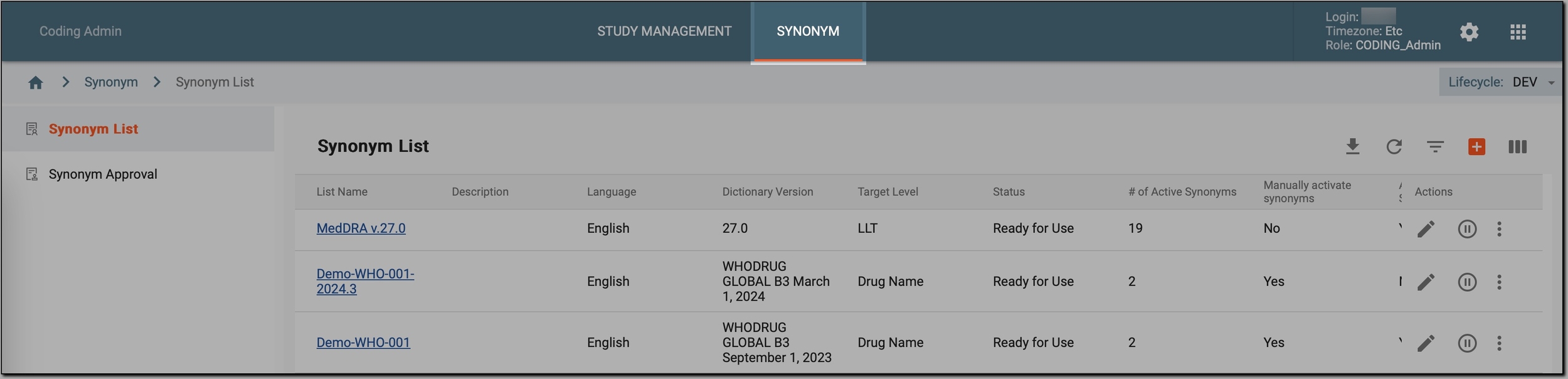 Figure 1. Accessing synonym configurations
-
In the left pane, select Synonym List.
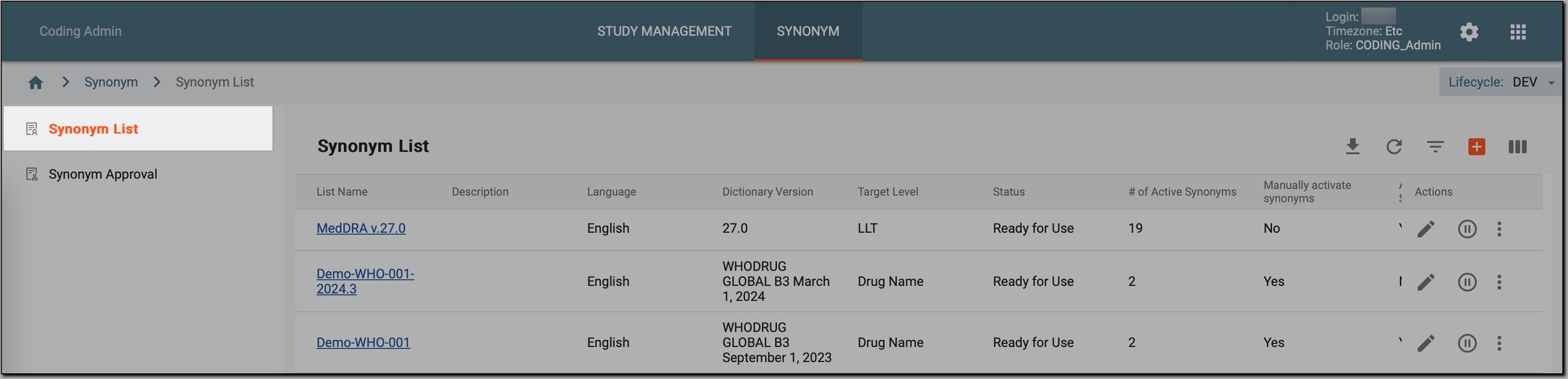 Figure 2. Accessing synonyms
-
In the Synonym List table that appears, go to the synonym list that you want to delete. Then, do one of the following:
-
For synonym lists in the Pending Review status: select Delete
 next to it.
 Figure 3. Deleting synonym list in Pending Review status
-
For all other lists, select
 and then, in the menu that opens, choose Delete .
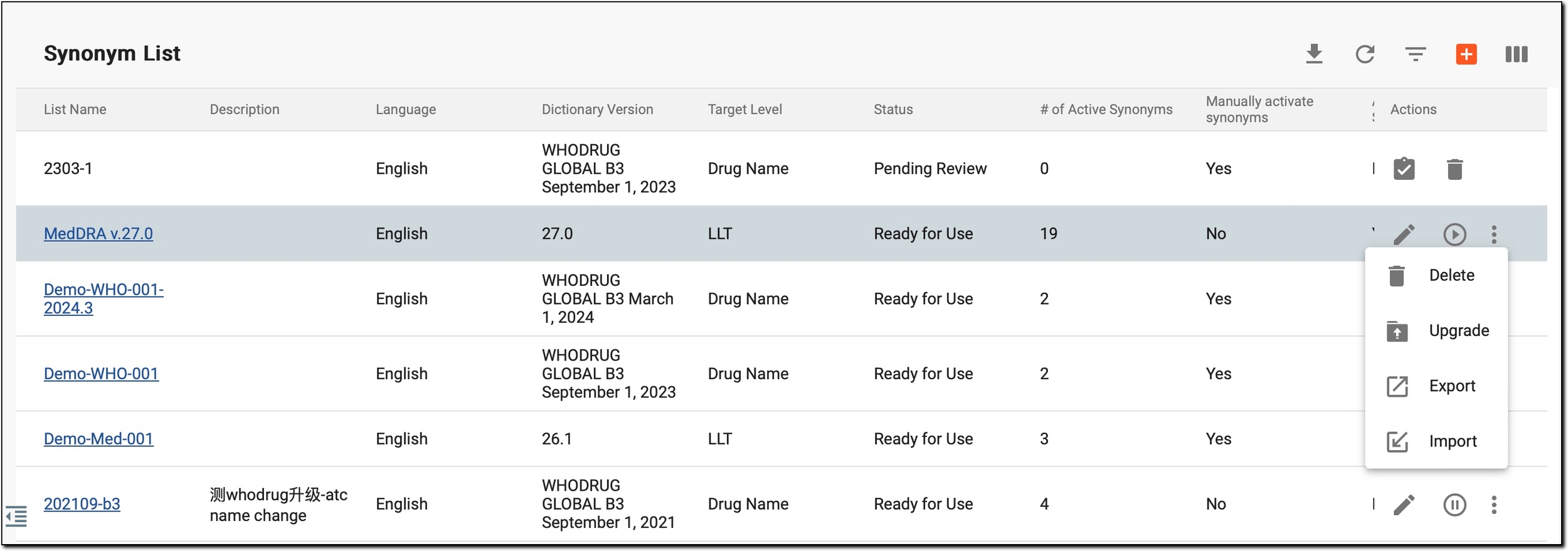 Figure 4. Deleting synonym list in other statuses
-
-
In the Delete Item confirmation dialog, select
 .
.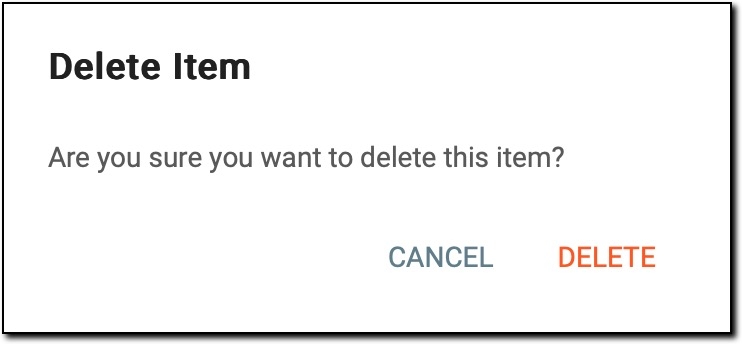 Figure 5. Deleting synonym list
Once done, the selected synonym list is permanently removed from the CODING application and can no longer be used for coding medical terms.