Create new synonym list
The Create new synonym list feature permits administrators to create custom synonym lists tailored to their study's specific coding requirements. When existing lists are inadequate for accurate medical term coding, administrators can create new lists to ensure precision and consistency.
By defining relevant synonyms, administrators address unique terminology or specialized medical terms not covered by existing lists. This customization enhances the coding process, minimizes discrepancies, and supports the integrity of the study's data, maintaining high data quality and regulatory compliance.
-
In the Coding Admin application header, select the SYNONYM tab.
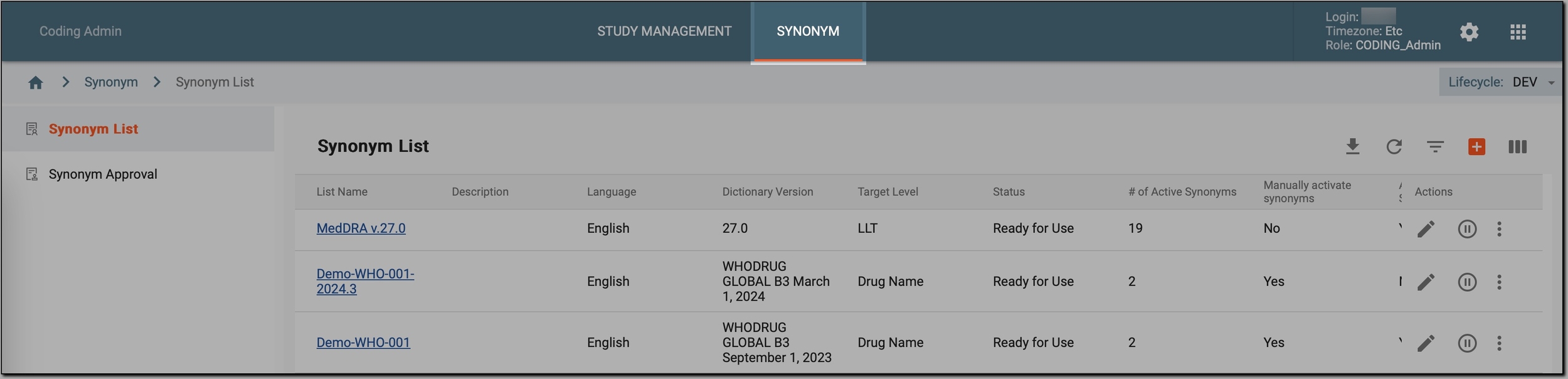 Figure 1. Accessing synonym configurations
-
In the left pane, select Synonym List.
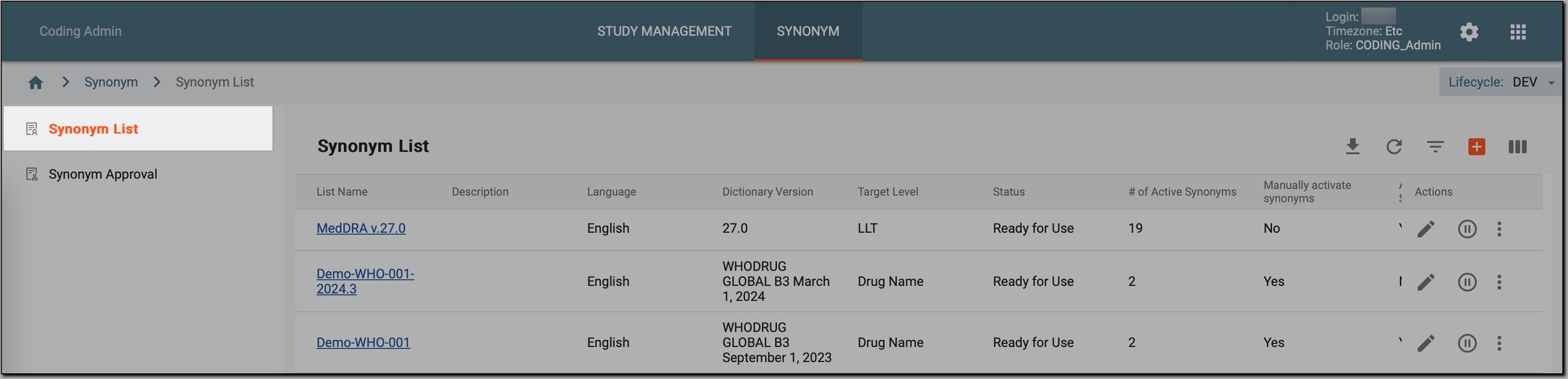 Figure 2. Accessing synonyms
-
On the Synonym List page that opens, in the workspace toolbar, select New item
 .
. -
In the New dialog, provide the synonym list details as described in the following table.
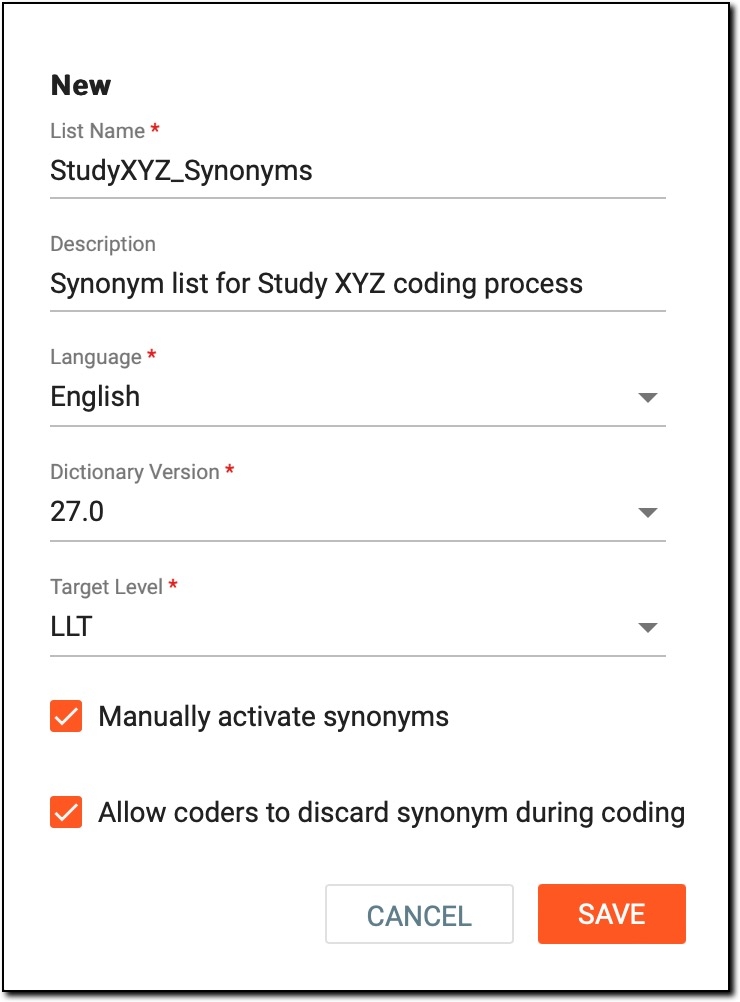 Figure 3. Creating new synonym list
Tip
In the following table, mandatory elements are marked with an asterisk (*).
Element
Details
List Name*
Enter a unique name for the synonym list.
Description
Enter a brief description of the synonym list and its purpose.
Language*
Expand the list and select the appropriate language for the synonyms.
Dictionary Version*
Expand the list and select the version of the MedDRA or WHODrug dictionary to be used for coding medical terms.
Target Level*
Expand the list and select the target level for coding:
-
LLT (Lowest Level Term): select it when detailed and specific coding of medical terms or events is needed. LLTs provide the most specific and granular descriptions, allowing for precise representation of different variations or aspects of a medical concept.
-
PT (Preferred Term): select it when you need a standardized term that represents a group of related LLTs. PTs represent a single preferred term for a group of related LLTs, ensuring consistency and comparability of coded data.
Manually activate synonyms
Select it if you want to manually activate a new synonym list later on after its creation. Otherwise, the synonym list becomes active immediately.
Allow coders to discard synonym during coding
Select it to allow coders to discard synonyms during the coding process.
Imagine a coder is presented with a list of synonyms for a specific medical term. They may find that one of the synonyms does not accurately reflect the context or specificity needed for the coding task. By checking this checkbox, coders can discard (not use) such synonyms during their coding process, ensuring that the final coded data accurately represents the medical information being recorded.
SAVE
Select
 to save the new synonym list.
CANCEL
Select
 to cancel the synonym list creation and dismiss the changes.
 -
Once saved, a new synonym list is added to the CODING system. Now, you can proceed to add synonyms to it. With synonyms added, coders can later code medical terms in a study.