Cancel study upgrade
The Cancel Upgrade feature is important for maintaining data accuracy and consistency during the dictionary upgrade process. If the coder finds issues or discrepancies in the upgrade results, it is essential to cancel the upgrade to prevent incorrect coding data from being applied to the study. This ensures that only verified and accurate MedDRA/WHODrug dictionary versions are used, maintaining the integrity of the study data and compliance with the latest standards.
Important
The option is unavailable unless you have the CODING_Admin role.
To change the role, in the CODING toolbar, expand the lifecycle list, then select the appropriate environment, and choose the CODING_Admin role.

-
In the Coding Admin application header, select the STUDY MANAGEMENT tab.
 Figure 2. Accessing the STUDY MANAGEMENT tab
-
In the Study List table that appears, next to the study for which you want to cancel a dictionary upgrade, select Cancel Upgrade
 .
. Figure 3. Cancelling study upgrade
-
In the confirmation dialog, select OK to proceed with the cancellation.
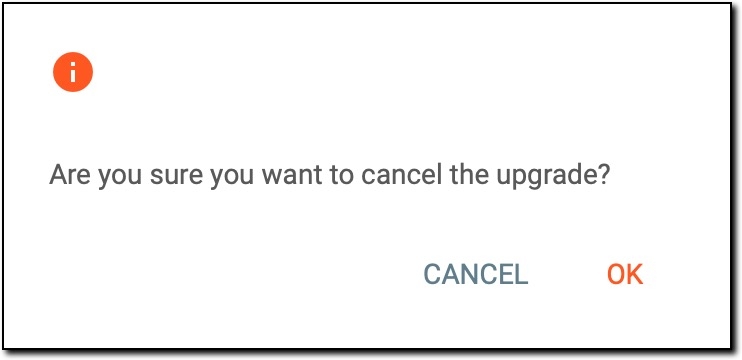 Figure 4. Confirming cancellation
The study upgrade has been cancelled. The study remains on its current dictionary version, and no new coding results are applied to the verbatim terms (VTs). The status of the study changes from Upgrading to Ongoing to reflect the cancellation.