Delete file server account
An external system is referred to as an application, platform or service that interacts with eClinical system to provide specialized facilities such as data extraction, that improve the workflows of the eClinical trials.
In this section, you can learn how to delete a previously added file server account when the data extraction occurring with the file server account is no longer required.
Important
Deleting a file server account restricts all data extraction and also removes all the system integrations until a new account is created.
-
In the ADMIN application header, select the CONFIGURATION tab.
-
On the page that appears, from the left pane, select Integration Account > File Server Account.
-
In the File Server Account table that appears, next to the needed one, select Delete
 .
. Figure 1. Selecting to delete file server account
-
In the Delete Item confirmation dialog that appears, select
 to delete the account.
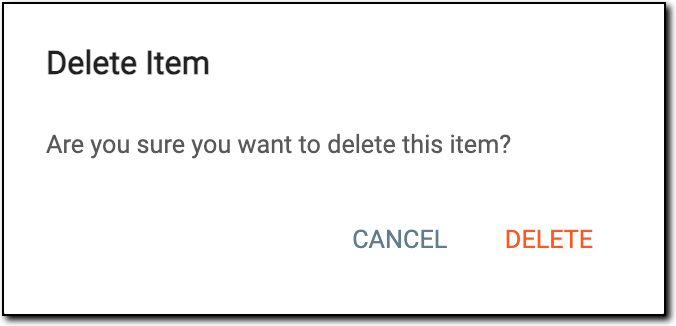 Figure 2. Deleting file server account
Upon confirmation, the selected file server account is deleted and is no longer available. All the system integrations with the deleted server are also removed.