Delete general SDV setting record
Source Data Verification (SDV) involves the review and comparison of data recorded in the source documents such as laboratory results, medical history, adverse event records, and so on against the data captured on the case report forms (CRFs). During SDV, a trained monitor or clinical research associate (CRA) compares the source data to the CRFs to identify any discrepancies or errors.
For the General SDV type, after configuring various SDV setting records, some configurations may be incorrect or have become irrelevant to the study due to new sponsor requirements. In this case, the needed SDV setting records can be deleted.
Important
Once any setting is removed, make sure to execute the SDV setting to apply the modified configuration to the corresponding forms.
-
In the EDC application header, select the STUDY INFO tab.
-
In the left pane of the page that opens, expand SDV and select the SDV Setting tab.
-
On the SDV Setting - General SDV page that opens, select one of the following tabs:
-
By Form: to delete the SDV setting record for a certain form.
-
By Visit: to delete the SDV setting record for a certain visit.
-
By Subject: to delete the SDV setting record for a certain subject.
-
-
In the table that appears, next to the needed SDV setting record, select Delete
 .
. Figure 1. Selecting to delete SDV setting record
-
In the Delete Item confirmation dialog that appears, select
 to delete the SDV setting record from the list.
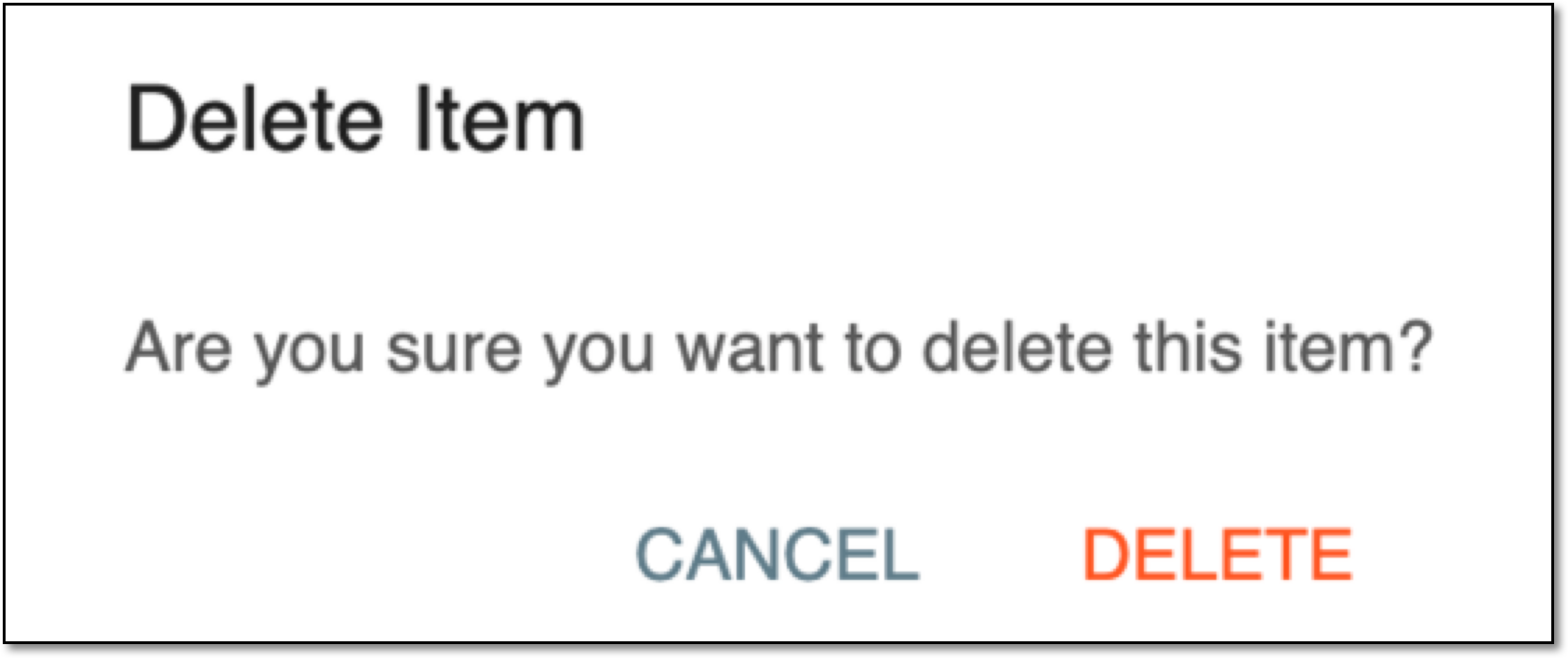 Figure 2. Deleting SDV setting record
Once confirmed, the SDV setting record is deleted. You can now execute the SDV setting to apply the modified configuration to the corresponding forms.