Execute SDR setting
Source Data Review (SDR) refers to a comprehensive review of the collected data to evaluate its quality, consistency, and compliance with the study protocol, standard operating procedure, and regulatory requirements. During SDR, the CRA or data management team examines the data for completeness, accuracy, and compliance with the study protocol and regulatory requirements.
The SDR process is usually done offline by the CRA who needs to go to each study site to review source documents. All of the source documents can be uploaded to EDC in order to achieve data compliance. Once uploaded and you have specified for which visits and subjects the SDR must occur, you need to apply the SDR configuration. Once applied, SDR approval will become required for source documents of corresponding visits and subjects.
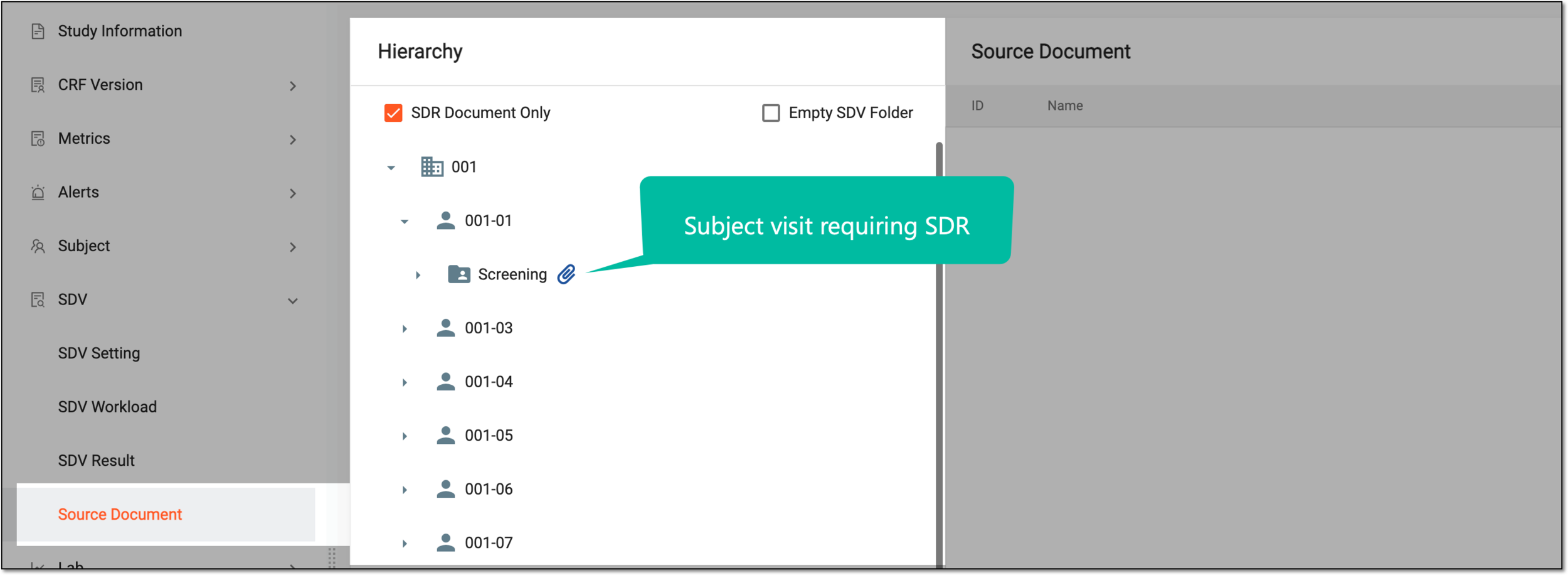
-
In the EDC application header, select the STUDY INFO tab.
-
In the left pane of the page that opens, expand SDR and select the SDR Setting tab.
-
From the workspace toolbar of the SDR Setting page that opens, select Execute
 .
. Figure 2. Executing SDR setting
Once executed, the SDR setting becomes applied. You can now track the results of the conducted SDR process.