Log out of eClinical
When working with eClinical, you can log out of the system and return to the login screen.
To log out of the eClinical system
-
In the header of the application you work with, select
 .
. -
From the expanded menu, select Logout
 .
.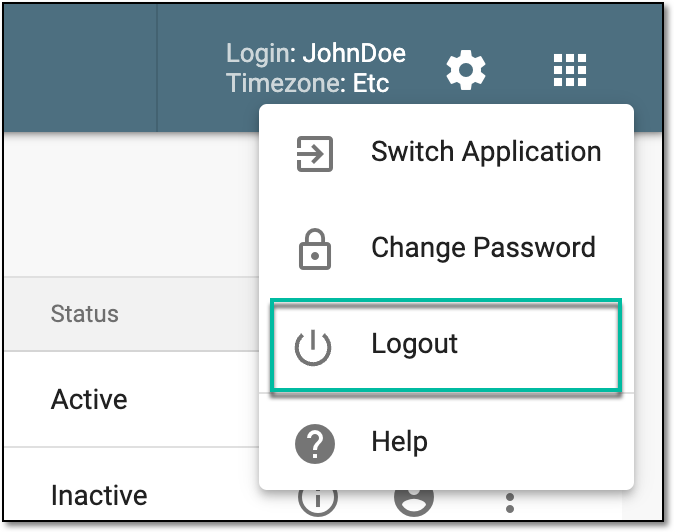 Figure 1. Logging out of eClinical
-
In the confirmation dialog that appears, select
 .
.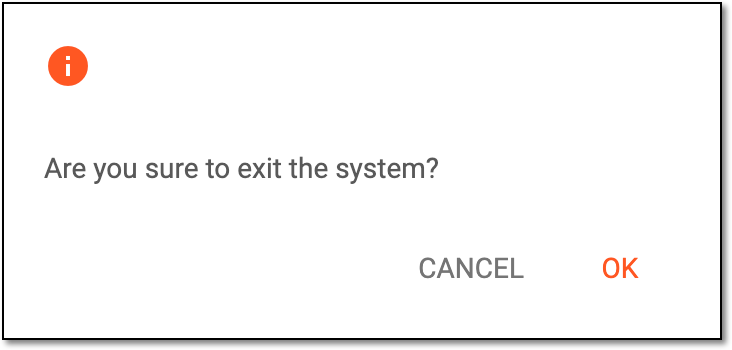 Figure 2. Confirming log out
Once confirmed, you are logged out of the system and returned to the login screen.