Set default 2FA method
Two-factor authentication (2FA) is a security method that requires two forms of identification to access the eClinical system. Using 2FA, you enhance your security and protect your account.
In eClinical, you can enable the email or authentication app as your preferred method of 2FA. If both methods are enabled, you need to set the preferred one to be the default one.
-
In the header of the eClinical application you work with, select
 .
. -
In the Preferences dialog that opens, select 2-Factor Authentication.
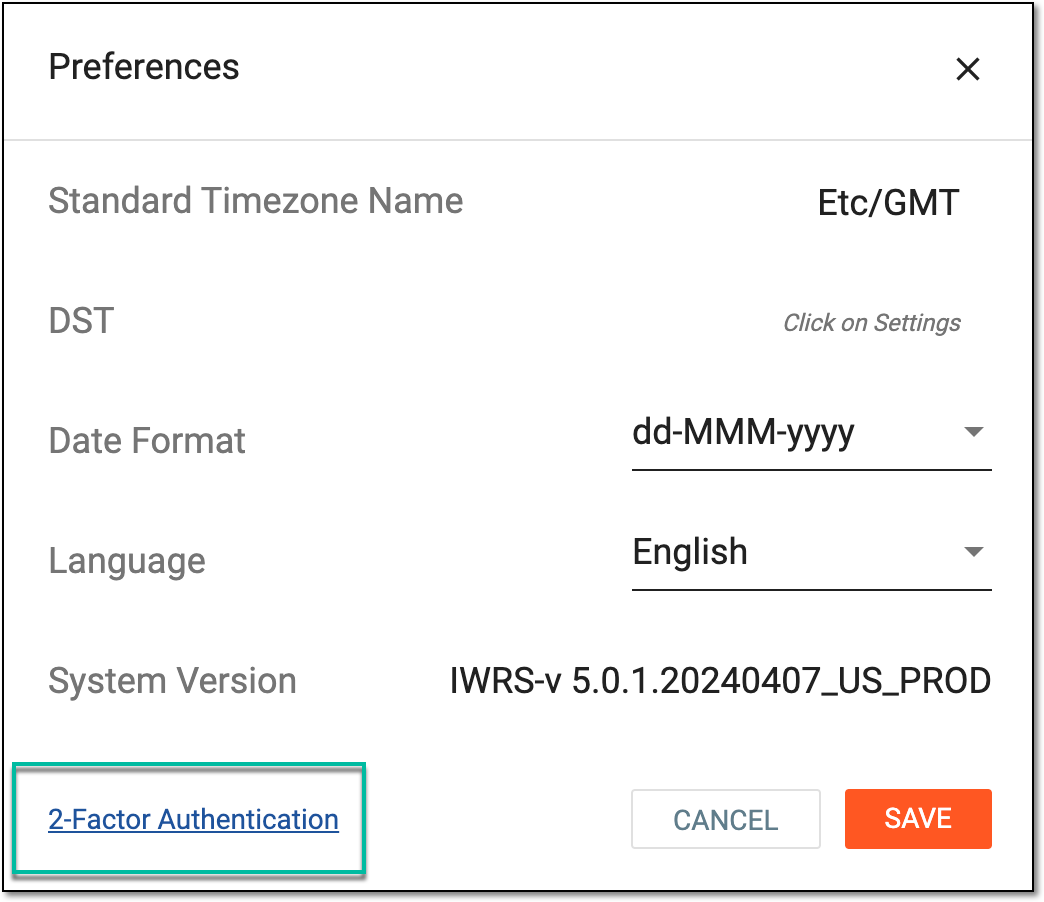 Figure 1. Accessing 2FA configuration page
-
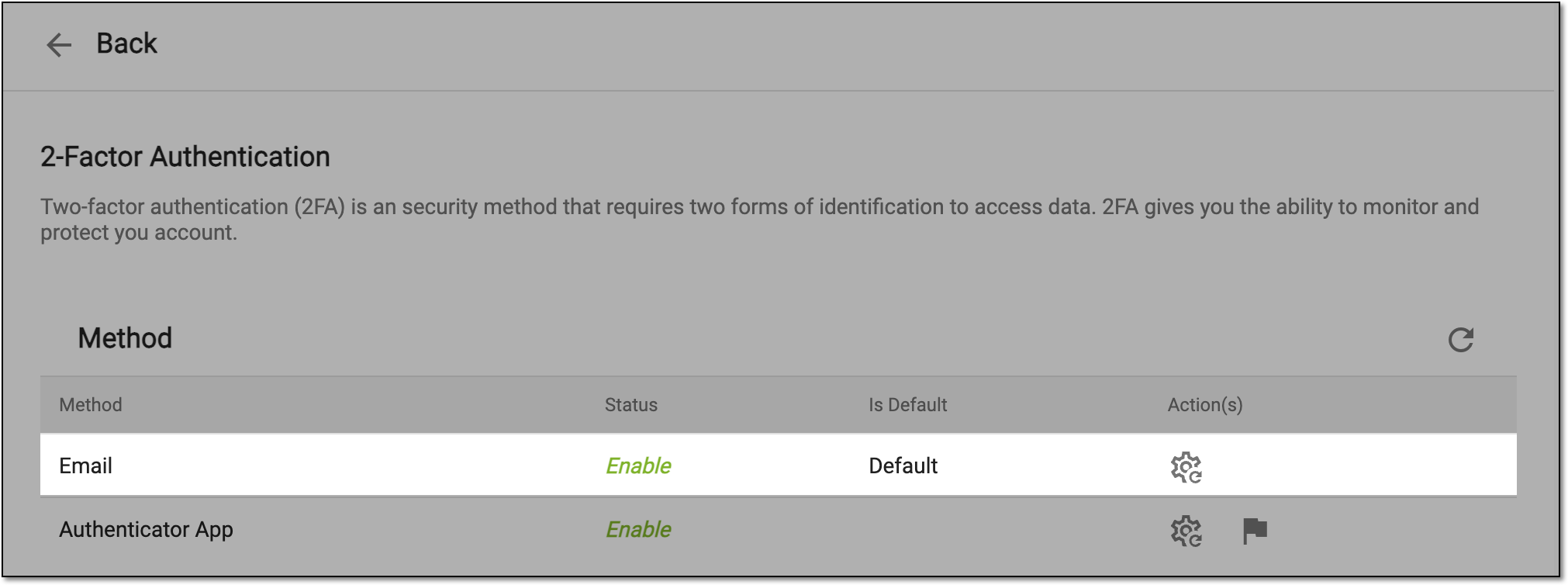
On the 2-Factor Authentication page that opens, locate the authentication method of your preference and from the Action(s) column next to it, select Set Default
 .
.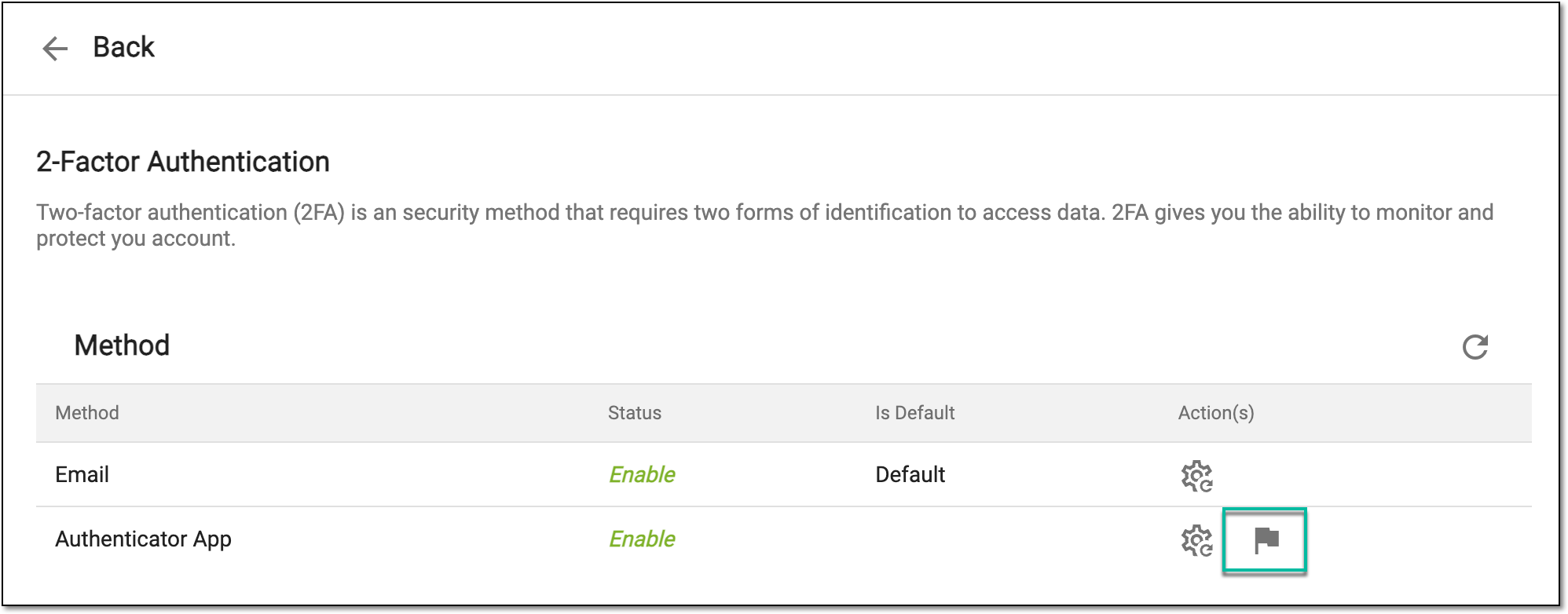 Figure 2. Setting default 2FA method
Once selected, the preferred 2FA method becomes the default one. The respective indication can be found in the Method table.