Interaction with CTMS UI
The CTMS user interface (UI) is generic and looks similar to most of the CONFORM eClinical applications. In the Introduction to eClinical > Cross-eClinical UI components section, you may find a designation and description of all the common UI blocks. Whereas, in this section, you can find the specifics of the CTMS UI and its elements, namely, the toolbar.
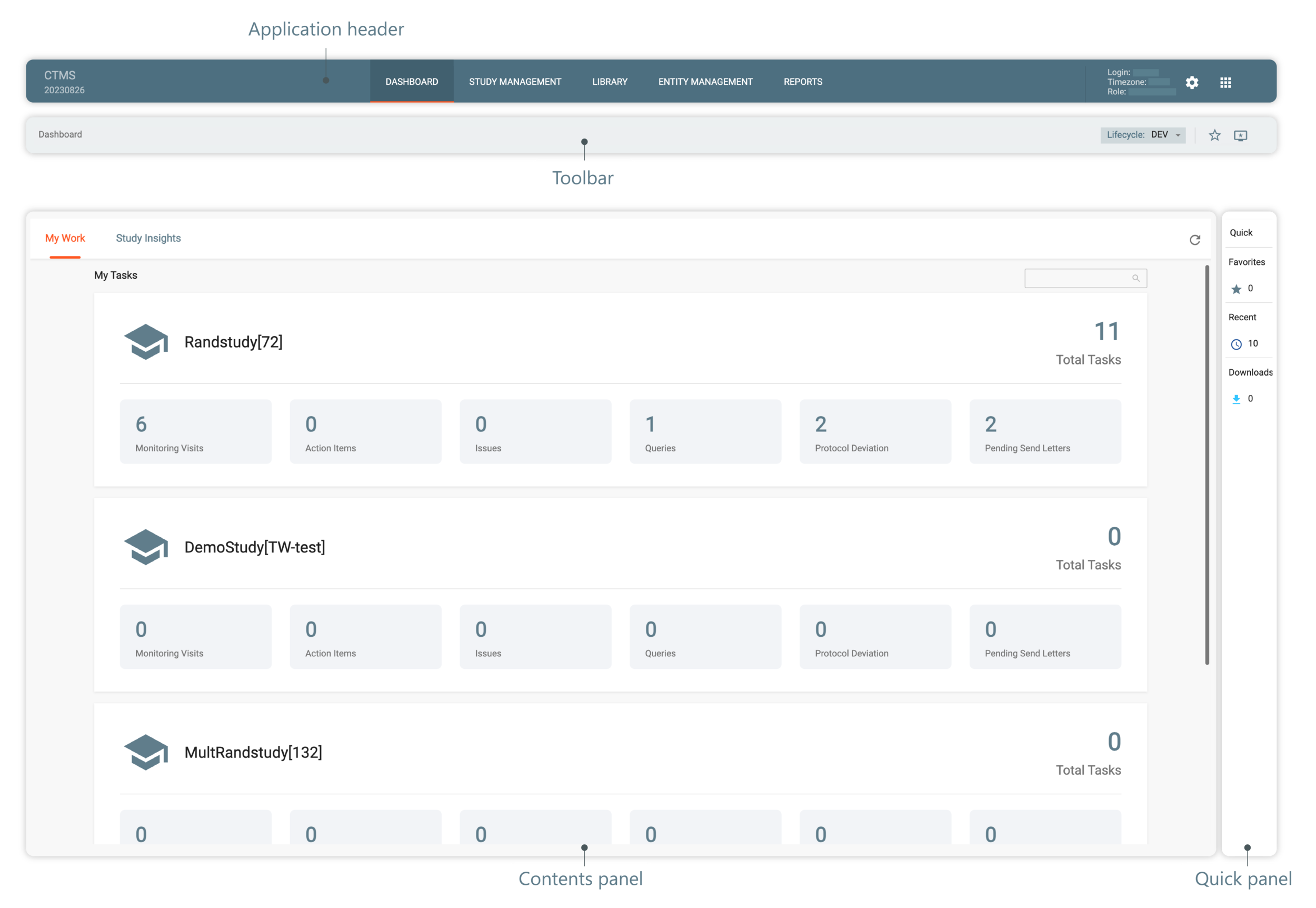
Figure 1. CTMS UI structure
See also