Delete codelist
By adding codelists to your study in the SD app, you predefine a database of such lists for the CRF design, where you can reuse them. You can delete any existing codelist to ensure that only the most pertinent ones remain to meet the specific demands of the study or sponsor requirements.
Important
Before initiating the following procedure, ensure to select the latest unlocked CRF version from the toolbar of the CRF DESIGN tab, otherwise, you cannot delete codelists from your study. The CRF version remains unlocked until it is submitted to EDC for data entry.
Moreover, you can delete only those codelists that are not associated with any variables in any form.
-
In the Study Designer application header, select the CODELIST tab.
 Figure 1. Accessing codelist management
-
In the Code List Setting table that appears, next to the codelist you want to remove, select More
 > Delete
  .
. Figure 2. Selecting to delete codelist
-
In the dialog that appears, select
 to confirm your action.
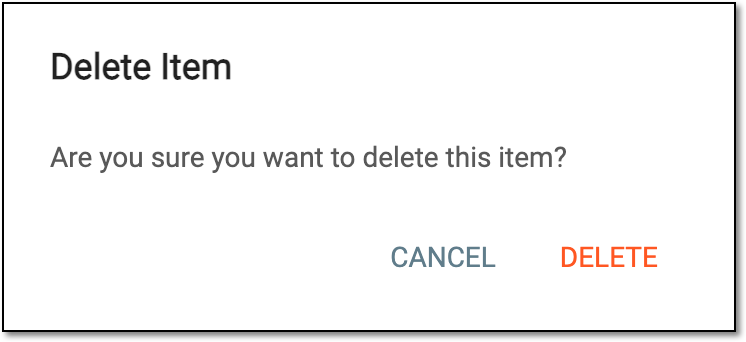 Figure 3. Deleting codelist
Once confirmed, the codelist is deleted.