View history of subject registration activation/deactivation
In IWRS, subject registration is a configurable functionality that can be designed to suit your study needs.
Furthermore, you can activate/inactivate the subject registration at each site to meet your current needs. Then, all such actions can be easily tracked with the Operation History option to rule out unintended or harmful actions of system users.
-
In the IWRS application header, select the TREATMENT DESIGN tab.
-
On the page that opens, in the left pane, select the Study Information subtab.
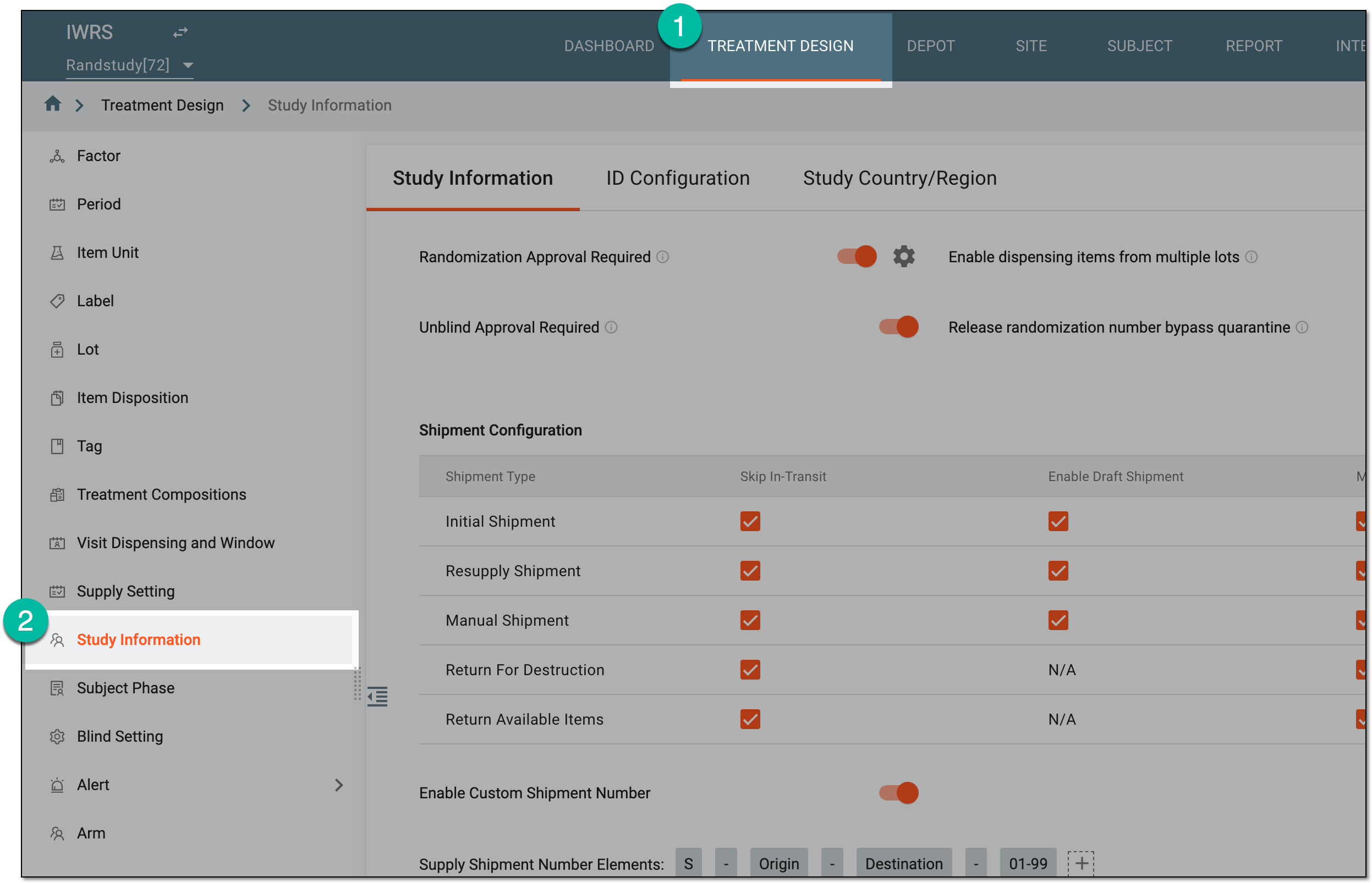 Figure 1. Accessing study configurations
-
On the Study Information contents panel, select the Subject Registration tab.
-
In the form that opens, go to the Registration Configuration per Site table. Then next to the site for which you want to view the history of subject registration activation/deactivation, select Operation History
 .
.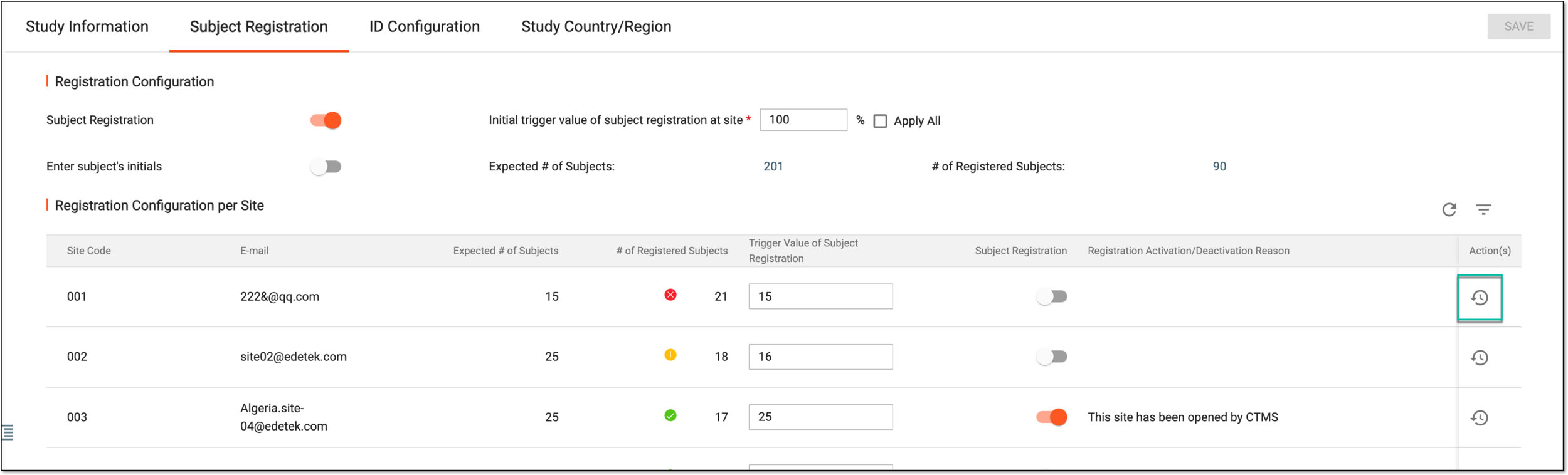 Figure 2. Accessing subject registration activation/deactivation history
-
In the Operation History dialog that opens, view the history of activation/deactivation of the subject registration functionality, who performed the action, when, and for what reason.
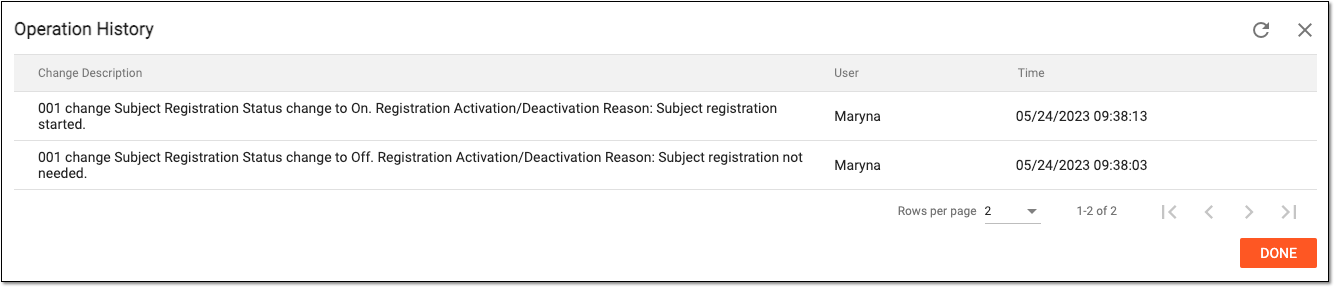 Figure 3. Subject registration activation/deactivation operation history
Once you have reviewed all the operations you need, select  to close the dialog.