View edit check list
When configuring visits, you can add edit checks to question items for data validation purposes. Edit checks help ensure that the data entered into the form is accurate and consistent, thus preventing the inclusion of invalid values. Moreover, by adding edit checks, you can automate the process of data quality control and reduce the need for manual data review.
Tip
An edit check is a predefined condition or set of conditions that the data must satisfy. If the data fails to meet the specified conditions, a query will be generated for the corresponding fields in EDC. Edit checks are generally associated with real-time data validation during data entry.
In the Study Designer application, you can view the list of all edit checks associated with question items across different forms in various visits. This list provides a comprehensive overview of edict checks currently in place, which makes it easier for the study team and data managers to monitor and manage data quality across the entire study.
-
In the Study Designer application header, select the RULE DESIGN tab.
-
In the left pane of the page that opens, select Edit Check List.
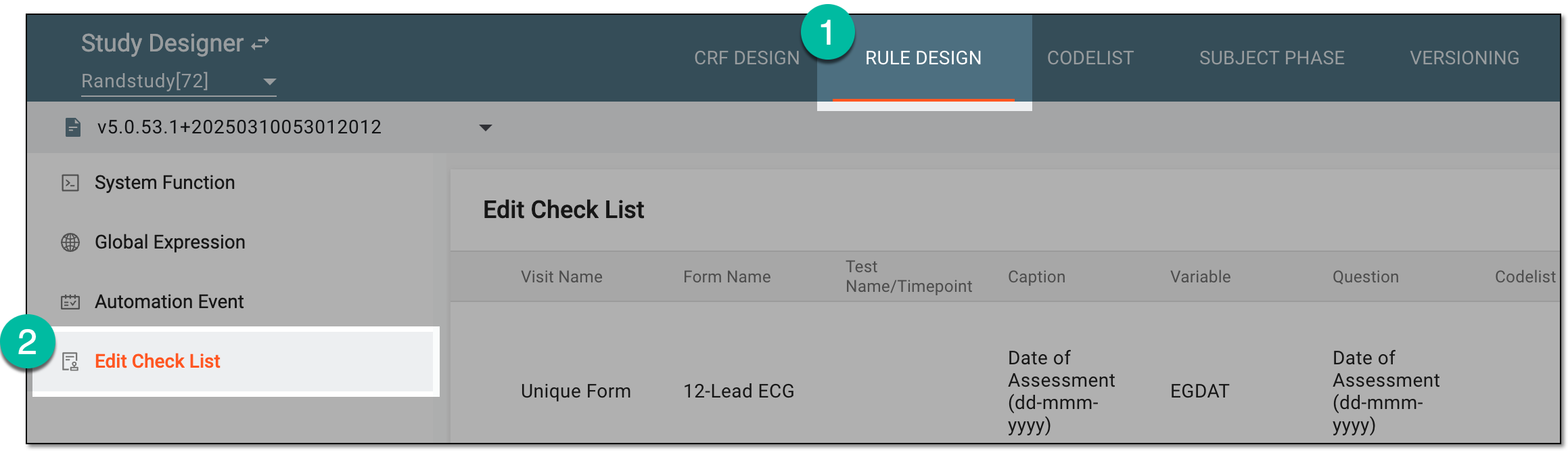 Figure 1. Accessing edit check list
-
In the Edit Check List table that appears, view the list of all edit checks currently in place.
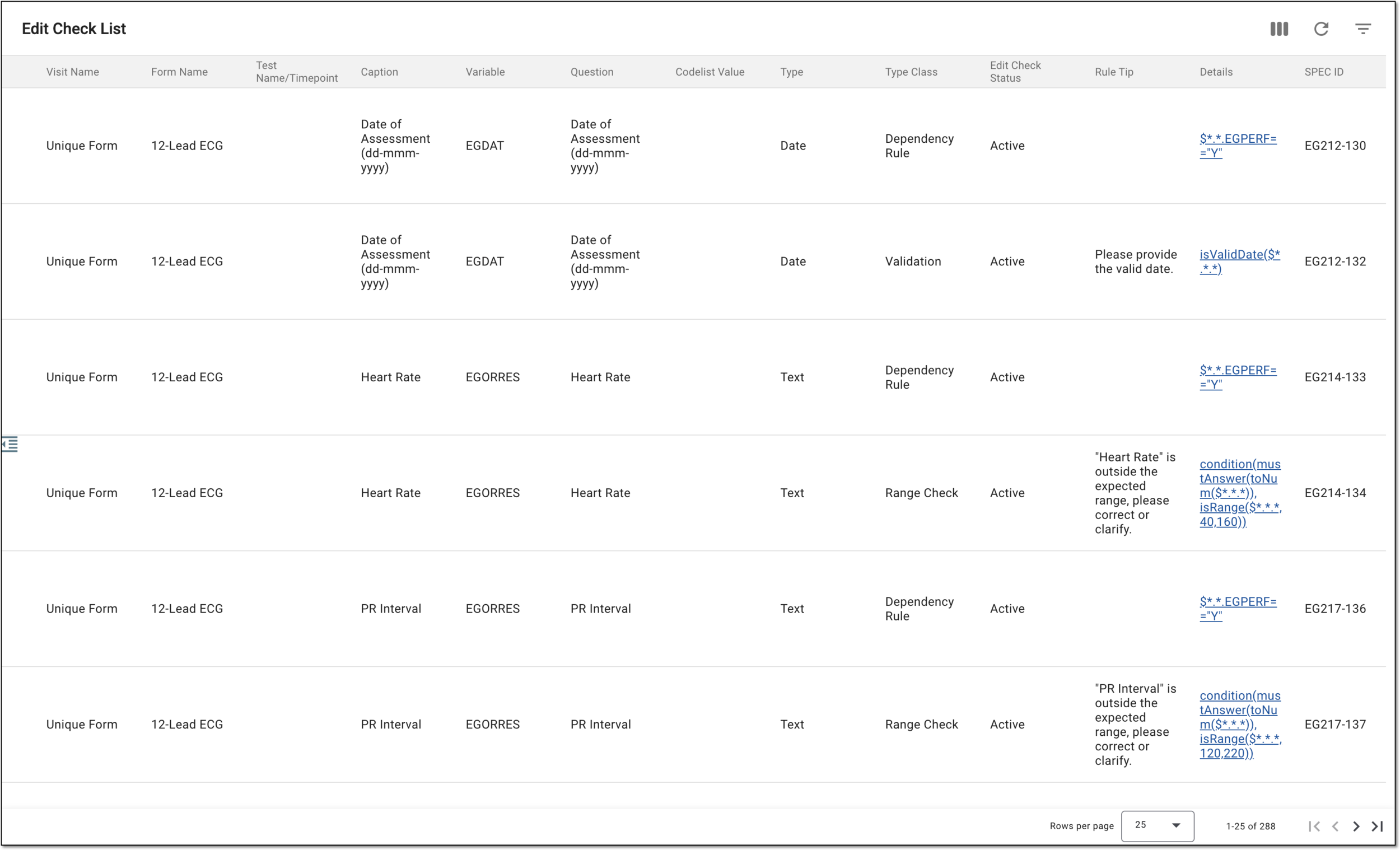 Figure 2. Viewing edit check list
-
In the Details column, select any link of your interest to navigate to the configured edit check where you can view it and update if needed.
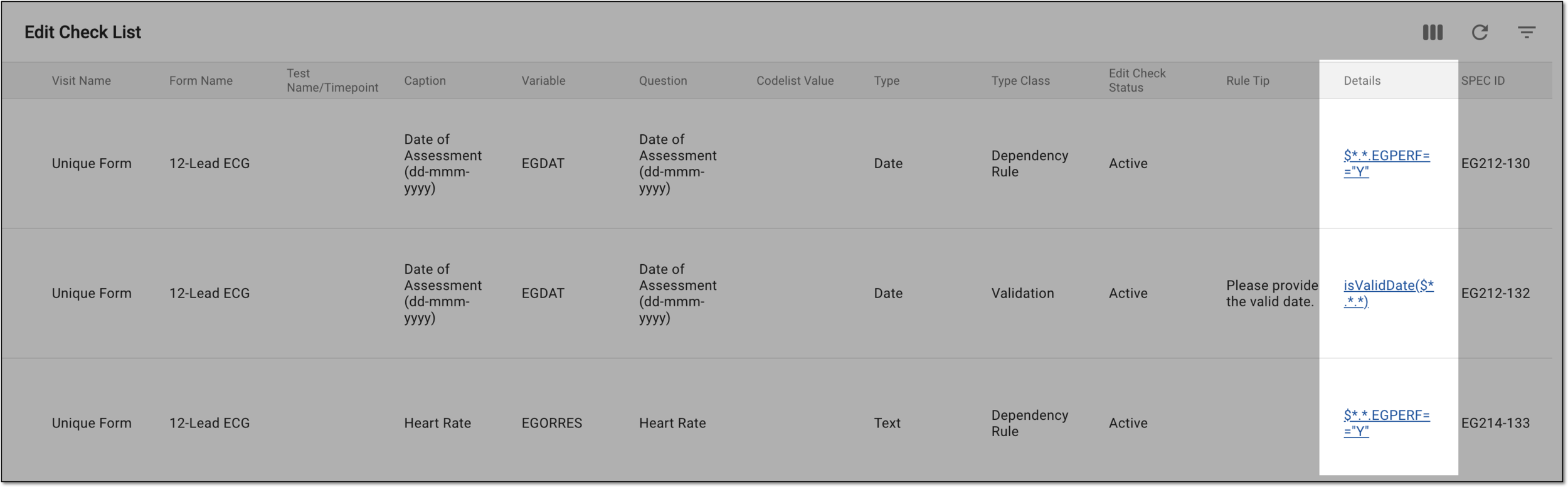 Figure 3. Accessing edit check details
The list of all applied edit checks has been viewed.