View system functions
The Study Designer application contains an array of preconfigured system functions that can be used for the creation of dependencies or edit checks across different forms during the CRF design. You cannot manually update these functions as they have a direct impact on system processes.
All system functions are predefined by EDETEK biostatisticians for the convenience of the end users, ensuring that the common statistical and logical form operations adhere to industry standards. The functions facilitate the automation of complex validations and calculations, creating dependencies, edit checks, and automation rules across CRF forms, thereby enhancing data integrity and reducing the potential for human error.
-
In the Study Designer application header, select the RULE DESIGN tab.
-
In the left pane of the page that opens, select System Function.
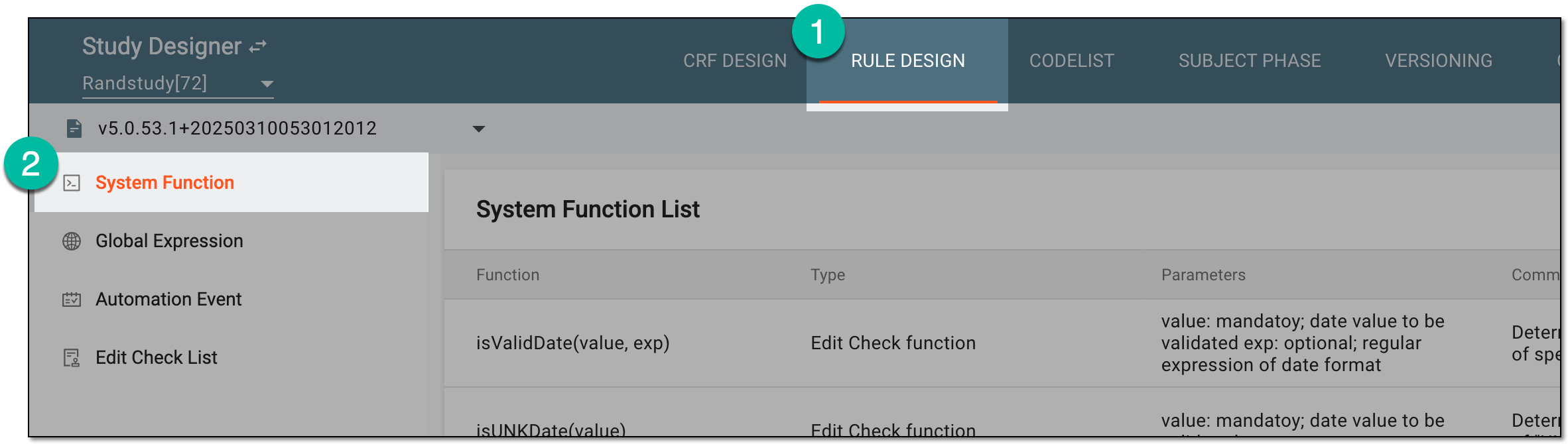 Figure 1. Accessing system functions
-
In the System Function List table that appears, view the list of all available system functions. The explicit listing of the system functions preconfigured in SD can be found in the following appendices:
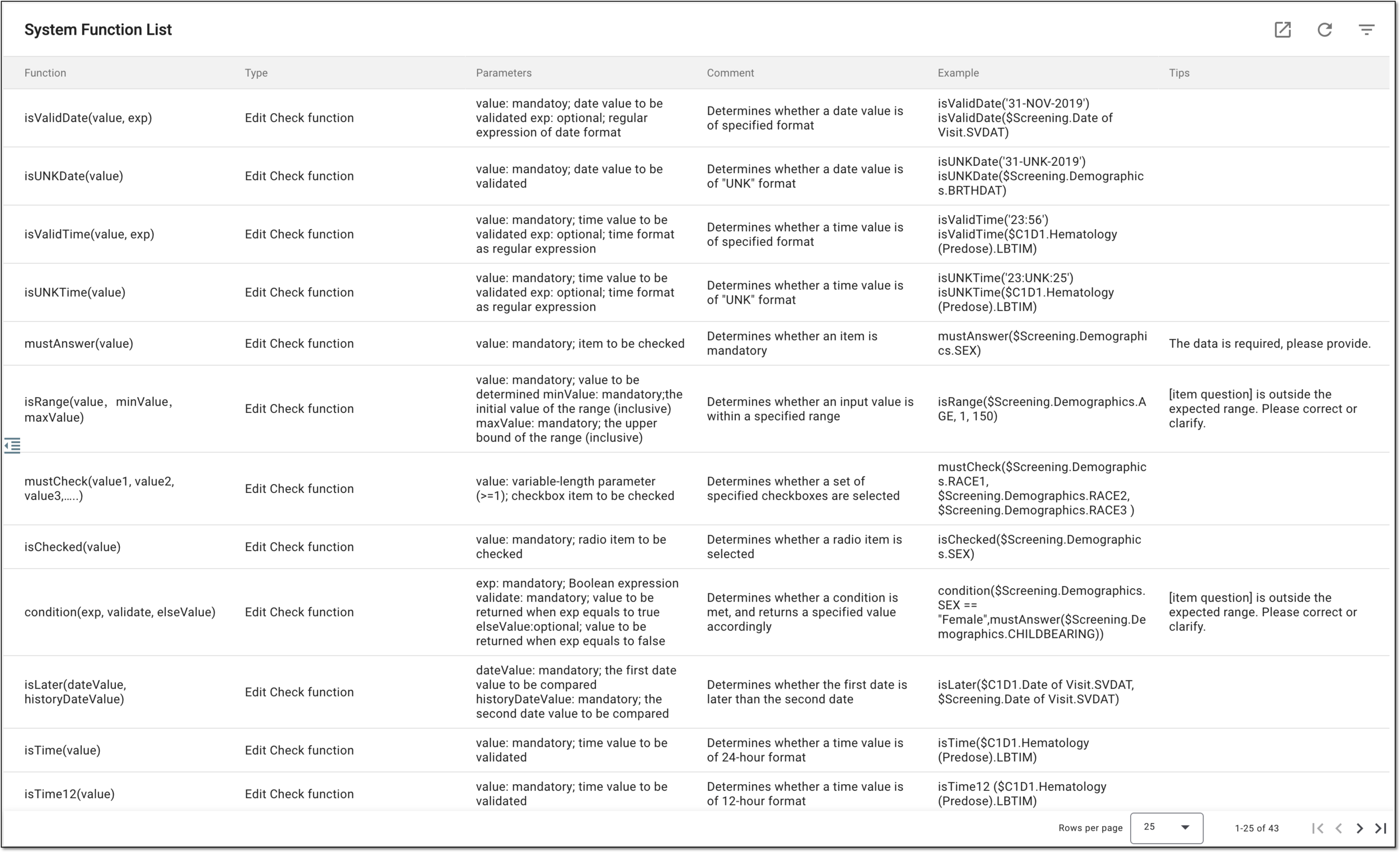 Figure 2. Viewing system functions
Once you have studied the list of system functions, you can also export this list if needed.