Delete on-demand report setting
In CTMS, you can configure custom on-demand reports to include only the data you need for your statistical analysis or other business needs.
For instance, configure reports to track selective data on monitoring visits, site details, or else.
Once the report is outdated, no longer used, or otherwise irrelevant, you need to inactivate it and then you can permanently delete it from the system to keep the list up-to-date.
Important
Only inactive reports can be deleted. For active reports, Delete  appears disabled.
-
In the CTMS application header, select the REPORT tab.
-
On the page that opens, from the left pane, select On-Demand Report > Report Setting.
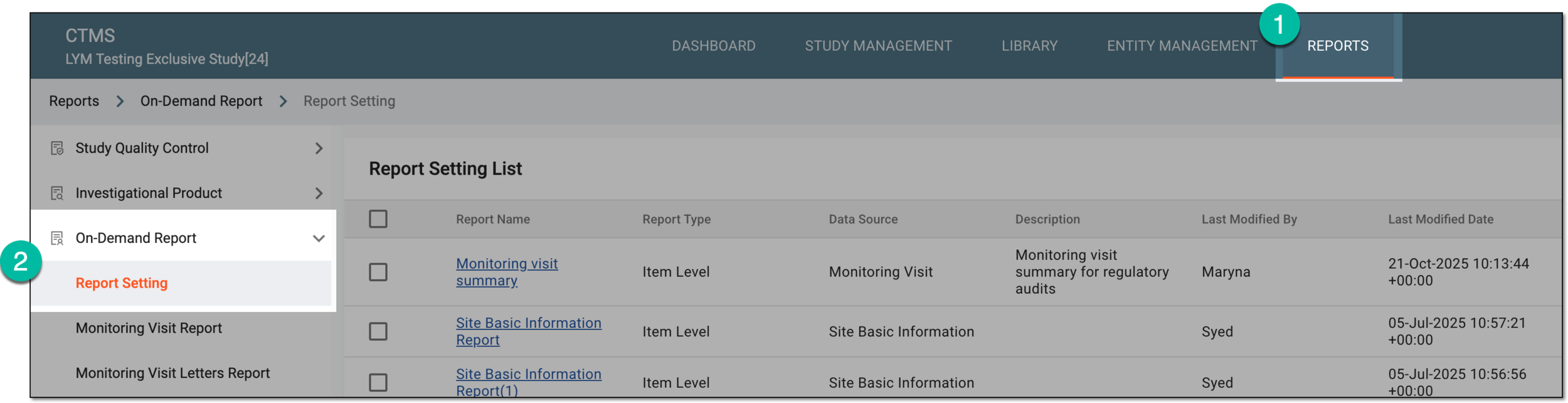 Figure 1. Accessing on-demand report setting
-
In the Report Setting List table that appears, locate the report you want to delete and next to it, from the Action(s) column, select More
 > Delete .
 Figure 2. Deleting on-demand report
Tip
If Delete
is disabled, most probably your report has not been inactivated. Inactivate the
report and then try again. -
In the Reason dialog that appears, enter the reason for the report deletion and select
 to confirm your action.
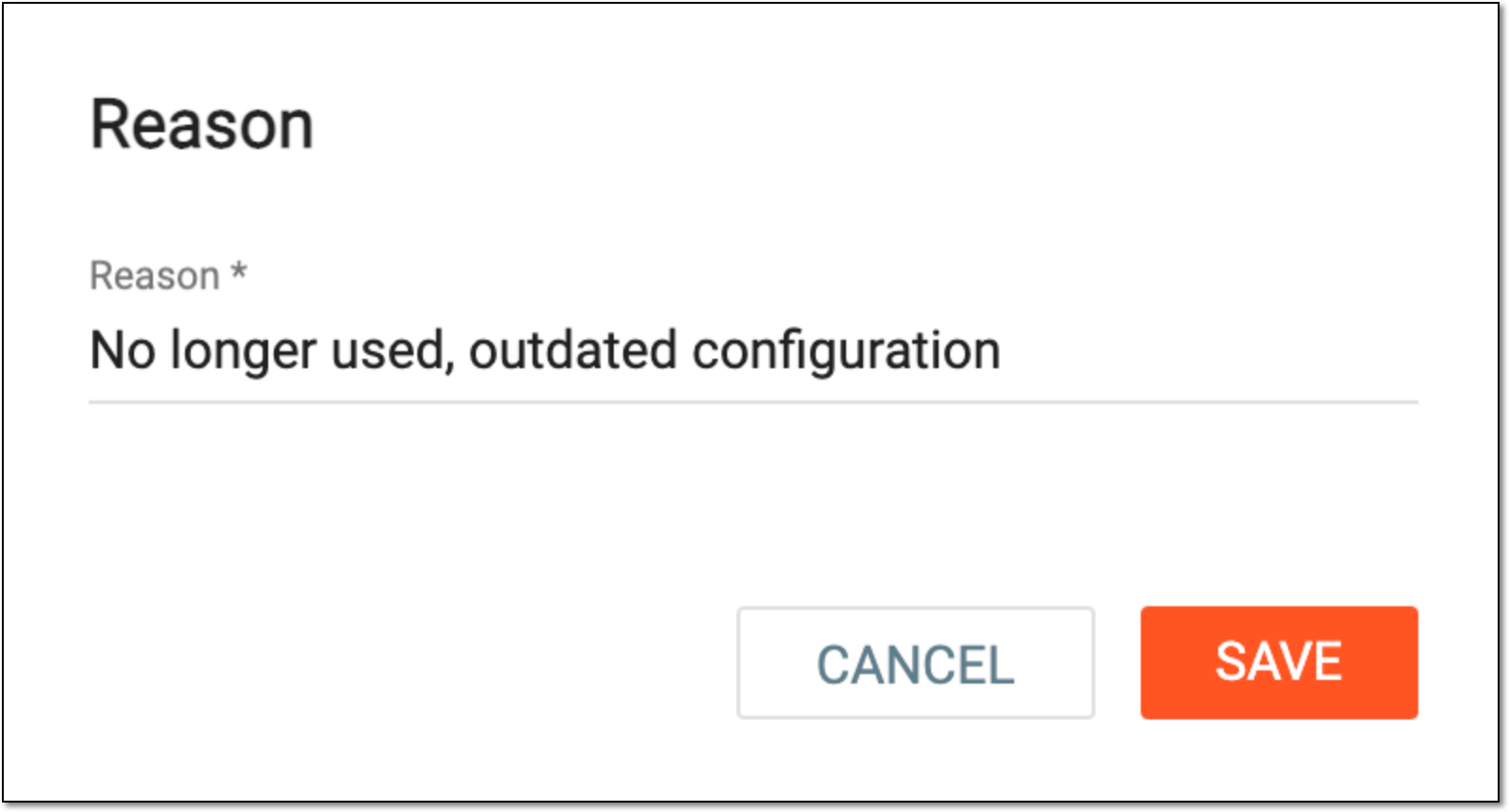 Figure 3. Providing on-demand report deletion reason
Once confirmed, the report is successfully deleted from the system.