Reset password for eCOA user
eCOA is a software application designed to run on mobile devices such as smartphones or tablets, enabling subjects or nurses to complete electronic Clinical Outcome Assessments (eCOA) through mobile devices. The eClinical EDC system has customizable configurations that facilitate integration with the eCOA mobile application, enabling real-time data collection.
Using the eClinical EDC platform, you have the possibility to manage user accounts of the eCOA application. If any user forgets their password and can no longer log in to the application, you can help them by resetting their password from EDC. Once reset, they receive their new password via email and can use eCOA again.
-
In the EDC application header, select the STUDY INFO tab.
-
In the left pane of the page that opens, select eCOA > Subject Setting.
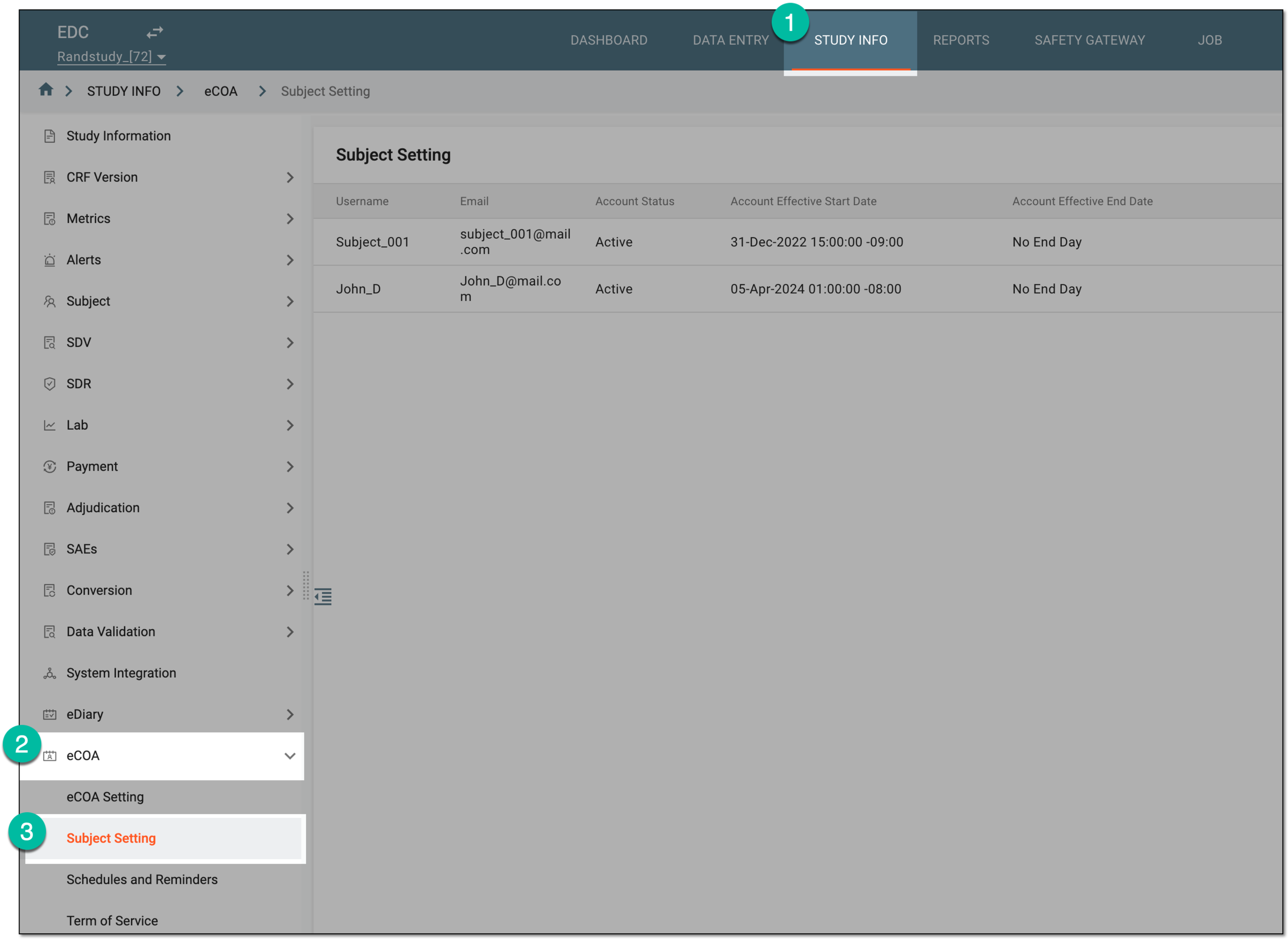 Figure 1. Accessing eCOA subject setting
-
In the Subject Setting table that appears, next to the eCOA user for whom you need to reset the password select Reset PIN
 .
. Figure 2. Selecting to reset password for eCOA user
-
In the PIN/Reset PIN dialog that appears, confirm the password reset operation by selecting
 .
.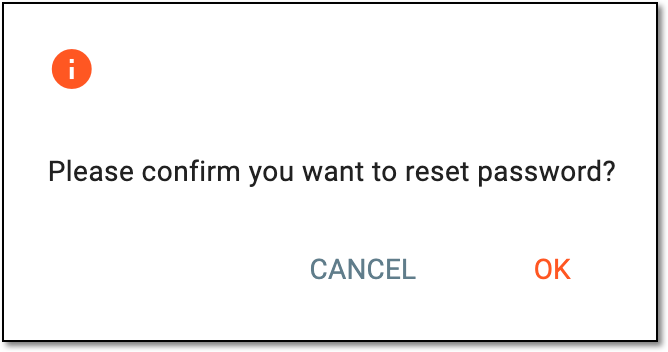 Figure 3. Confirming password reset for eCOA user
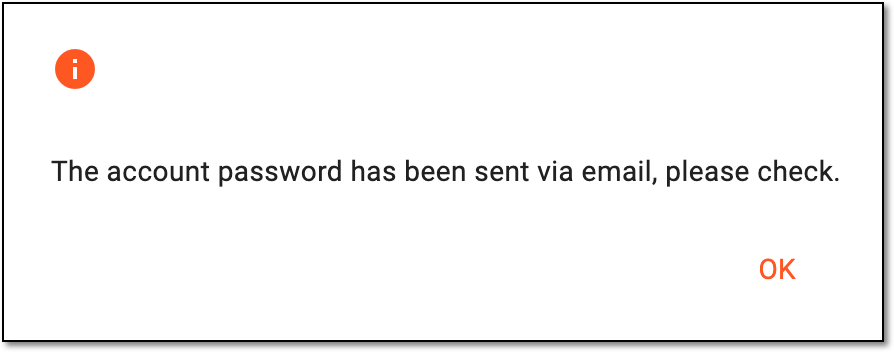
Once confirmed, the password is reset and sent via email to the corresponding eCOA user. The dialog appears to acknowledge the successful operation.
 |