Quick panel
In EDC, the Quick panel is located on the far right and can be accessed under any tab of the application. The panel consists of five functional modules:
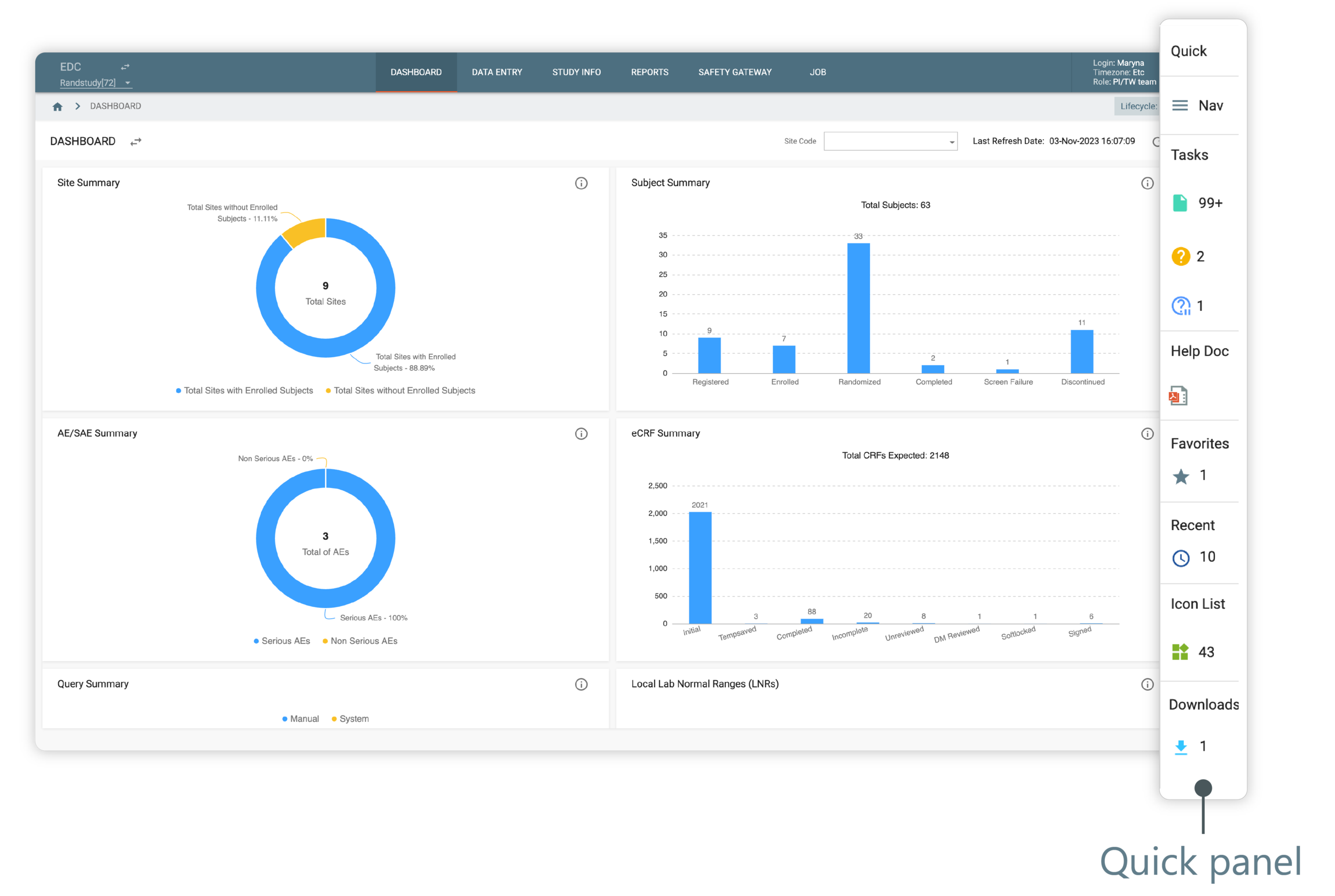
Figure 1. Quick panel
To open the operational zone of the needed functional module, select the respective icon in the Quick panel.
Tip
To close the expanded functional module, select  .
.